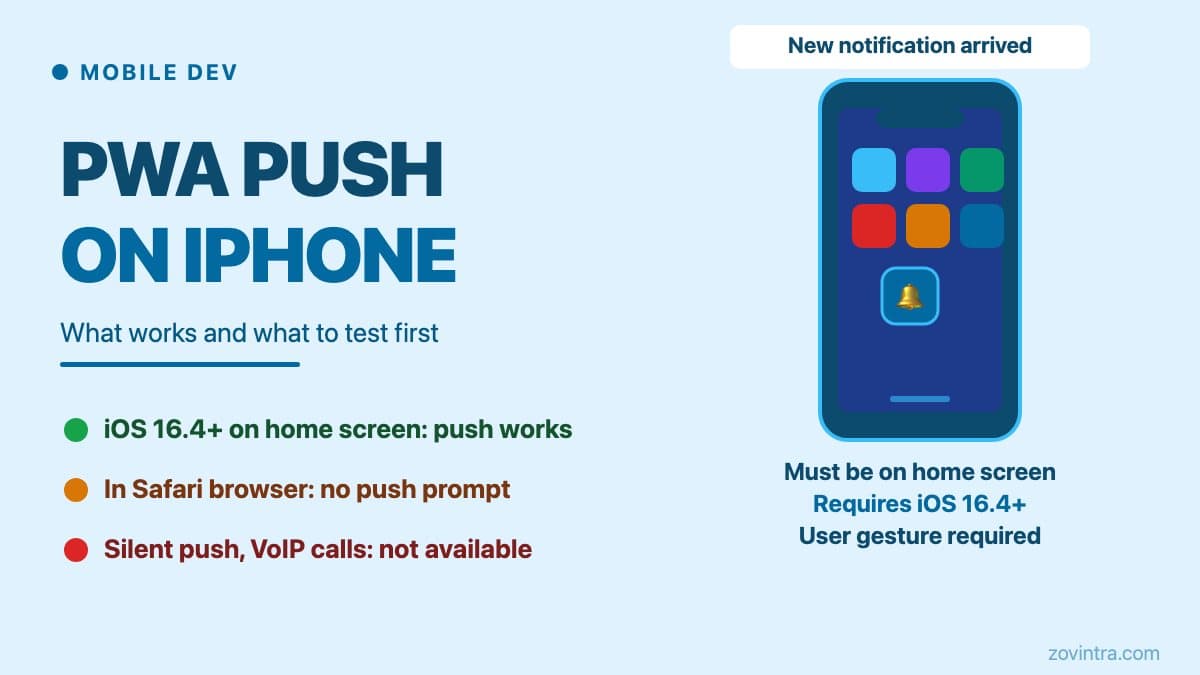
Push notifications work for PWAs on iPhone only if the web app is added to the Home Screen and the device runs iOS or iPadOS 16.4 or later. WebKit's announcement is explicit that Web Push arrived for Home Screen web apps, so a user who only opens your site in a Safari tab will not receive push from it. Other important limits apply: the permission request must come from a direct user action, every push must produce a visible notification (there is no silent background push), and you should confirm current behaviour on real devices because Apple's support has changed over time.
The home screen installation requirement
On iOS, Apple's Web Push support is for web apps the user has added to the Home Screen, and WebKit says the site needs a web app manifest with `display` set to `standalone` or `fullscreen`. Some other platforms, such as desktop browsers, let a site ask for notification permission from a normal browser tab, so developers who test only there often miss the iOS requirement.
This creates a significant adoption gap. Many users never add sites to their home screen. If your product relies on push for core functionality - alerts, chat messages, booking reminders - you must assume a meaningful portion of your iOS audience will not complete this step and plan a fallback (in-app notifications, email, or a native app).
When a PWA is added to the Home Screen and runs in standalone mode, it behaves as its own web app rather than a Safari tab. Treat the Home Screen install as the starting point for push: a user who has previously visited your site in Safari is not already opted in.
What iOS supports as of October 2026
Apple shipped Web Push support for Home Screen web apps in iOS and iPadOS 16.4 (WebKit's announcement is dated February 2023 and the release followed in March 2023). Devices running iOS 16.3 or earlier will not receive PWA push notifications regardless of how the app is installed.
What WebKit documents as supported:
- Web Push built on the standard Push API, Notifications API and Service Workers, so standards-based implementations should work on iPhone and iPad without changes (WebKit)
- Notification display from the service worker when a push arrives
- The Badging API (`setAppBadge` and `clearAppBadge`) for the Home Screen icon count, available only to web apps the user has added to the Home Screen
- Integration with Focus modes on the device
What is not supported or is restricted:
- Silent background push. WebKit says that when you subscribe you must promise that all pushes will be user visible events, and that a badge update alone does not satisfy this, so each push should show a notification.
- VoIP push (CallKit integration for incoming call ringing on the lock screen). This is a native-app capability that uses APNs VoIP push; a PWA cannot access CallKit.
- Reliable background sync and periodic background sync should not be assumed on iOS; test them rather than relying on desktop or Android behaviour.
For a full comparison of what PWAs can and cannot do compared to native iOS apps, see PWA vs native app: what founders need to know.
The permission flow and why it catches founders out
On iOS, WebKit says a Home Screen web app can ask for push permission only in response to direct user interaction, such as tapping a subscribe button; iOS then shows the system prompt.
Calling `Notification.requestPermission()` outside a user interaction is not how iOS expects the request to be made, so do not fire it on page load. Developers who test primarily on desktop Chrome or Android may never see the difference and ship a flow that does not prompt iOS users correctly.
The correct pattern is to place the permission request behind an explicit button - "Enable notifications" - that is only tapped when the user decides they want them. This matches WebKit's guidance and is good practice on every platform.
What to test before launch
Test PWA push on a physical iPhone running iOS 16.4 or later, installed from Safari to the Home Screen the way a real user would. Do not rely on desktop emulation or a simulator for this.
A minimal real-device test plan for PWA push on iOS should cover:
- Install the PWA from Safari to the home screen. Confirm the standalone icon appears.
- Open from the home screen icon (not from Safari). Confirm the permission button is visible and tappable.
- Grant notification permission and confirm the browser dialog appears - not just your UI button.
- Send a test notification from your server. Confirm it appears on the lock screen.
- Tap the notification. Confirm the PWA opens to the correct screen.
- Kill the app (swipe away from the app switcher). Send another test notification. Confirm it still appears.
- Test on at least two iOS versions if your user base spans several major releases.
The first step - install via Safari to the Home Screen - is the most commonly skipped in developer testing because it is awkward to repeat. If you only tested in a browser tab or an installed desktop app, you have not tested the iOS path.
For a direct look at how push testing works in practice and where automated tests fall short, see what we could not test in our own push build.
When a native app is the honest answer
A PWA is a good choice if push notifications are a convenience feature - nice to have but not load-bearing. It is a poor choice if push is central to your product's value proposition and you have significant iOS traffic.
The honest answer depends on three factors: the iOS version distribution of your users, how central push is to the core workflow, and whether you can accept that a meaningful portion of iOS users will not complete the home screen installation step.
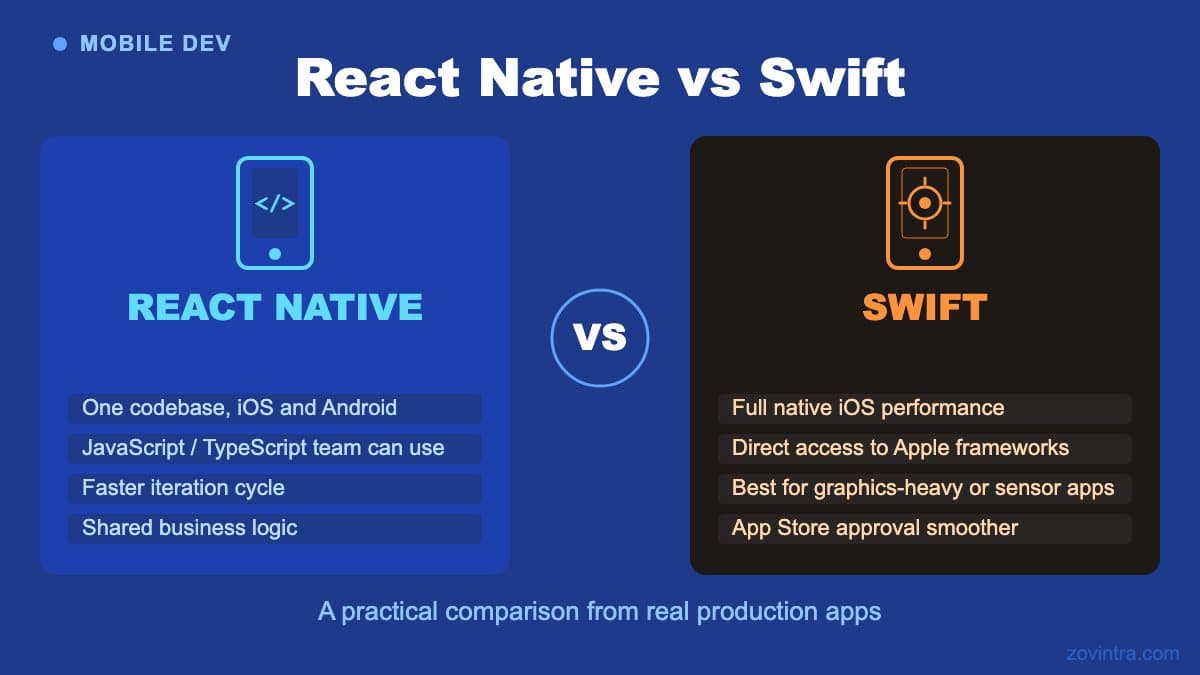
If any of these is a problem, a React Native or Flutter app using APNs is the right path. It gives you full control over the permission flow, VoIP push for calls, lock-screen ringing, and rich notification actions. The upfront cost is higher, but you are not designing around a platform constraint.
For a side-by-side comparison of React Native and Flutter for this kind of build, see React Native vs Flutter for production apps.
A note on FCM and APNs in PWA context
When you set up Web Push for an iOS PWA, your server sends push messages through the standards-based Web Push flow. WebKit explains that delivery uses the same Apple Push Notification service that powers native push, but developers do not need to join the Apple Developer Program, and servers should allow `*.push.apple.com` URLs. You call the push endpoint the browser gives you; you do not integrate with APNs directly as you would in a native iOS app.
The practical implication is that a PWA build does not need an Apple Developer account's APNs certificate - those belong to native app push. If your developer is asking for APNs certificates for a PWA build, verify exactly what they are building.
For a full picture of FCM and APNs in a native context, see push notifications: FCM and APNs gotchas.
The bottom line
PWA push on iPhone works - but only for users who add the app to their Home Screen on iOS 16.4 or later, only with a visible notification for every push (no silent push), and only with a permission flow triggered by a user gesture. If those conditions fit your product and user base, test thoroughly on a real device before launch.
If your product needs push to work reliably for the majority of your iOS users without friction, a native app is the cleaner answer. Talk to us about your mobile app requirements and we can give you an honest assessment of whether a PWA, a Flutter app, or a hybrid approach makes sense for your specific situation.
Common questions
Do PWA push notifications work on iPhone?
Yes, but only if the web app is added to the Home Screen and the device runs iOS or iPadOS 16.4 or later. Permission must be requested from a direct user action, and every push must show a visible notification, since silent push is not supported.
Does a PWA need an Apple Developer account or APNs certificate for push?
Per WebKit, delivery uses the same Apple Push Notification service as native push, but developers do not need to join the Apple Developer Program, and a PWA build does not need an APNs certificate. Servers should allow *.push.apple.com URLs.
Should I build a native app instead of a PWA for push?
If push is central to your product and you have significant iOS traffic, a native app is the cleaner answer, giving full control over the permission flow, VoIP push and lock-screen ringing. Zovintra can give an honest assessment of whether a PWA, a Flutter app or a hybrid fits.
Sources
- Web Push for Web Apps on iOS and iPadOS - WebKit Blog, 2023-02-16
- Badging for Home Screen Web Apps - WebKit Blog, accessed 19 Oct 2026