We've shipped production apps in both React Native and Swift. This isn't a framework marketing pitch - it's what we've actually experienced building real products for real clients over four years.
“Neither framework is the right answer on its own. The right answer is the one that matches your team, your timeline, and your users.”
React Native or SwiftDevelopment Speed and Time to Market
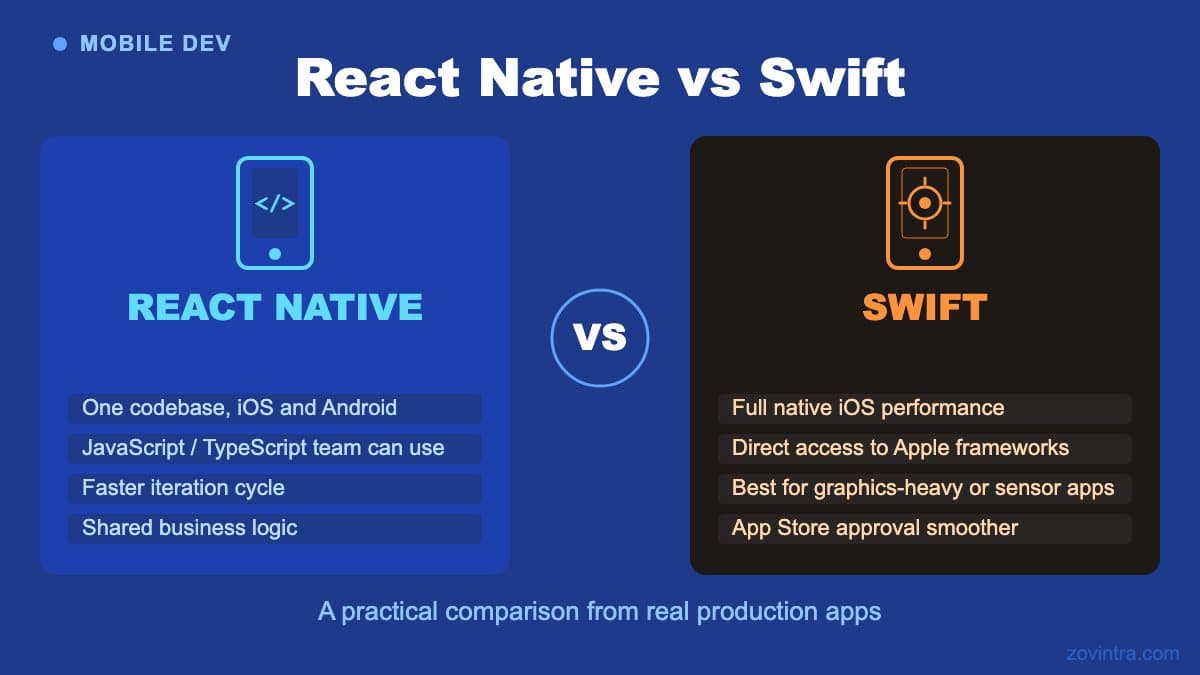
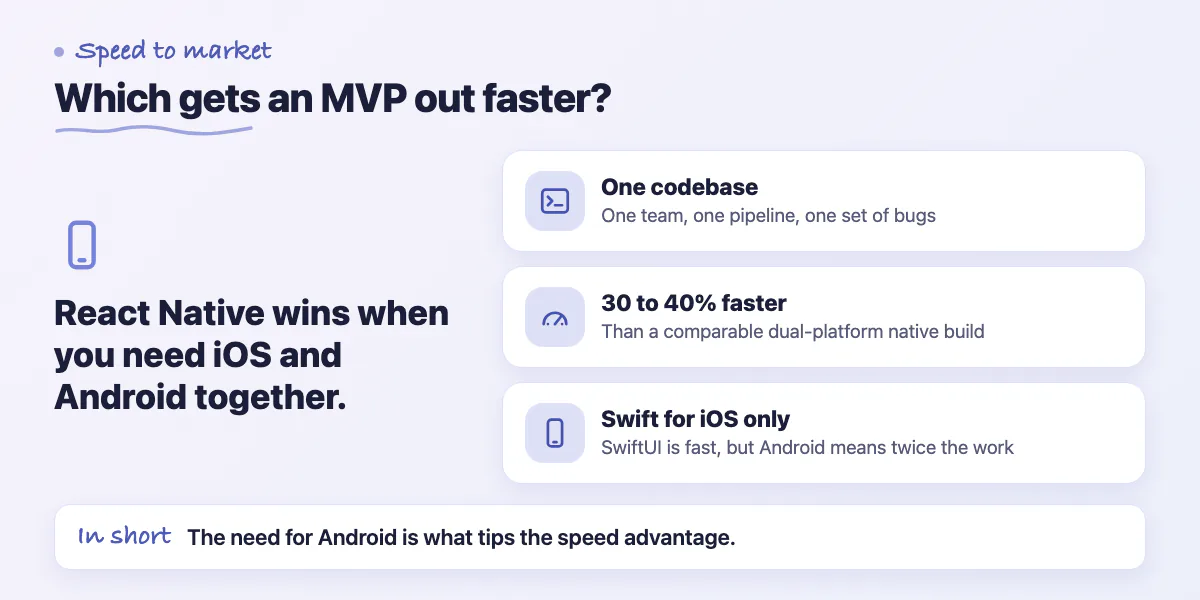
React Native is faster for getting an MVP to market, especially when you need both iOS and Android. A single codebase means one team, one deployment pipeline, and one set of bugs to fix. For a standard business app with authentication, data display, forms, and notifications, we typically ship a React Native app 30 to 40% faster than a comparable dual-platform native build.
Swift development with SwiftUI has improved significantly. The live preview feature in Xcode lets you see changes instantly without building to a simulator. For iOS-only apps, the iteration speed in SwiftUI is genuinely fast. The tooling is excellent. The documentation is thorough. Where Swift loses ground is when you need Android, because now you're doing everything twice.
Performance in Practice
For most business apps - content feeds, forms, dashboards, e-commerce, booking flows - React Native performance is indistinguishable from native on modern hardware. The JavaScript bridge that was React Native's main performance bottleneck was addressed with the new architecture (JSI) which Facebook shipped in React Native 0.71+. Apps built on the new architecture have direct synchronous calls to native modules instead of asynchronous bridge communication.
You'll notice the performance difference in apps with complex animations, heavy real-time rendering, or deep hardware integration. Custom camera processing, augmented reality overlays, real-time signal processing, and complex physics-based animations all perform measurably better in Swift. The hardware access is more direct, the rendering pipeline is more predictable, and the tooling for profiling performance issues is more mature.
Debugging Experience Comparison
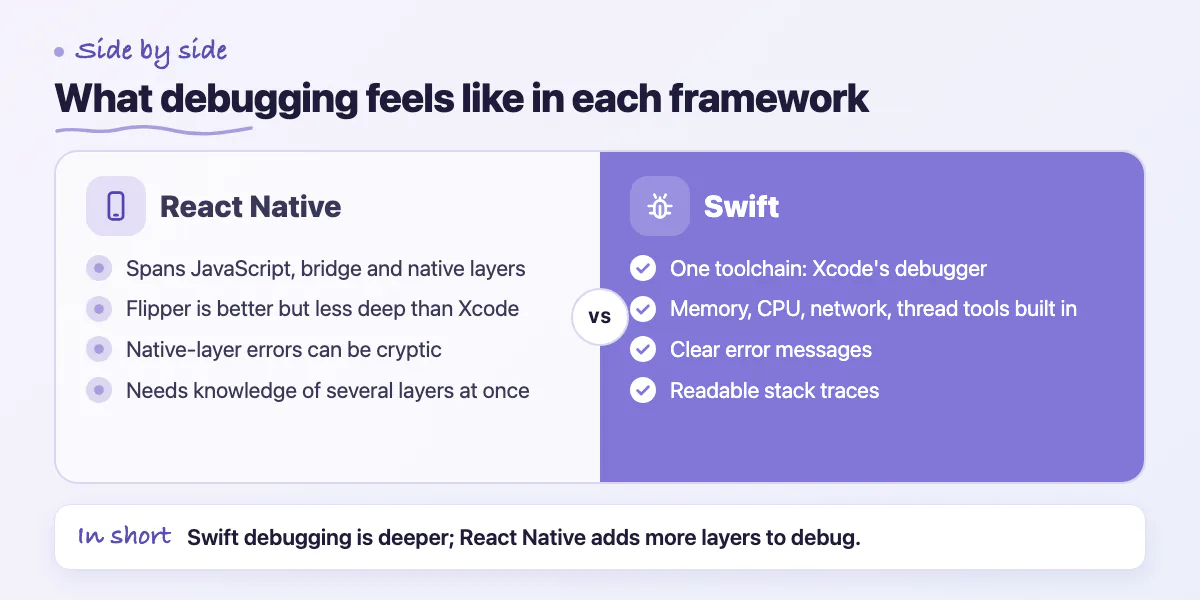
Debugging React Native has historically been its weakest point. The combination of JavaScript execution, native bridge calls, and platform-specific behaviors creates a debugging context that requires knowledge of multiple layers simultaneously. Flipper (the debugging tool for React Native) has improved significantly but still doesn't match the depth of Xcode's debugger for native iOS issues.
Swift debugging in Xcode is excellent. Memory profiling, CPU profiling, network inspection, and thread analysis are all first-class tools. When something goes wrong in a Swift app, the error messages are usually clear and the stack traces are readable. React Native error messages are improving but can still be cryptic when the issue involves the native layer.
Third-Party Library Ecosystem
React Native's library ecosystem is large but uneven in quality. The npm ecosystem has libraries for almost everything, but many are unmaintained, have open issues, or break with new React Native versions. Evaluating library health (last commit date, open issues, maintainer responsiveness) before adding a dependency is essential. We've been burned multiple times by libraries that worked fine in development but broke on the latest iOS or Android version after an OS update.
Swift's ecosystem is smaller but more reliable. Apple's first-party frameworks are excellent and deeply integrated with the platform. Third-party Swift packages on the Swift Package Manager registry are generally well-maintained because the community is smaller and more focused. When a library exists for a task, it usually works well.
Hiring, Team Building, and Upgrade Paths
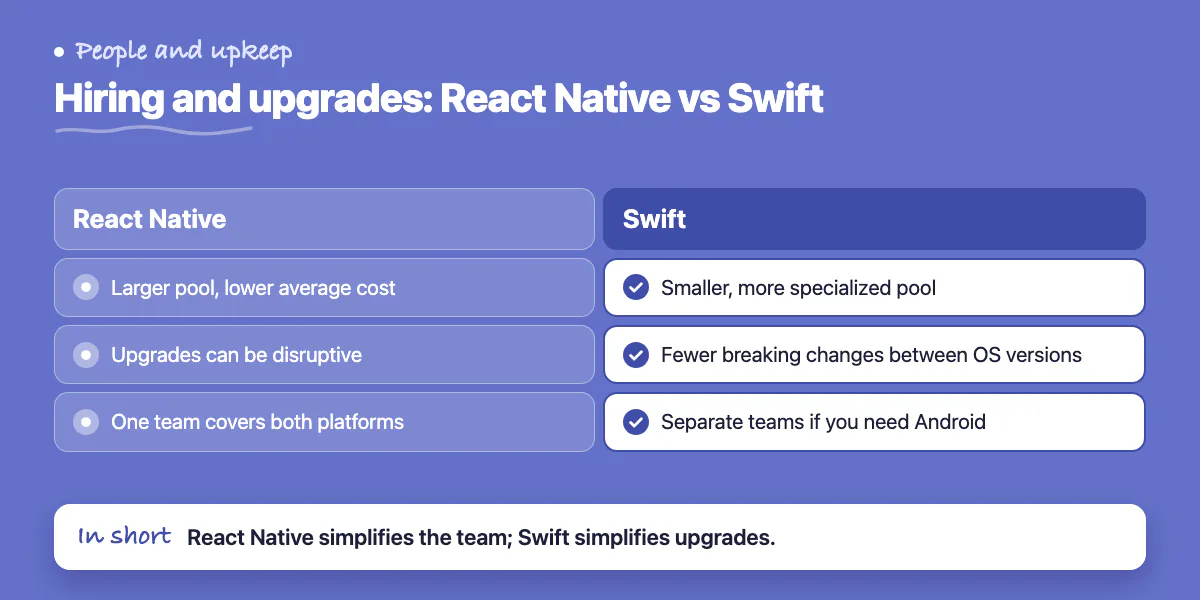
- React Native: larger talent pool, lower average cost, JavaScript developers can transition with training
- Swift: smaller pool but developers tend to be more specialized and platform-knowledgeable
- React Native: framework upgrades can be disruptive (RN 0.71+ new architecture migration took teams 2-4 weeks)
- Swift: Apple's backward compatibility is generally strong, fewer breaking changes between OS versions
- React Native: one team covers both platforms, simpler org structure
- Swift: separate iOS and Android teams required if you need Android, more coordination overhead
Specific Use Cases From Real Projects
We built a field inspection app for an infrastructure company in React Native. The app ran offline, captured photos with annotations, completed forms, and synced data when connectivity was available. React Native handled all of it cleanly. The company needed Android and iOS, and the budget didn't support two separate builds. The app has been in production for two years with no platform-specific issues.
We built a heart rate monitoring app for a wellness startup in Swift. The app integrated with Apple Watch, processed real-time sensor data, displayed live charts, and stored data in HealthKit. React Native would have required three separate bridging layers to access these APIs. In Swift, they were first-class framework calls. The decision was clear before we wrote a line of code.
The framework isn't the product. The user experience is. Pick whatever lets your team ship the best version fastest - then measure the results and adjust.
Common questions
When does Swift clearly outperform React Native?
The post says to expect measurably better performance in Swift for complex animations, heavy real-time rendering and deep hardware integration, such as custom camera processing, augmented reality overlays, real-time signal processing and physics-based animations. For most business apps the difference is indistinguishable.
How much faster is React Native for a dual-platform app?
For a standard business app with authentication, data display, forms and notifications, the post says they typically ship a React Native app 30 to 40% faster than a comparable dual-platform native build, thanks to one codebase and one pipeline.
Which is better for debugging, React Native or Swift?
Swift. Xcode offers first-class memory, CPU, network and thread tools with clear errors, while React Native debugging has historically been its weakest point because several layers must be understood at once. Flipper has improved but still doesn't match Xcode's depth.
Building something similar?
Talk to our engineering team about your architecture, roadmap, and delivery timeline.
Request a Technical Review →
We design, engineer, and deploy high-performance web platforms, mobile applications, and intelligent cloud systems.