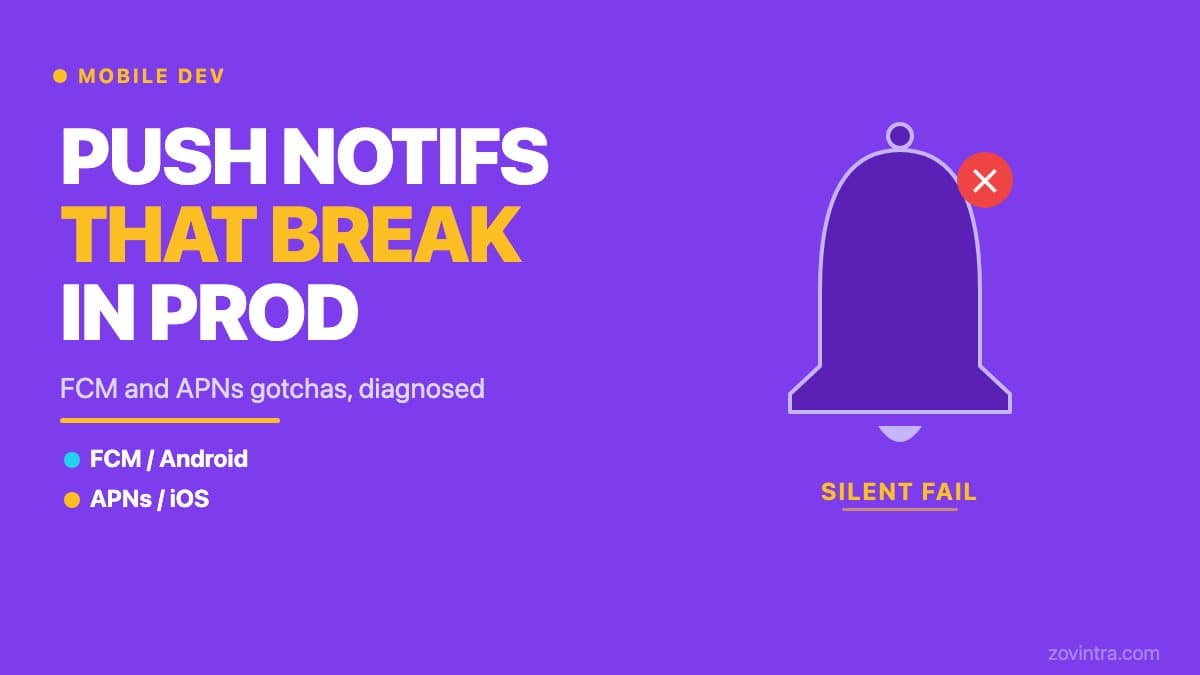
Push notifications that work on a simulator or a test device and then fail silently in production are one of the most frustrating problems in mobile development. The cause is almost always a configuration mismatch between your server, Firebase Cloud Messaging (FCM), Apple Push Notification service (APNs), and the device environment. This article documents the specific gotchas we have encountered building ManOps, our internal operations product running on Flutter with FCM for Android and APNs VoIP via PushKit for iOS.
One important caveat up front: ManOps has an extensive automated test suite covering the notification dispatch and receipt flows, but real-device delivery verification over a live FCM and APNs connection has not yet been fully confirmed at the time of writing. The patterns below are based on our implementation, the official Firebase and Apple documentation, and the diagnosis process we follow. Where we describe what we have seen, we mean in the code and configuration; real-device end-to-end delivery is a separate confirmation step that every team must do themselves.
How FCM and APNs fit together
On Android, FCM is the single channel for push notifications. Your server sends a message to the FCM endpoint with the device token, and FCM routes it to the device. On iOS, FCM acts as a proxy: you send to FCM, and FCM forwards to APNs, which delivers to the device. This two-hop architecture on iOS means a delivery failure can happen at either hop, and diagnosing which one requires checking both.
The Firebase documentation covers the Flutter client setup and the iOS client setup. Apple's documentation covers token-based and certificate-based connections to APNs and how to send requests to the development and production servers. All of it is worth reading before you attribute a delivery failure to your own code.
The most common FCM gotchas
Data messages vs notification messages on Android
FCM has two message types: notification messages and data messages. Per the FCM docs, notification messages carry predefined user-visible keys and are delivered to the notification tray when the app is in the background, while for apps in the foreground a callback function handles them. Data messages contain only your own key-value pairs, and your client app is fully responsible for processing them. The gotcha: if you send a notification message and the app is in the foreground, your callback has to decide what the user sees, and a data message does nothing visible unless your code displays it.
The most common symptom is: notifications work when the app is open but disappear when it is closed, or vice versa. Confirm which message type you are sending from the server and which state (foreground, background, terminated) you are trying to support. Do not assume FCM will handle both cases with the same code path.
OEM battery optimisation killing background delivery
Android allows device manufacturers to restrict background app activity aggressively. On some Xiaomi, Huawei, OnePlus, and Samsung devices, background push delivery requires the user to explicitly disable battery optimisation for your app, or to add it to an 'auto-start' whitelist. FCM can show a successful send on the server side while the message is blocked on the device before it reaches your app. Don't Kill My App catalogues how these manufacturers kill background apps to save battery. From the server side this can look like a successful send, so it is a device-level decision, not a code bug.
Testing push notifications only on a Pixel or a simulator will not reveal this problem. Test on at least one device from a high-volume OEM (Xiaomi or Samsung are common choices) before declaring push working for Android.
Stale registration tokens
FCM registrations go stale. Per Firebase's token management guide, FCM considers an Android registration expired after 270 days of inactivity and rejects sends to it, and by default treats a registration as stale if the app instance has not connected for a month. If your server stores a token at install and never updates it, pushes to that token will eventually fail. Sends to an invalid registration return errors such as UNREGISTERED, which is your signal to delete the stored token.
Check that your app sends the current token to your backend whenever it changes. In Flutter, onTokenRefresh fires at each app startup and whenever a new token is generated, though Firebase now recommends Installation IDs over legacy registration tokens. Update the stored record on every event and prune records that FCM reports as invalid.
The most common APNs gotchas on iOS
Authentication key vs APNs certificate
APNs supports two connection methods: token-based authentication with a signing key from your developer account, and certificate-based authentication. With tokens, one token can serve all or a subset of your company's apps, though you must regenerate the token at least once an hour. Firebase's setup guides have you upload an APNs authentication key (a .p8 file) to the console. With certificates, Apple tells you to get a new certificate and deploy it before the current one expires. A lapsed certificate causes push to stop with no code change, which makes it hard to diagnose.
If you are using certificates and push stops working with no code changes, check the expiry date in your Apple Developer account under Certificates, Identifiers and Profiles. If you are setting up for the first time, use the .p8 key method documented in the Firebase iOS setup guide.
Development vs production APNs environment
APNs has a development server and a production server, and Apple says to use the production server for shipping apps and the development server for testing. A configuration pointing at the wrong one will fail for builds of the other kind. Firebase lets you upload a development key, a production key, or both. If you are connecting to APNs directly, make sure your server targets the correct endpoint for the build type.
A common source of confusion is a build installed from Xcode that receives pushes while a build distributed to testers receives nothing. If that happens, check the environment and the key or certificate your server uses for that build before anything else.
VoIP notifications and PushKit require separate setup
Standard push notifications on iOS are delivered through APNs. VoIP notifications, used for incoming call alerts, are handled through PushKit, which has its own registration step and its own device token that you must forward to your server. In ManOps, we use PushKit with CallKit for incoming call notifications on iOS. The PushKit channel is separate from the standard notification channel, so configure and test it independently.
In our experience a VoIP notification that fails silently is usually a credential mismatch or a PushKit token that never reached the server, so check both before looking elsewhere.
A push notification diagnostic checklist
- Confirm which FCM message type you are sending (notification vs data) and whether your handlers cover all three app states: foreground, background, and terminated
- Test Android push on at least one real device from an OEM that restricts background apps, with default battery settings - do not rely solely on emulator results
- Confirm your backend handles onTokenRefresh and updates stored tokens on every rotation
- On iOS, check whether you are using a .p8 key (preferred) or a .p12 certificate - if certificate, check the expiry date and renewal plan
- Verify your APNs environment setting matches your build type: development builds use sandbox, TestFlight and App Store builds use production
- If using VoIP notifications, confirm the PushKit registration is separate from standard APNs and that its token reaches your server
- Check the Firebase console's message delivery reporting for your messages to see where in the chain the failure occurs
When push is working but users still do not see notifications
A delivered notification that does not appear to the user is a permissions or presentation problem. On iOS, notification permission must be explicitly requested via requestPermission() and granted by the user. Firebase's iOS guide says users are asked to accept permission to receive remote notifications when the app first runs. Ask at a moment when the value is clear. If FCM reports delivery but users say they see nothing, check whether notification permissions were granted. On iOS, a user who has declined or revoked permission will not see your notifications even though your server sees no error.
If your mobile app was built with an AI tool or a freelancer and push notifications are inconsistent in production, this is one of the areas where a structured review helps. The diagnosis is not usually complex, but the failure mode is spread across server, FCM, APNs, device, and permission layers, and fixing one without checking the others leaves the problem partly in place. Talk to us about your mobile app if you want a structured look at your notification configuration.
Common questions
Why do push notifications work in testing but fail in production?
The post says the cause is almost always a configuration mismatch between your server, FCM, APNs and the device. Common culprits include the wrong message type, OEM battery optimisation, stale tokens, an expired APNs certificate, or a development versus production APNs mismatch.
Why are Android push notifications not arriving on Xiaomi or Samsung phones?
On some Xiaomi, Huawei, OnePlus and Samsung devices, background delivery needs the user to disable battery optimisation or whitelist the app. FCM can show a successful send while the device blocks the message, so test on at least one real device from a high-volume OEM.
Who can help diagnose inconsistent push notifications in my app?
The failure is spread across server, FCM, APNs, device and permission layers, and fixing one without checking the others leaves the problem partly in place. Zovintra offers a structured look at notification configuration, especially for apps built with an AI tool or a freelancer.
Sources
- Set the message type - Firebase Cloud Messaging docs, accessed 19 Oct 2026
- Manage FCM registration tokens - Firebase docs, accessed 19 Oct 2026
- Set up an FCM client app on Flutter - Firebase docs, accessed 19 Oct 2026
- Set up an FCM client app on Apple platforms - Firebase docs, accessed 19 Oct 2026
- Establishing a token-based connection to APNs - Apple Developer Documentation, accessed 19 Oct 2026
- Sending notification requests to APNs - Apple Developer Documentation, accessed 19 Oct 2026
- Supporting PushKit notifications in your app - Apple Developer Documentation, accessed 19 Oct 2026
- Don't kill my app! - dontkillmyapp.com, accessed 19 Oct 2026