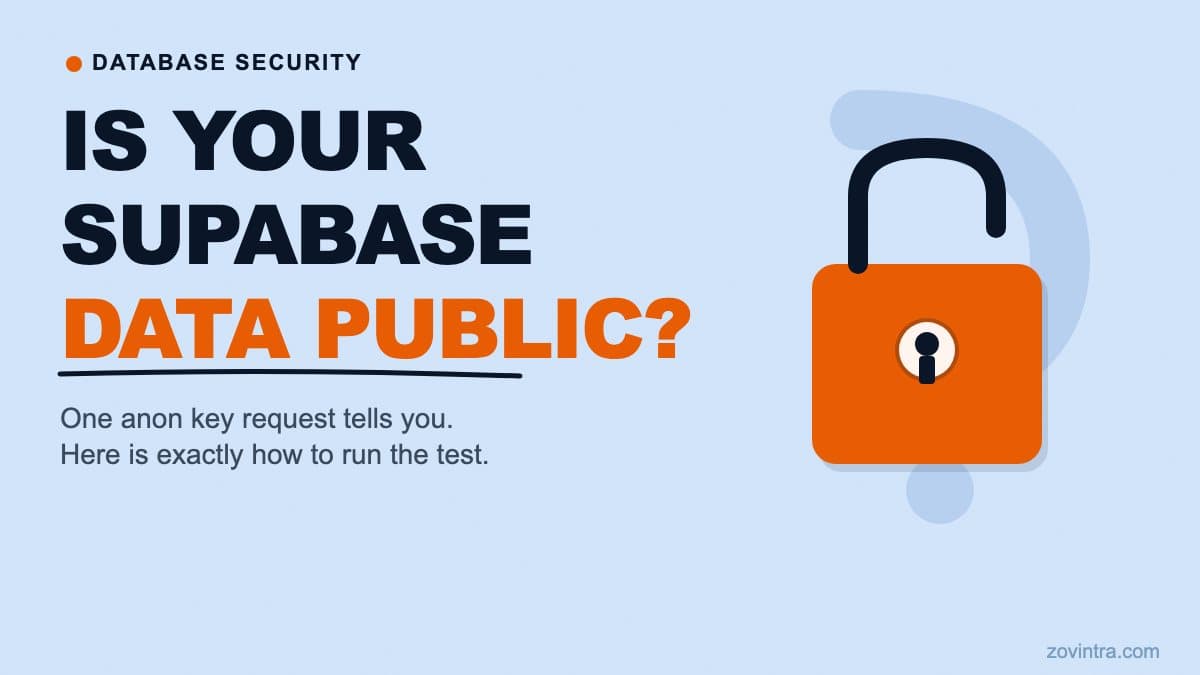
To check if your Supabase data is publicly readable, make a request to your project's REST API using only your anon key and no authentication token. If you get rows back, those rows are readable by any visitor to your site - logged in or not.
Why this matters
Supabase projects have a built-in REST API enabled by default. Every project has an anon key - the public key used by your frontend when a user is not logged in. When a visitor loads your app without a session, their requests carry the anon key and no user identity. If your Row Level Security policies do not explicitly restrict unauthenticated reads, the API returns the rows.
The UpGuard research published on 14 October 2026 found 16,326 databases exposing readable tables across roughly 300,000 candidate domains. UpGuard's explanation: RLS is switched on by default only for tables created in the Table Editor, while tables created through the API (how coding agents typically work) do not get it by default. The AI creates the table. RLS stays off. The data is readable.
The test takes about five minutes and requires no security background.
What you need
- Your Supabase project URL - from the dashboard's API settings, looks like https://xxxx.supabase.co
- Your anon key - same location (the public or anon key, not the service role key)
- curl, or any HTTP client such as Postman or Insomnia - the Supabase dashboard Table Editor will not work for this test because it runs as your authenticated user, not as an anonymous visitor
The test
Replace PROJECT_URL, ANON_KEY, and YOUR_TABLE_NAME with your own values and run this in a terminal:
curl 'https://PROJECT_URL/rest/v1/YOUR_TABLE_NAME?select=*&limit=5' -H 'apikey: ANON_KEY' -H 'Authorization: Bearer ANON_KEY'
If the response contains rows - even one row - that table is readable by any unauthenticated visitor. If the response is an empty array or a permission error, the table is protected from anonymous access.
Run this for every table that contains user data. Not just the obvious ones. AI-generated schemas often include tables that are easy to overlook: activity_logs, user_preferences, audit_records, notifications, subscription_events. Supabase also warns that tables exposed through the Data API without RLS can be accessed by any role with matching grants. Any table that holds personal information or business-sensitive data should be tested. If you are not sure which tables exist, the Supabase Table Editor shows them all.
What the results mean
If you get rows back on a table that should be private
Row Level Security is either not enabled on that table, or enabled with a policy that permits unauthenticated reads (such as a USING (true) clause, which allows everyone). This is the critical case - the data is live and accessible right now.
Go to your Supabase dashboard and open the Table Editor for that table. Check whether the RLS indicator shows it as enabled. If not, enable it. Important: enabling RLS without any policies will block all access, including your own application's requests. Before you enable it on a production table, read the common RLS policy mistakes guide to understand which policies you need to add alongside the enable step.
If you get an empty array
An empty response can mean the table is properly protected, or that the table is currently empty. If you know there is data in the table (records added during development), an empty array with no error message is strong evidence the policy is working. If you are uncertain, add a test row to the table and repeat the request.
If you get a permission error
A permission error or an empty result means the request was blocked or filtered. That is the expected outcome for a protected table. Confirm this is because of an intentional policy and not because RLS is enabled with no policies at all - both block anonymous requests, but the latter also blocks every request from your own users until policies exist (Supabase: with RLS on and no policies, no data is accessible through the API), which will break your application.
A common point of confusion: the Table Editor does not simulate an anonymous user
If you open the Supabase Table Editor and can see your data, that does not mean anonymous visitors can. The Table Editor runs as your authenticated database user. The only reliable test for anonymous access is a request that carries only the anon key and no session token - which is exactly what the curl command above does.
Similarly, seeing that 'some policies exist' in the dashboard RLS view is not the same as confirming they block the right things. A USING (true) policy is a policy - it just allows everything. A policy that applies to INSERT but not SELECT allows writes but not reads. The anon key test is the ground truth. Policies in the dashboard are the explanation.
What this test does not check
The anon key test tells you which tables are readable without authentication. It does not check:
- Whether authenticated users can read other users' data - a separate and equally important class of problem that requires testing with a logged-in session belonging to a different user
- Whether Postgres functions bypass RLS - functions defined with SECURITY DEFINER run with the function owner's permissions, not the caller's, so they can expose data even when table RLS is correct
- Whether your service role key is in your frontend bundle - a different check covered in the service role key guide
- Whether your RLS policies are logically correct for all your application's query patterns - a policy can exist and still allow access you did not intend
The free code review tool checks for the broader range of these issues - static analysis of your code alongside database configuration signals. It is a useful next step after the manual test.
Running the test on a live app
This test is read-only. It makes GET requests and writes nothing. You can run it safely at any time, including against a live production project.
One detail: if your app uses a custom domain in front of the Supabase API, use the original project URL from the dashboard for this test, not your custom domain. You are testing the database access control layer directly.
Another detail: if a table has a large number of rows, the response is limited by your project's maximum rows setting, so you may not get everything back. For this test, a single row in the response is enough to confirm the table is exposed. You do not need to retrieve all the data to know there is a problem.
What to do after the test
If the test returns rows on tables containing real user data and your app is not yet live, do not launch until it is fixed. If the app is already live, treat it with the urgency of an active incident: patch the policies, confirm the fix with another anon request, then run the full test again across all tables.
If you are not confident reading the output or writing the policies to fix it, that is the right moment to ask for help. The path from 'this table is exposed' to 'this table is secure' involves writing and testing RLS policies that cover every access pattern your application uses. Getting one table right does not guarantee the others are correct. See when you need a code audit for when to bring in an outside reviewer.
The app health check gives you a broader read on your configuration before launch. And if the test finds an exposure and you want someone to walk through it with you, a technical review is the fastest way to scope the problem and fix it correctly.
Common questions
How do I check if my Supabase data is publicly readable?
Send a request to your project's REST API using only the anon key and no session token, for example with curl. If the response contains rows, that table is readable by any unauthenticated visitor. An empty array or permission error means it is protected.
Why can I see my data in the Supabase Table Editor but still be exposed?
The Table Editor runs as your authenticated database user, so it does not simulate an anonymous visitor. Seeing data there proves nothing about public access. The reliable test is a request carrying only the anon key and no session token.
What should I do if the anon key test returns rows?
If the app is live, treat it as an active incident: patch the policies, confirm the fix with another anon request, then re-run the test across all tables. If you are not confident writing the policies, a technical review can scope and fix it correctly.
Sources
- Everything Everywhere: Systemic Data Exposure in Supabase Apps - UpGuard, 14 Oct 2026
- Supabase Row Level Security docs - Supabase, accessed 19 Oct 2026
- Securing your API - Supabase, accessed 19 Oct 2026