“Every AI coding tool will get you to a working demo in a weekend. The question is what happens the Monday after you need to make it real.”
The gap every non-technical founder hitsThe Promise and the Reality
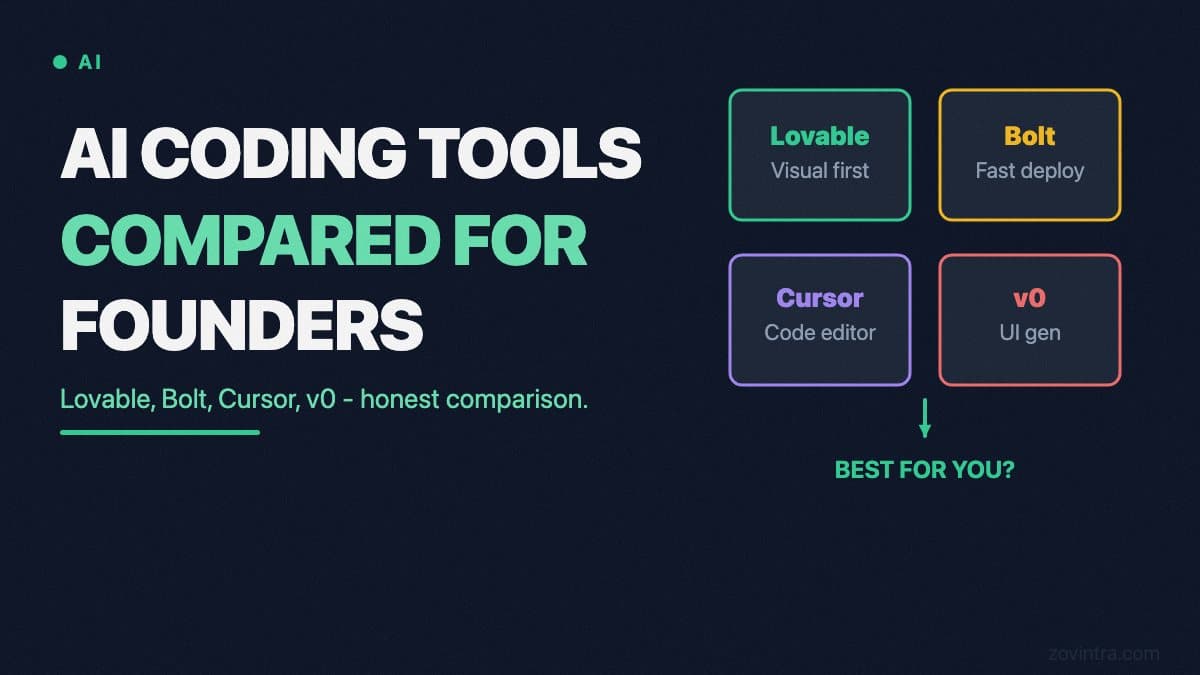
The marketing for AI coding tools is genuinely compelling. Lovable says you can build a SaaS in hours. Bolt claims you can go from idea to deployed app without writing a line of code. v0 by Vercel generates production-grade React components from a text prompt. For a non-technical founder, these tools are a legitimate breakthrough - you can test ideas, validate hypotheses, and build investor demos without a six-figure engineering hire.
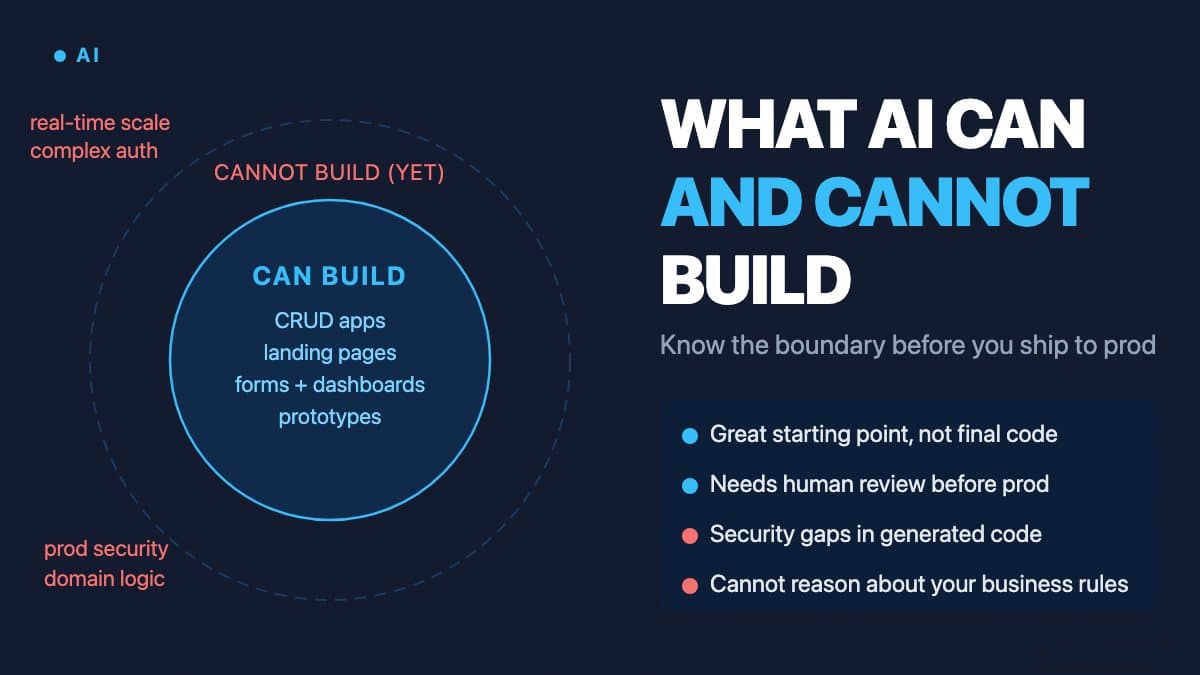
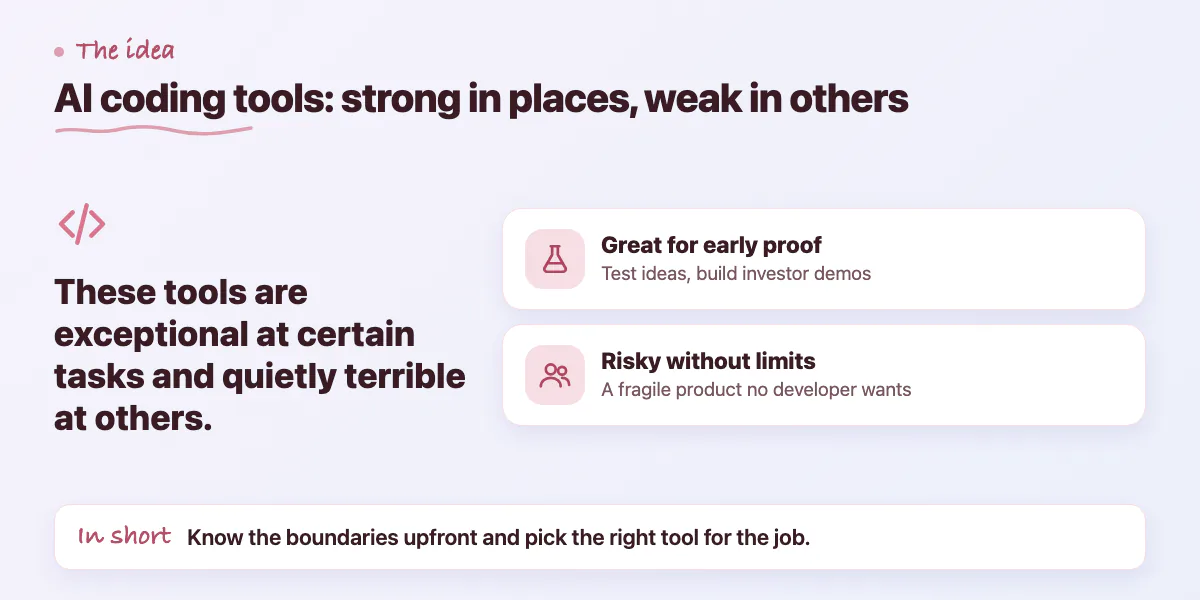
The reality is more nuanced. These tools are exceptional at certain tasks and quietly terrible at others. The founders who succeed with them understand the boundaries upfront. The ones who don't end up six months in with a half-finished product that no developer wants to touch, having spent $30,000 on freelancers trying to patch a fragile AI-generated codebase.
This comparison is honest. We've worked with founders who arrived at Zovintra with projects built on every tool listed here. We're not here to sell you on any of them - we're here to tell you what they're actually good for so you pick the right tool for the right job.
Lovable: Best for Product Prototypes
Lovable (formerly GPT Engineer) is the most product-focused tool in this list. You describe a product in natural language and it generates a full-stack application - React frontend, Supabase backend, and basic auth - and deploys it to a live URL. For non-technical founders who want to show investors or early customers something real, it's hard to beat the speed.
Where Lovable struggles is complexity and maintainability. Once your project grows past 20 to 30 screens or requires non-standard integrations, the AI starts making decisions that conflict with each other. Changing one feature breaks another. The generated code is often structurally flat - everything in one or two files - which makes it genuinely difficult for a developer to come in later and refactor cleanly.
Bolt and v0: Different Tools, Different Jobs
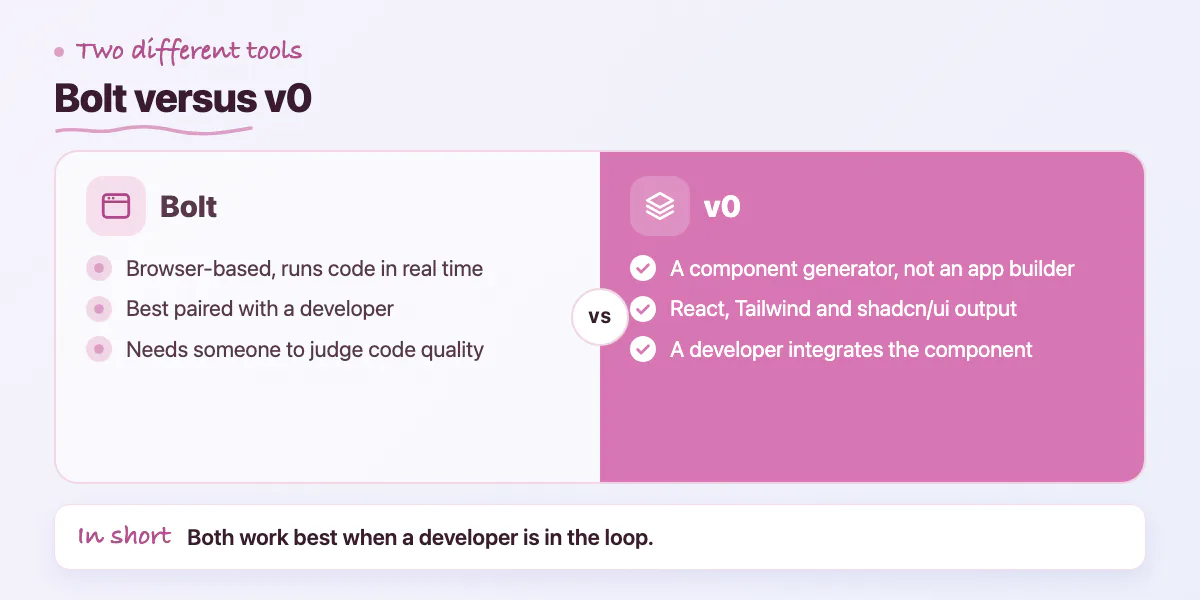
Bolt (by StackBlitz) is a browser-based development environment that uses AI to generate and run code in real time. It's excellent for experimenting and for pairing with a developer - you can describe what you want, get working code instantly, and then a developer can review and clean it up. It's less suited to solo non-technical founders because the output requires someone who can evaluate the code quality.
v0 by Vercel is a component generator, not an application builder. You paste a design or describe a UI and v0 gives you a React component built with Tailwind and shadcn/ui - the exact stack that most professional Next.js developers use. For founders working with a developer, v0 is genuinely useful: you handle the design decisions in plain English, your developer takes the component and integrates it properly. Used this way it saves real time.
Cursor: The Developer-Pairing Tool
Cursor is fundamentally different from the other tools here. It's a code editor - a fork of VS Code - with AI built into the editing experience. It reads your entire codebase and answers questions about it, generates code in context, and helps debug errors. It is not a "build an app from a prompt" tool. It's a force-multiplier for developers, and it requires you to actually work in code.
For a non-technical founder, Cursor has a steep barrier to entry. That said, some founders with moderate technical literacy - comfortable in a terminal, able to read code even if they can't write it fluently - have used Cursor productively with the help of online tutorials. The ceiling is much higher than Lovable or Bolt because you're working in a real development environment with real version control.
AI-Assisted + Developer
- AI tools handle UI generation and boilerplate
- Developer owns architecture and security
- Codebase is maintainable and extendable
- Proper CI/CD, staging, and monitoring
- Auth, payments, and data handled correctly
Replit: For Learning and Quick Scripts
Replit is a cloud IDE with an AI agent called Replit Agent that can scaffold small applications from a prompt. It runs entirely in the browser, which is useful for non-technical users who don't want to set up a local development environment. For learning to code, for internal scripts, or for very simple CRUD applications, it's a solid choice.
For anything customer-facing, Replit has real limitations. Performance on Replit's free and lower tiers is inconsistent. The generated code quality is variable. Deploying a production application on Replit means accepting architectural constraints that most developers will push back on. It's a powerful learning environment that is not optimised to be a production hosting platform.
What None of These Tools Handle Well
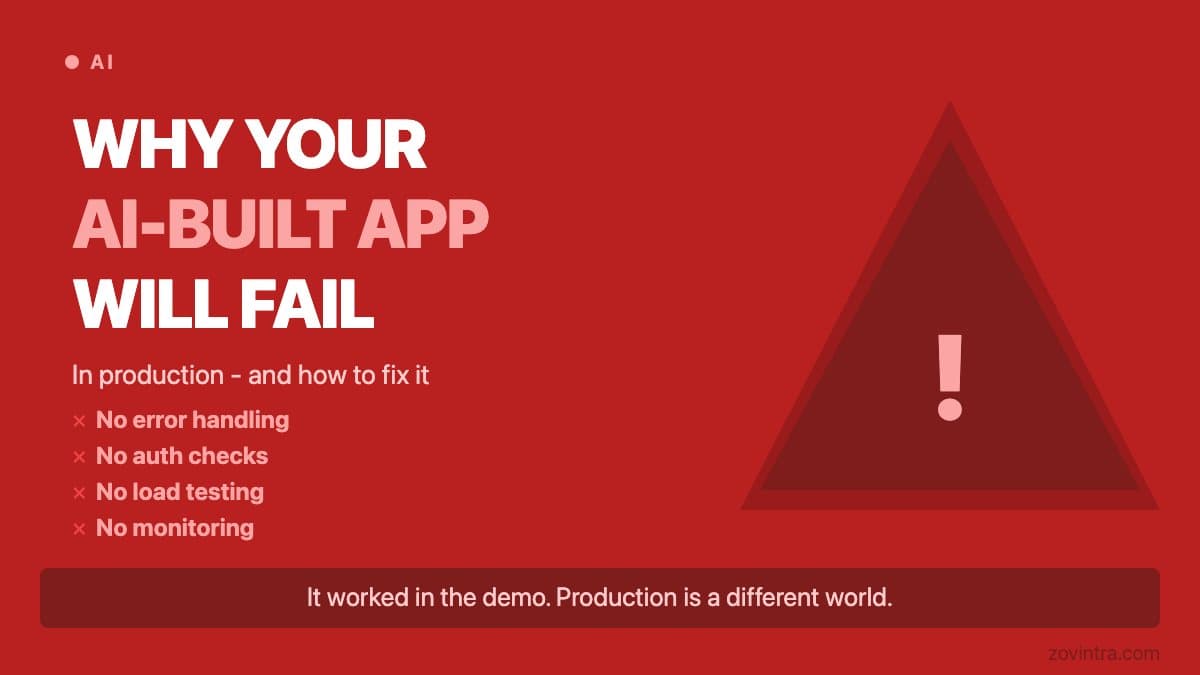
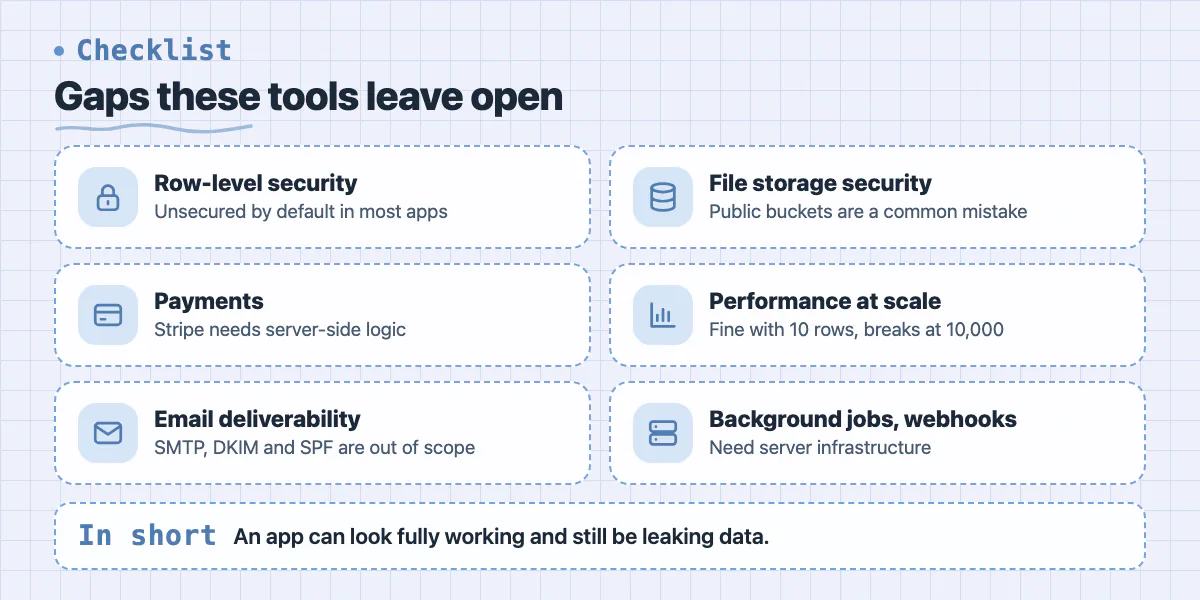
Across all five tools there are consistent gaps that trip up non-technical founders. Security is the most dangerous one. None of these tools reliably generate secure authentication flows, correct row-level security for databases, or safe API design. An app that looks fully functional can be leaking every user's data or exposable with a trivial SQL injection - and it will look identical to a secure app until something goes wrong.
- Row-level security in databases - unsecured by default in most generated apps
- Payment integration - Stripe requires server-side logic that AI tools often shortcut incorrectly
- Email deliverability - SMTP setup, DKIM, and SPF records are outside the tool's scope
- File upload and storage security - public buckets are a common accidental configuration
- Performance at scale - a demo that loads fine with 10 rows breaks with 10,000
- Background jobs and webhooks - these require server infrastructure most AI tools abstract away poorly
How to Use These Tools Without Getting Stuck
The founders who get the most out of AI coding tools treat them as the starting line, not the finish line. Use Lovable or Bolt to validate that your idea is worth building - get to a demo fast, show it to users, get signal. Once you have that signal and you're ready to build something that needs to handle real users, real payments, and real data, that's when you bring in a developer.
The worst outcome is continuing to extend an AI-built codebase well past the point where it should have been professionally architected. Each feature added on a fragile foundation makes the eventual rewrite more expensive. We see this pattern regularly - founders who spent four months building in Lovable when three months in they should have called someone.
If you've built something in Lovable, Bolt, v0, Cursor, or Replit and you're hitting the ceiling - the app is breaking under real usage, a developer told you the codebase is too messy to extend, or you need security and compliance you can't DIY - Zovintra's Launch & Rescue service is specifically built for this. We assess what you have, rescue what's worth keeping, and build on it properly. Start at /contact.
Common questions
Is Cursor suitable for a non-technical founder?
Not really. Cursor is a VS Code fork with AI built in, a force-multiplier for developers that requires you to work in code. Founders with moderate technical literacy have used it productively, and its ceiling is higher because it is a real environment with version control.
What security gaps do AI-built apps usually have?
None of these tools reliably generate secure authentication flows, correct row-level security or safe API design. Row-level security is unsecured by default in most generated apps, and public storage buckets are a common accidental configuration.
When should I hand an AI-built app to a developer?
Once you have signal from users and are ready to handle real users, payments and data. Zovintra's Launch & Rescue service assesses what you have, rescues what is worth keeping and builds on it properly.
Building something similar?
Talk to our engineering team about your architecture, roadmap, and delivery timeline.
Request a Technical Review →
We design, engineer, and deploy high-performance web platforms, mobile applications, and intelligent cloud systems.