“WordPress powers 43% of the web, which tells you it solves a real problem for a huge range of businesses. It doesn't tell you it's the right choice for yours.”
The platform choice that shapes everything that comes afterWordPress Is Genuinely Good at Some Things
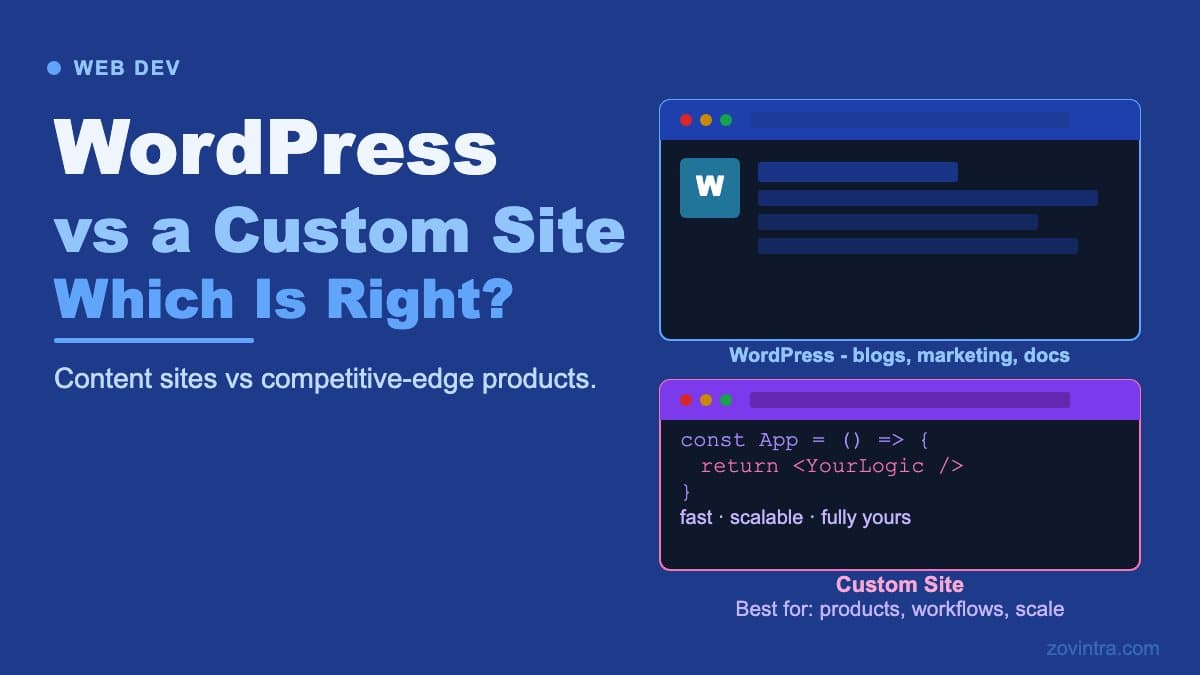
WordPress deserves credit before the caveats. For content-heavy sites - blogs, news publications, documentation portals, and marketing websites with frequent content updates - WordPress is a mature, well-understood platform with a massive ecosystem of plugins, themes, and developers who know it well. WooCommerce turns it into a capable e-commerce platform for businesses with standard catalogue-and-checkout requirements. If your site fits these patterns, WordPress probably fits your needs.
The decision to choose WordPress or a custom build should be driven by what your site actually needs to do, not by which option sounds more sophisticated. A custom-built website isn't inherently better than a WordPress site. It's more appropriate for specific requirements. Understanding those requirements is the work that comes before the platform decision.
Where WordPress Struggles
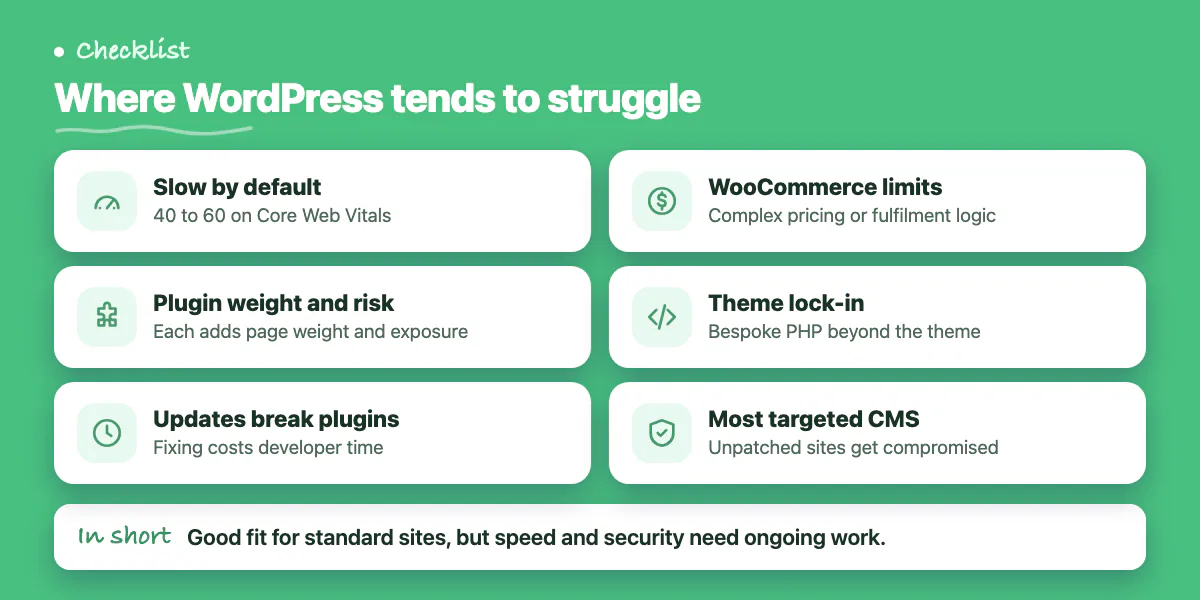
Performance is the most visible problem. A default WordPress installation with a theme and 15 plugins will score poorly on Core Web Vitals without significant optimisation work. The platform loads PHP on every request, executes multiple database queries per page, and accumulates bloat from plugins that add JavaScript and CSS regardless of whether a given page needs it. Getting WordPress to load in under 2 seconds requires a caching layer, a CDN, image optimisation, and careful plugin auditing - none of which are free or automatic.
Security is the second issue. WordPress is the most targeted CMS on the internet, not because it's uniquely insecure but because its ubiquity makes it worth attacking at scale. Plugin vulnerabilities are discovered regularly. Sites that aren't updated promptly get compromised. For businesses in regulated industries or those handling sensitive data, the attack surface of a WordPress site requires ongoing security management that many teams underestimate.
- Default WordPress installs score 40 to 60 on Core Web Vitals without dedicated performance work
- Each plugin added increases page weight and introduces a potential vulnerability surface
- Major WordPress updates periodically break plugin compatibility, requiring paid developer time
- WooCommerce is capable for standard catalogues but struggles with complex pricing or fulfilment logic
- Theme lock-in means design changes beyond the theme's constraints require bespoke PHP development
The Custom Website Advantage
A custom website built on Next.js or a comparable modern framework starts from zero bloat. Every feature that ships is there because you need it. Pages are server-rendered or statically generated with optimal caching, typically achieving sub-second load times without a dedicated performance optimisation pass. Core Web Vitals scores that WordPress sites struggle to achieve are baseline for a well-built custom site.
Flexibility is the deeper advantage. A custom site has no plugin ceiling, no theme constraints, no workaround needed when the platform doesn't support what you want to build. If your website is part of a larger application - if it needs to share a database with your product, authenticate your own users, or integrate deeply with your business logic - a custom build is the only option that doesn't turn into a complex hack.
Custom Website
- Higher upfront build cost and timeline - typically 4 to 10 weeks to launch
- Sub-second performance achievable from the start without optimisation overhead
- No plugin attack surface - security posture is simpler and more controllable
- Full design freedom - no theme constraints on layout, interaction, or structure
- Scales into a full application if your product evolves beyond a marketing site
The Content Management Question
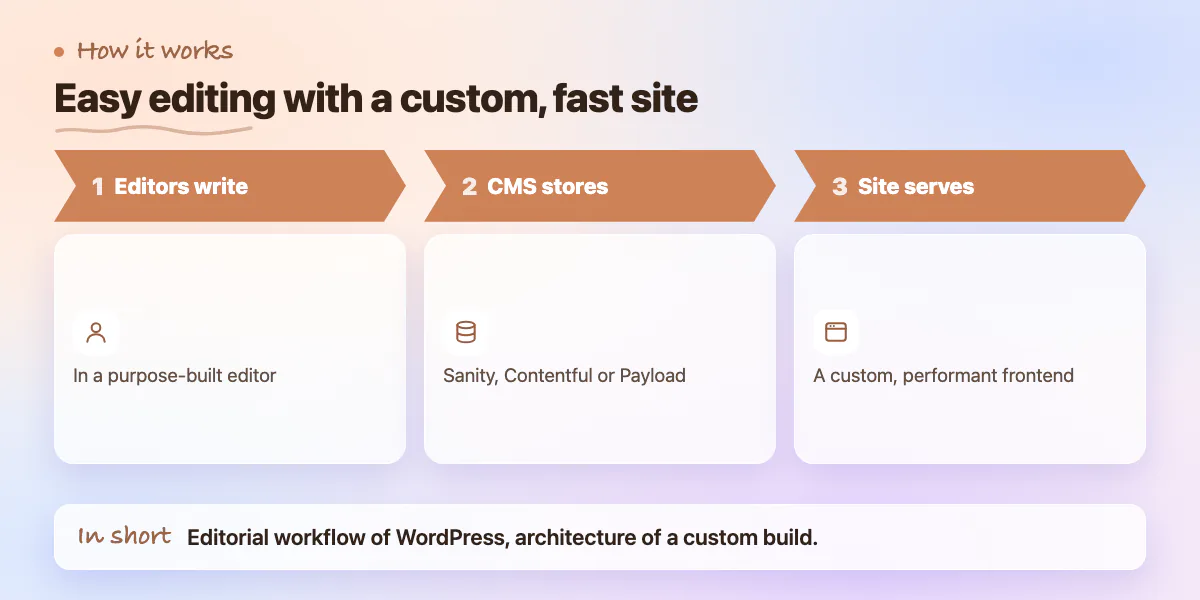
The most common argument for WordPress is "non-technical team members need to update content without a developer." This is a real requirement, but WordPress is no longer the only answer to it. Headless CMS platforms like Sanity, Contentful, and Payload give non-technical editors an intuitive content editing interface while the frontend is built as a custom, performant Next.js site. You get the editorial workflow of WordPress with the technical architecture of a custom build.
The headless approach adds some complexity and cost compared to a basic WordPress site. But it removes the ceiling. Your content team works in a purpose-built editor. Your development team works in a modern codebase. The two don't step on each other. For businesses that are serious about content marketing and also serious about site performance, headless is increasingly the right architecture.
When WordPress Is Still the Right Answer
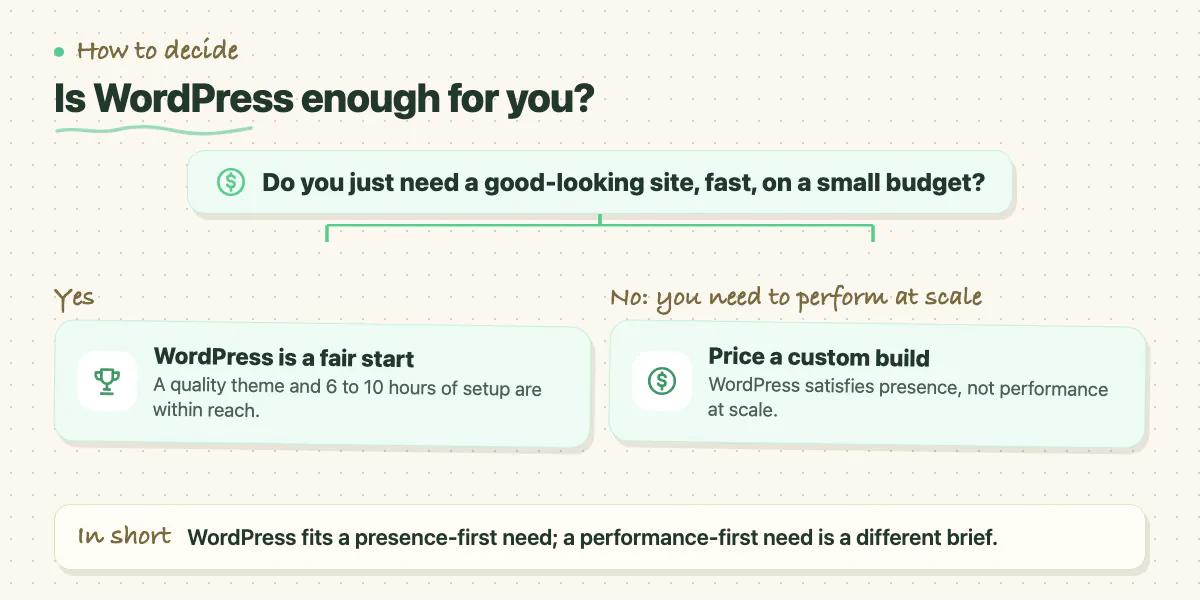
If you're a small business, a sole trader, or an early-stage startup that needs a professional-looking site up quickly without a large development budget, WordPress with a quality theme is a reasonable starting point. The 6 to 10 hour investment to set up a clean WordPress site is well within reach for a founder with moderate technical confidence. If your primary need is "have a presence" rather than "perform at scale," that's a valid requirement that WordPress satisfies.
WordPress also remains defensible for large media and publishing operations that have invested heavily in their existing WordPress infrastructure, have in-house WordPress developers, and whose content workflows are deeply integrated with the platform. Migrating a 50,000-article archive away from WordPress has a cost that is often higher than the ongoing cost of maintaining it there.
Migration and Maintenance: The Practical Questions
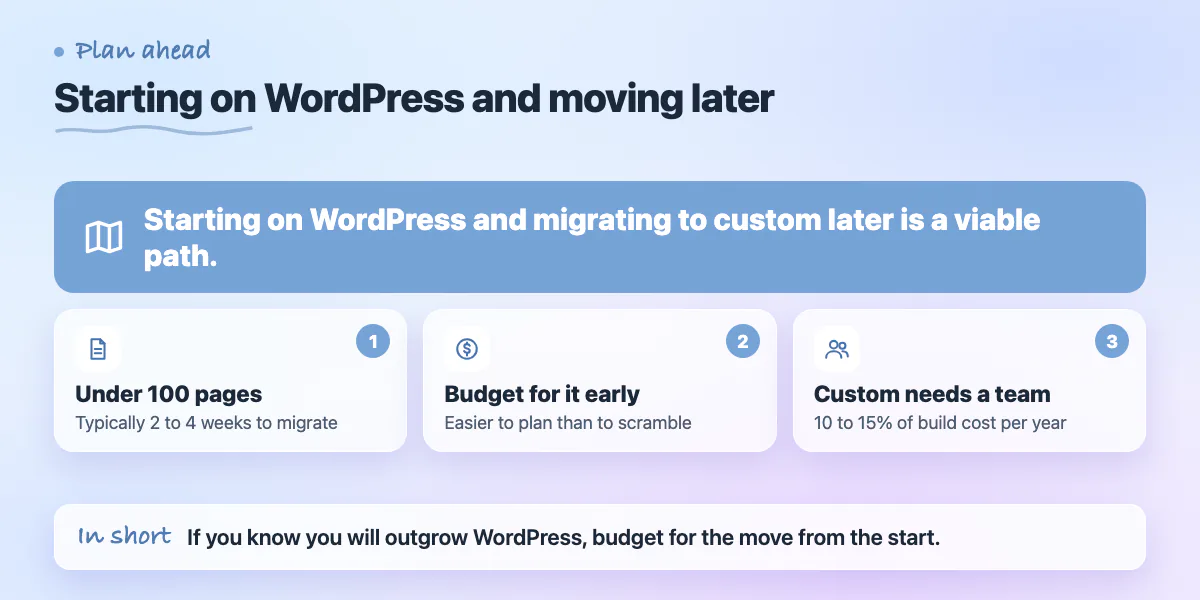
Starting on WordPress and migrating to custom later is a common and viable path. The migration cost depends on how much content you've accumulated and how complex your current theme's customisations are. For a standard marketing site with under 100 pages, migration is typically 2 to 4 weeks of development time. Budget for it from the start if you know you'll outgrow WordPress - it's easier to plan for than to scramble for.
On performance: a well-optimised WordPress site with caching and a CDN can achieve 2 to 3 second load times. A well-built Next.js site typically achieves 0.5 to 1.2 seconds. For e-commerce businesses, every 100ms of load improvement correlates with roughly 1% conversion improvement - the gap is commercially meaningful, not just a technical preference.
Long-term maintenance on a custom site requires a development team - in-house or agency - for anything beyond content updates. The ongoing cost is lower than most people expect for a well-architected build, but it isn't zero. Budget 10 to 15% of the original build cost annually for dependency updates, security patches, and minor improvements.
What the Right Choice Usually Looks Like
Most businesses with real growth ambitions outgrow WordPress within 2 to 3 years. The ones that start on WordPress for the right reasons - speed to market, limited budget, content-first - and migrate at the right time tend to do better than the ones who use WordPress because it seemed simpler and then spend two years fighting its constraints. If your site is part of a product, serves as a commercial engine for your business, or needs to perform at a level that affects revenue, a custom build is worth pricing seriously before you default to WordPress. Zovintra builds custom sites and helps existing WordPress sites migrate when the time is right - if you want an honest view of which path fits your situation, a scoping conversation takes less than an hour.
Common questions
Can I get non-technical editors without using WordPress?
Yes. Headless CMS platforms like Sanity, Contentful, and Payload give editors an intuitive interface while the frontend is a custom Next.js site. The post notes this adds some complexity and cost compared with a basic WordPress site.
When is WordPress still the right choice?
For small businesses, sole traders, or early-stage startups that need a professional site quickly on a limited budget, or large publishers with heavy existing WordPress investment and in-house developers. If you only need a presence rather than performance at scale, WordPress is reasonable.
How much does it cost to maintain a custom website?
The post suggests budgeting 10 to 15% of the original build cost annually for dependency updates, security patches, and minor improvements. Beyond content updates, you also need a development team, in-house or agency, so it is lower than most expect but not zero.
Building something similar?
Talk to our engineering team about your architecture, roadmap, and delivery timeline.
Request a Technical Review →
We design, engineer, and deploy high-performance web platforms, mobile applications, and intelligent cloud systems.