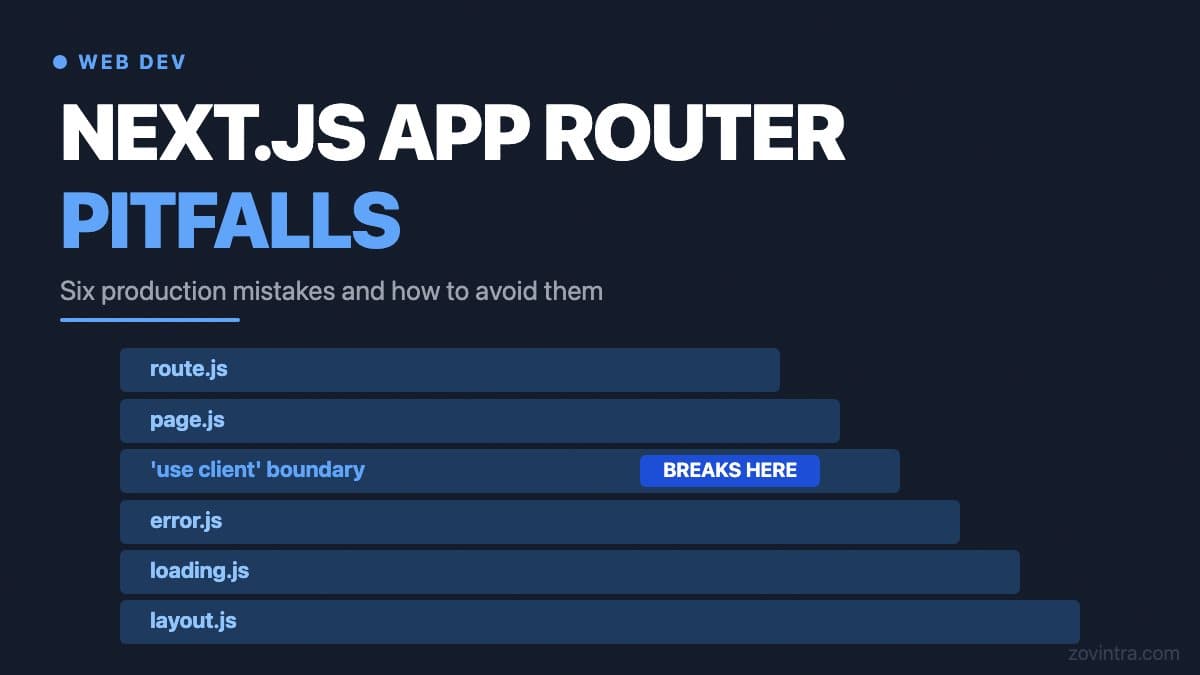
The Next.js App Router - introduced in Next.js 13 and the model the current Next.js 16 docs are written around - solves real problems around server-side rendering and layout composition, but it introduces new failure modes that are easy to miss during development and expensive to diagnose in production. The most common ones are caching behaviour that does not match expectations, incorrect placement of the 'use client' directive, and data fetching patterns that generate far more requests than intended. This article covers each with concrete examples, as of October 2026.
Next.js App Router Pitfall 1: Caching Behaviour You Did Not Ask For
The App Router's caching model has changed across recent versions, and that is the pitfall. In Next.js 14, a `fetch()` call in a server component was cached by default. In Next.js 15, fetch requests are no longer cached by default, and you opt in with `cache: 'force-cache'`. In Next.js 16, Cache Components (enabled with `cacheComponents: true`, and already on in new apps created with the recommended create-next-app defaults) moves caching to an explicit `use cache` directive with a `cacheLife` setting. The older fetch-based model is still documented as the previous model.
The failure mode looks like this: a codebase written for one model is upgraded or copied into a project using another, and pages are cached when you expected fresh data, or recomputed on every request when you expected them to be cached. The fix is to be explicit about cache intent rather than relying on defaults, and to check the behaviour in a production build rather than only in `next dev`. In the previous model, `{ next: { revalidate: 60 } }` sets a one-minute revalidation window and `{ cache: 'no-store' }` opts out. With Cache Components, the docs recommend pairing every `use cache` with a `cacheLife`, and wrapping data that must be fresh on every request in a Suspense boundary instead of caching it.
Because the default changed in 15, existing codebases upgrading from 14 may see more origin requests after upgrading, since fetches that used to be cached no longer are. Read the version 15 upgrade guide and test against a production build before bumping the version in production.
Next.js App Router Pitfall 2: Putting 'use client' in the Wrong Place
The App Router makes every component a Server Component by default. Adding `'use client'` at the top of a file declares a boundary: per the Next.js docs, all of that file's imports and the components it directly renders are included in the client bundle. This is the part that trips people up: the boundary is contagious in one direction. If you put `'use client'` on a layout file because one part of the layout needs a click handler, you have pulled everything that file imports and renders into the client bundle, including components that could safely run on the server. Server Components passed in as `children` props are the usual way to keep them on the server.
The symptom is a client bundle that is much larger than it should be, and server-only logic (database queries, secret reads from environment variables) failing because it is now running in a browser context. The docs note that environment variables without the NEXT_PUBLIC_ prefix are replaced with an empty string in client code, so the code runs but does not work as expected. The fix is to push `'use client'` as far down the component tree as possible - to the leaf component that actually needs interactivity, not the container that holds it.
A related mistake is importing a server-only module from a client component. The docs recommend the server-only package: import it into files that contain server-only code, and the build fails if a Client Component pulls that file in. Modules without that marker get no such protection, so auditing your client bundle catches what the marker misses.
Next.js App Router Pitfall 3: Data Fetching in Layouts Versus Pages
The App Router allows you to fetch data at the layout level, which is convenient for navigation elements that need user or session data. The pitfall is that, per the layout.js reference, layouts do not rerender on navigation and can be cached and reused. If you fetch user data in a layout and the user updates their profile on a nested page, the layout can keep showing the stale data until it is revalidated or the page is reloaded.
The correct pattern is to fetch the data you genuinely need to be stable across the layout (like a user ID or a top-level permission) at layout level, and fetch everything that changes at page level. If you need the layout to update, you need to trigger a cache revalidation using `revalidatePath` or `revalidateTag` from a Server Action after the mutation.
Next.js App Router Pitfall 4: Server Actions and Double Submissions
Server Actions are functions that run on the server and can be called directly from client components. They are useful for form submissions and mutations, but the default behaviour does not include any protection against double submission. If a user clicks a submit button twice before the first action completes, the action runs twice. Depending on what the action does - creating a record, sending an email, charging a payment - this can cause real problems.
The fix is to track pending state in the client component using the `useActionState` hook (it returns an `isPending` flag; the version 15 upgrade guide notes React 19 as the minimum) and disable the submit button while the action is in flight. This is easy to add and easy to forget - it belongs in a code review checklist for any form that uses a Server Action.
Next.js App Router Pitfall 5: Error Boundaries and Loading States That Hide Problems
The App Router uses file-based `error.js` and `loading.js` files to handle errors and loading states at the route segment level. This is clean in principle, but it can mask problems in production. A server component that throws an error will be caught by the nearest `error.js` error boundary and show the fallback UI. The docs' own example logs the error to an error reporting service from inside the boundary, and that step is the one people skip: if the error is a database timeout or a missing environment variable, the user sees a generic error page and your monitoring sees nothing unless you wire it up.
Similarly, `loading.js` files show Suspense fallbacks while data fetches resolve. If a fetch is slow or hanging, users see an infinite spinner with no indication of whether the content is coming. Building in timeout handling and meaningful fallback states - rather than just a spinner - is the difference between a production-grade app and one that feels broken under load.
Next.js App Router Pitfall 6: Parallel Routes Creating Unexpected URL Complexity
Parallel routes allow you to render multiple pages in the same layout simultaneously using `@slot` conventions. They are powerful for dashboards and modals. The downside is documented in the default.js reference: during soft navigation Next.js keeps track of each slot's active state, but on a hard navigation (a full-page load or refresh) it cannot recover it. If a slot has no `default.js` for the subpages that do not match the URL, an error is returned for that slot. It works fine as you click around and fails on refresh - the kind of bug that looks like it only happens on one user's machine but is actually a missing file.
What to Actually Check Before Shipping
- Every `fetch()` call in a server component has an explicit cache option - no implicit reliance on defaults
- 'use client' directives are at leaf components only, not container layouts
- Client bundle size is measured before and after significant changes (Next.js 16.1 and later ship a bundle analyzer you run with `next analyze`)
- Server Actions that write data have double-submission protection via pending state
- Every error boundary integrates with your error tracker (Sentry or equivalent) and logs the original error
- Any route with parallel route slots has a `default.js` file defined
Our own site and dashboard run on Next.js 16. Because the caching model has changed across versions, an inherited codebase is the place these pitfalls usually show up. If your team is building a new web product or inheriting an existing Next.js codebase, a short review session with someone who has seen these patterns in production can save a longer debugging session later. Talk to us about your web build.
Common questions
Why is my Next.js App Router page showing stale or uncached data?
Caching defaults changed across versions: Next.js 14 cached fetch by default, 15 does not, and 16 Cache Components use an explicit use cache directive. Be explicit about cache intent and check behaviour in a production build rather than only in next dev.
Where should I put 'use client' in Next.js?
As far down the component tree as possible, on the leaf component that needs interactivity. Putting it on a layout pulls everything that file imports and renders into the client bundle, which enlarges it and can break server-only logic such as secret reads.
When should I get a Next.js codebase reviewed?
An inherited codebase is where these caching and client boundary pitfalls usually show up. A short review session with someone who has seen the patterns in production can save a longer debugging session later. Zovintra offers this for new and inherited Next.js builds.
Sources
- Upgrading: Version 15 - Next.js Docs, accessed 19 Oct 2026
- Caching (Cache Components) - Next.js Docs, accessed 19 Oct 2026
- Caching and Revalidating (Previous Model) - Next.js Docs, accessed 19 Oct 2026
- Server and Client Components - Next.js Docs, accessed 19 Oct 2026
- layout.js - Next.js Docs, accessed 19 Oct 2026
- default.js - Next.js Docs, accessed 19 Oct 2026
- Error Handling - Next.js Docs, accessed 19 Oct 2026
- useActionState - React Docs, accessed 19 Oct 2026
- Package Bundling - Next.js Docs, accessed 19 Oct 2026