Many Lovable and Bolt sites are single-page React applications. Google can render JavaScript, but it does so in a separate step after the initial crawl, so pages whose main content is painted by JavaScript are the ones most likely to look empty or stale in the index. If your Lovable or Bolt site is not showing up in search, this is a likely cause - not necessarily your domain age or a penalty. Whether it applies to you depends on how and when the site was built: Lovable now pre-renders older apps for verified crawlers and builds newer apps with server-side rendering, while a Bolt export or a self-hosted copy may be a plain client-side bundle.
How Google Processes JavaScript Pages
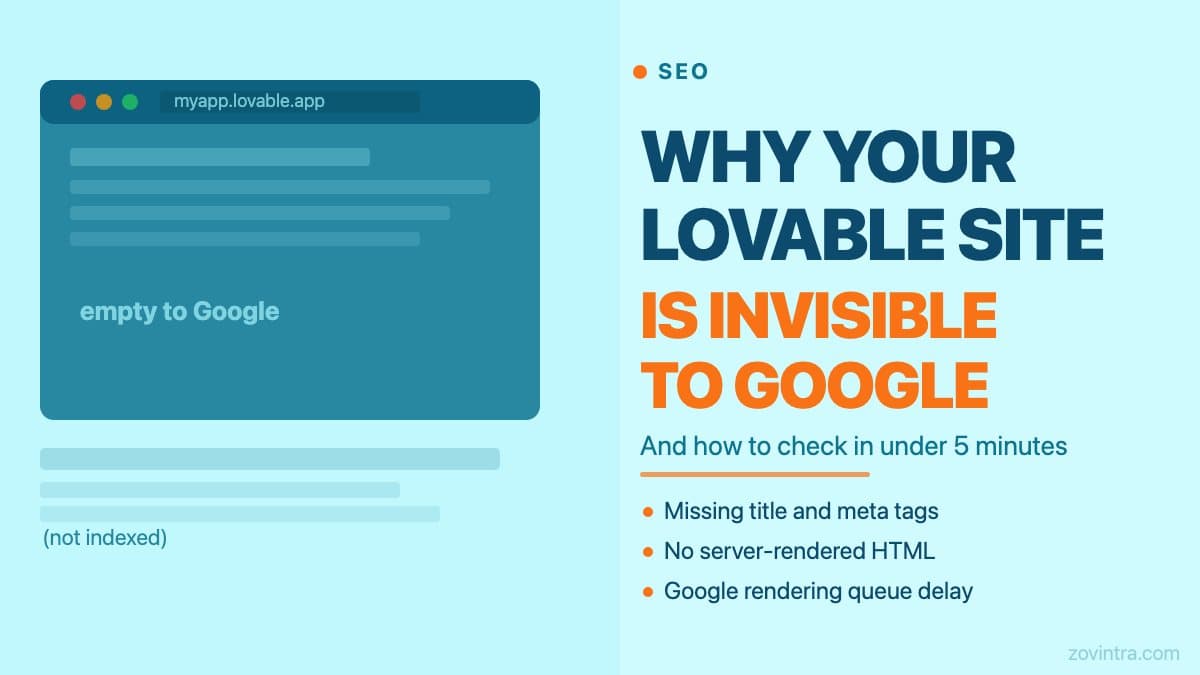
When Googlebot visits a URL, it first downloads the HTML source. For a traditional server-rendered site, that HTML contains the full text of the page. For a React SPA like a Lovable-generated site, that HTML contains almost nothing - a div with an id, a script tag, and sometimes a loading message. The real content is painted by JavaScript after the page loads.
Google has a second processing step - the rendering queue - where it runs JavaScript after the initial crawl. Google's JavaScript SEO documentation says a page may stay in that queue for a few seconds but can take longer, depending on Google's resources, and that rendering can be skipped for pages that return non-200 status codes, are blocked, or carry a noindex tag. Google also says server-side or pre-rendering is still a great idea, because not all bots can run JavaScript.
The practical consequence: a React SPA can look correct in Chrome while Google's index shows thin content, a generic title, or an older version of the page. Check what Google actually saw rather than assuming.
What Lovable and Bolt Actually Export
Lovable's documentation describes its older projects as React + Vite apps, and Bolt commonly scaffolds Vite + React too (Netlify's guide for Bolt apps covers the Vite build output). A plain Vite React export is a client-side-only bundle: an index.html that bootstraps React, plus JavaScript files that contain your whole site. Two things have changed on the Lovable side. According to Lovable's SEO documentation, older React + Vite apps hosted on Lovable are pre-rendered for verified crawlers, and apps created from 13 May 2026 use TanStack Start with server-side rendering. Pre-rendering is described for Lovable-hosted projects only, so a copy you host yourself, or a Bolt export, is where the client-side-only problem is most likely to remain.
This is fine for web applications where users log in and interact with dynamic data. It is a problem for marketing pages, landing pages, and any page where the primary goal is to be found via search. If your Lovable site is a private SaaS dashboard, indexing matters less. If it is a business homepage or a product-led landing page, it matters a great deal.
How to Check Your Site's Indexing Status
The fastest check is Google Search Console. Add your property, submit your sitemap, and look at the Page indexing report. Pages marked Crawled - currently not indexed or Discovered - currently not indexed are the signals to investigate first: the first means Google fetched the page but did not index it, the second means Google knows the URL but has not crawled it yet.
- In Chrome, open View Source (Ctrl+U or Cmd+U). If the source shows mostly a script tag with no readable page text, your site is a JavaScript SPA and this problem likely applies.
- Search 'site:yourdomain.com' in Google. If fewer pages appear than you have, or if the snippets show placeholder text, indexing is incomplete.
- Use the URL Inspection tool in Google Search Console. Enter a page URL and look at the 'View Tested Page' output. If the rendered HTML shown there is missing your main content, Google cannot index it.
- Check your robots.txt at yourdomain.com/robots.txt to confirm you are not accidentally blocking Googlebot from crawling your pages or scripts.
The Three Most Common Gaps We See
On AI-built sites the gaps that tend to matter most are generic or duplicate title and meta description tags, missing structured data, and no server-rendered HTML for the pages that need to rank. Lovable's own documentation notes that its starting metadata is generic and that it does not always create a sitemap, which is why its SEO review flags duplicate and over-generic titles. The Zovintra app health check looks for these signals on your live site.
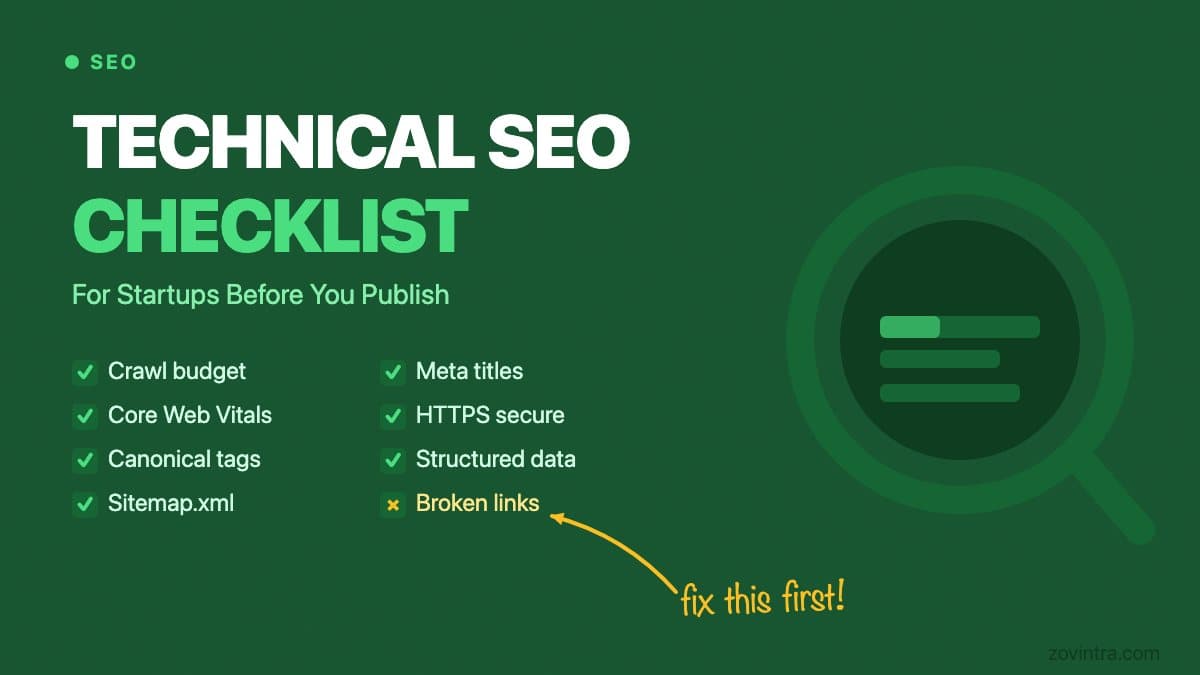
A missing title tag does not prevent Google from indexing your page entirely - it will appear with whatever text it can find on the page. But without an explicit title, Google generates one from scraped content, which is often wrong or unhelpful. Meta descriptions work the same way. For a full list of what a technical SEO audit covers and which elements have the highest impact, see our technical SEO checklist for startups.
What to Fix Without Rebuilding
The least invasive fix is to add pre-rendering. Tools like react-snap or a headless-browser pre-render step can generate static HTML snapshots of your key pages. This gives Google readable HTML without changing your application architecture, but it adds a build step and needs maintenance when pages change. Note that Google describes dynamic rendering (serving bots a separate pre-rendered version) as a workaround, not a long-term solution and recommends server-side rendering, static rendering or hydration instead, so treat pre-rendering as a bridge.
Adding server-side rendering means migrating from a Lovable or Bolt export to a Next.js or Remix project. That is a bigger change and it addresses the root cause rather than working around it. If you have a handful of pages that need to rank, migration is often worthwhile. If you have dozens of dynamically generated product or content pages, the case is stronger still. The migrate off WordPress guide covers the general process of moving an existing site to a server-rendered framework, and many of the same principles apply here.
At minimum, add a proper title and meta description to each important page, and verify that your robots.txt is not blocking crawlers. These are the lowest-cost changes with the highest diagnostic value. If the site is also slow to load, that is a separate but related problem - page speed affects Google's crawl budget and ultimately your rankings independently of the rendering issue. See why your new website might not be ranking for more on that.
A Note on Bolt Specifically
Bolt.new can publish straight from its editor to Netlify through a built-in integration, so hosting is not locked to a Bolt-owned platform, but the default output is still whatever the generated project builds to. Making search visibility reliable usually means adding a pre-render step or moving the pages that need to rank into a framework that renders on the server, such as Next.js or Remix, on a host you control (Vercel or Netlify). If you are not ready to migrate, a pre-render tool is the lower-friction option while you plan the bigger move.
The Zovintra app health check crawls your site and checks for these issues automatically - rendering gap signals, missing meta, robots.txt problems, and performance data. It takes under a minute and gives you a specific list of what to fix rather than a general score. If you want a human to look at the results and prioritise what matters for your product, request a technical review from the results page.
Common questions
Why is my Lovable site not showing up on Google?
A likely cause is a client-side React app whose main content is painted by JavaScript, so Google may see thin content. It depends on how and when the site was built: Lovable pre-renders older apps for verified crawlers, while a Bolt export or self-hosted copy may be a plain client-side bundle.
How do I check whether Google can see my JavaScript site?
Use the URL Inspection tool in Google Search Console and look at the View Tested Page output; if the rendered HTML is missing your main content, Google cannot index it. Also view the page source and search site:yourdomain.com to see how many pages appear.
When should I move my Lovable or Bolt site to Next.js?
Server-side rendering addresses the root cause, and migration is often worthwhile if a handful of pages need to rank, with a stronger case for dozens of dynamic pages. Pre-rendering is a lower-friction bridge. You can request a technical review from the Zovintra app health check results page.
Sources
- Understand JavaScript SEO basics - Google Search Central, accessed 19 Oct 2026
- Dynamic rendering as a workaround - Google Search Central, accessed 19 Oct 2026
- Page indexing report - Google Search Console Help, accessed 19 Oct 2026
- Optimize your app for SEO and AI search - Lovable Documentation, accessed 19 Oct 2026
- Deploy your Bolt app to Netlify - Netlify, accessed 19 Oct 2026