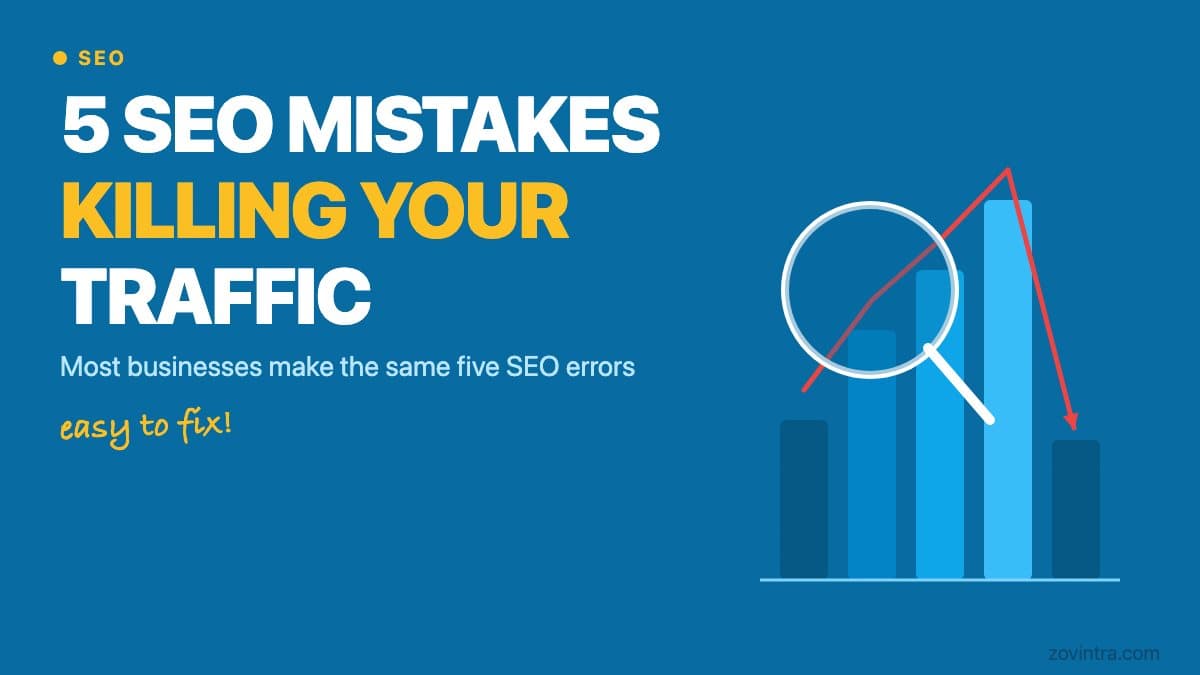
Search engine optimization isn't complicated, but it's easy to get wrong. Most businesses we audit make the same five mistakes, and fixing them usually produces visible results within 60 to 90 days. None of these require a technical background. They require attention and consistency.
“SEO damage is rarely dramatic. Your traffic does not crash - it quietly stops growing, and most owners do not notice until it is months gone.”
Why these mistakes hurt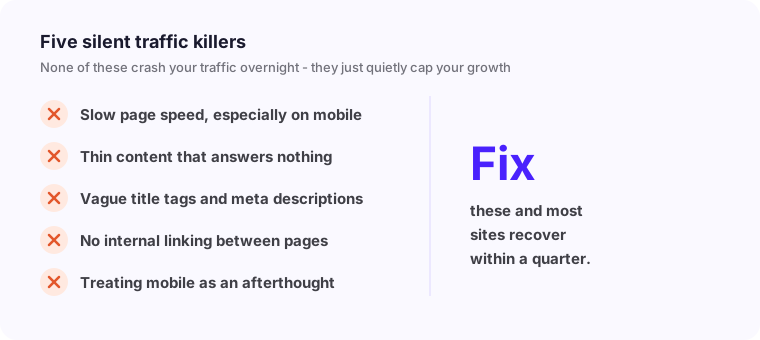
Mistake 1 - Ignoring Page Speed
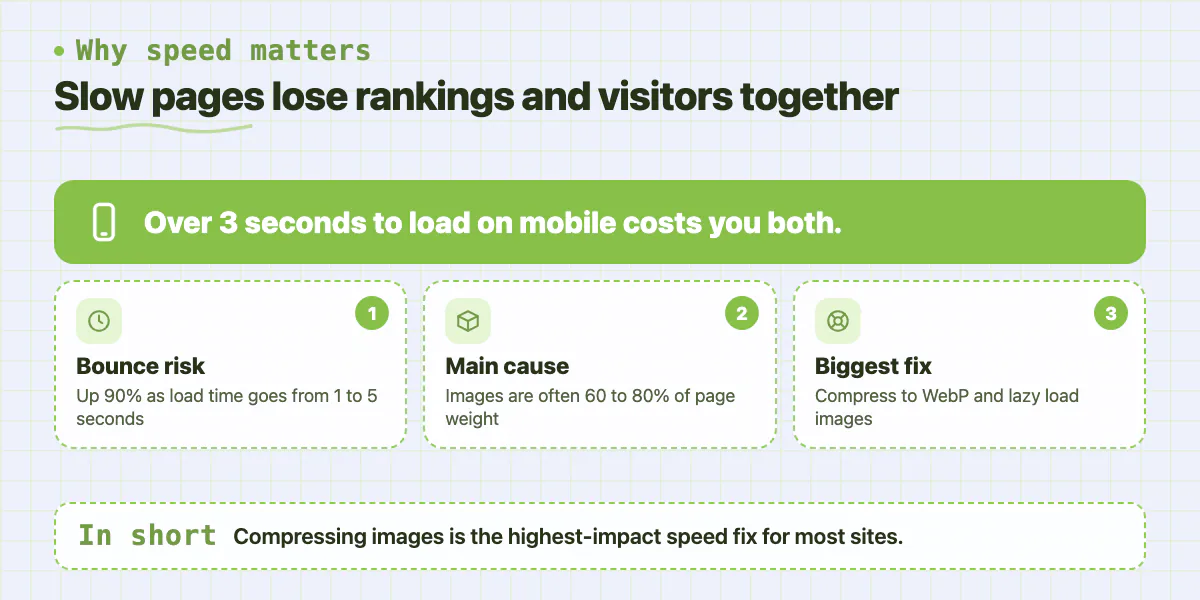
Google has made it clear that Core Web Vitals matter for rankings. If your pages take more than 3 seconds to load on mobile, you're losing rankings and visitors simultaneously. Google's own data shows that as page load time goes from 1 second to 5 seconds, the probability of a bounce increases by 90%.
The most common causes of slow pages are uncompressed images, excessive JavaScript loading before the page renders, and no browser caching. Images alone often account for 60 to 80% of page weight on most business websites. Compressing images to WebP format and implementing lazy loading is the single highest-impact technical fix for most sites.
- Use Google PageSpeed Insights to identify your specific issues (it's free)
- Compress and convert images to WebP format - aim for under 100KB per image
- Enable browser caching through your server or CDN configuration
- Defer non-critical JavaScript so the page renders before scripts execute
- Remove unused CSS and JavaScript from your pages using a tool like PurgeCSS
Mistake 2 - Thin Content on Key Pages
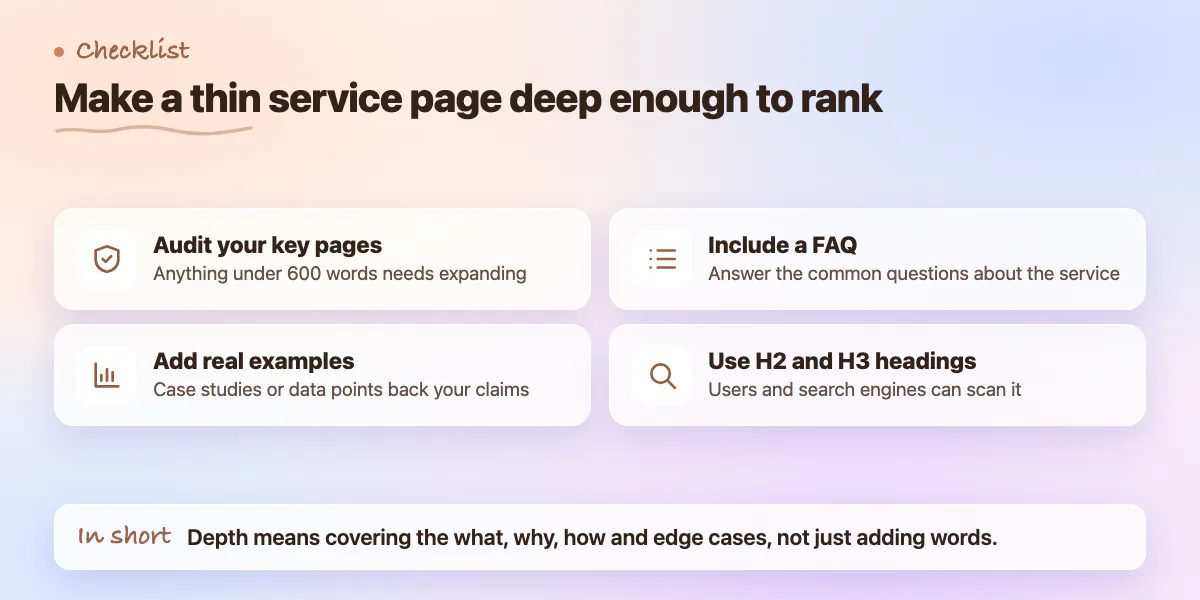
A 200-word service page won't rank for competitive terms. Your most important pages need depth, structure, and genuine value. Google's Helpful Content system rewards pages that comprehensively address a topic. Aim for 800 to 1,500 words on pillar pages with clear headings, examples, and internal links to related content.
Thin content isn't just about word count. A 1,200-word page that says the same thing three different ways is still thin. Depth means covering the topic thoroughly: the what, the why, the how, the common questions, and the edge cases. Think about every question someone searching for your service might have and answer them all on the page.
- Audit your key service pages - anything under 600 words needs expanding
- Add specific examples, case studies, or data points to support your claims
- Include a FAQ section addressing the most common questions about the service
- Structure content with H2 and H3 headings so both users and search engines can scan it
- Use Google Search Console to see what questions people are already asking to find you
Mistake 3 - No Internal Linking Strategy
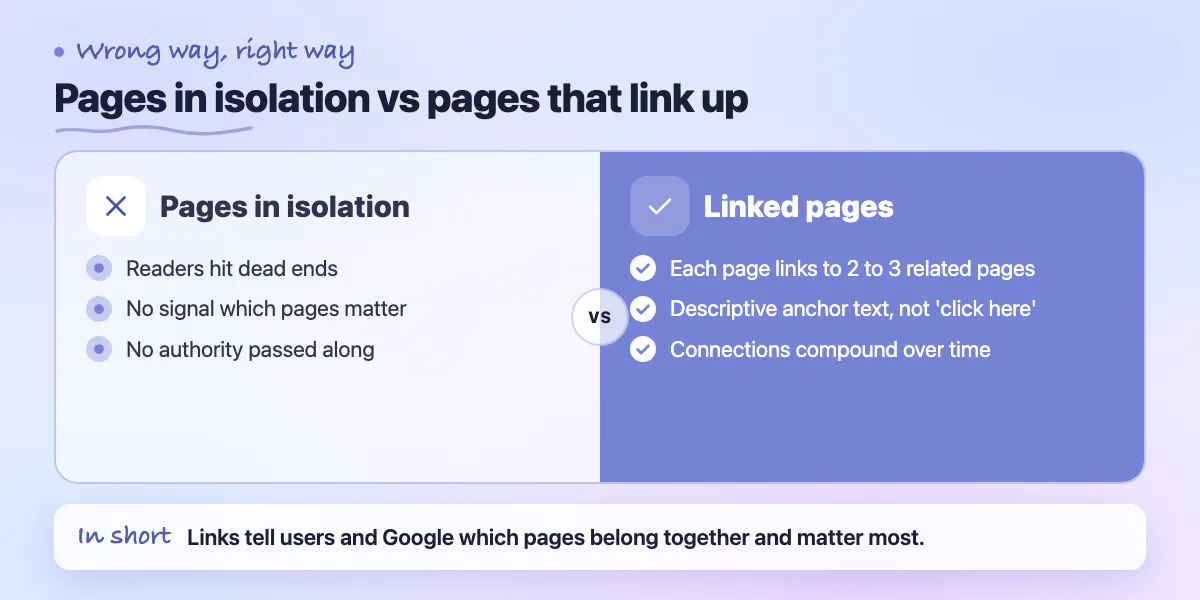
Internal links serve two purposes. They help users navigate to related content, and they signal to Google which pages on your site are important. When a high-authority page links to another page, it passes some of that authority along. Most sites we audit have almost no internal linking strategy - pages exist in isolation.
A basic internal linking strategy means every page links to at least 2 to 3 related pages using descriptive anchor text. When you publish a new blog post about SEO, it should link to your SEO services page. When your services page mentions technical audits, it should link to a case study demonstrating one. These connections compound over time.
- Map out your site's key pages and identify logical connection points between them
- Use descriptive anchor text - 'SEO audit process' is better than 'click here'
- Link from high-traffic pages to pages you want to rank higher
- Add a 'Related Posts' or 'Related Services' section to blog posts and case studies
- Audit your top 10 most-visited pages and ensure each links to at least 3 others
Mistake 4 - Missing or Duplicate Meta Tags
Every page needs a unique title tag and meta description. Duplicate meta tags confuse search engines and hurt click-through rates from search results. We audit sites regularly where product category pages all share the same meta description, or where CMS-generated pages have no title tag at all.
Title tags should be 50 to 60 characters and lead with the primary keyword. Meta descriptions should be 150 to 160 characters and end with a clear reason to click. Neither element directly boosts rankings, but meta descriptions affect click-through rate, and higher click-through rate is a ranking signal. A well-written meta description on a page ranking at position 4 can generate more traffic than a poorly written one at position 2.
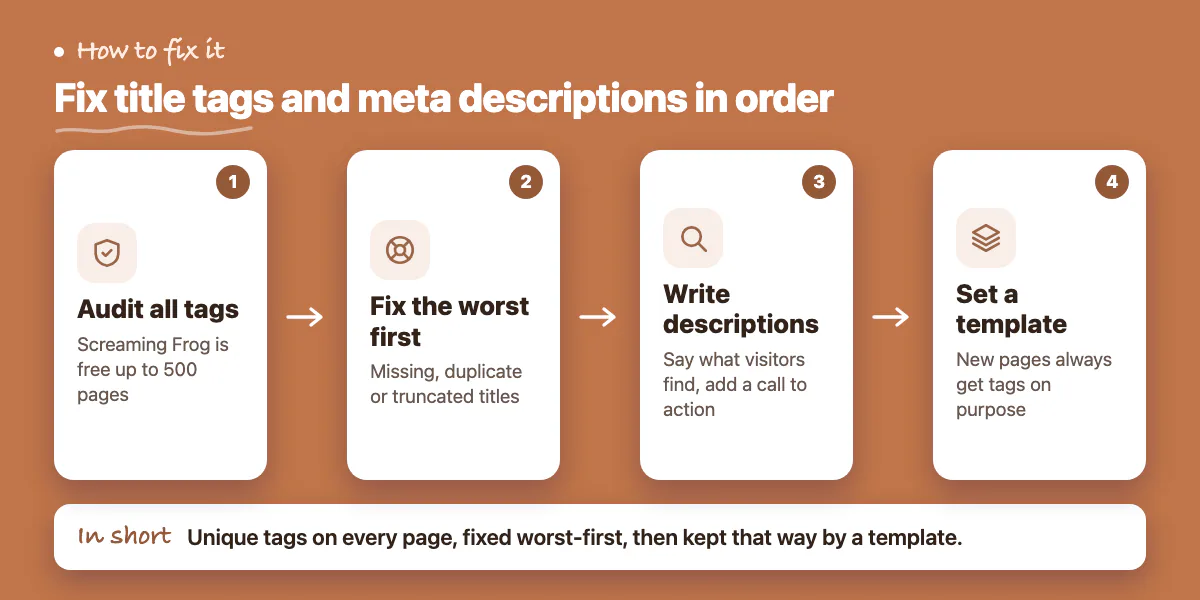
- Use Screaming Frog (free up to 500 pages) to audit all title tags and meta descriptions
- Fix any pages with missing, duplicate, or truncated title tags first
- Write meta descriptions that describe what the visitor will find and include a call to action
- Check for pages where CMS auto-generated tags are pulling unrelated content
- Set up a template for new pages so meta tags are always created intentionally
Mistake 5 - Not Tracking What Matters
If you're not monitoring keyword rankings, organic traffic trends, and conversion rates from search, you're operating without feedback. You can't improve what you don't measure. Most businesses set up Google Analytics once and never look at it again, or they look at total traffic without filtering for organic specifically.
Google Search Console is free and shows you exactly which queries are bringing people to your site, which pages are ranking, and where clicks are being lost. It's the most actionable SEO tool available and most businesses barely use it.
- Set up Google Search Console if you haven't already - verify your domain today
- Review your top 20 queries monthly and identify opportunities to improve rankings
- Track organic traffic separately from paid in Google Analytics using channel groupings
- Set up conversion goals so you can see which pages are driving actual business outcomes
- Create a simple monthly SEO report: traffic trend, top 10 queries, pages improved or declined
Quick Wins to Implement This Week
If you want immediate traction, focus on these first. They take less than a day each and produce measurable results within weeks rather than months.
- Compress all images on your homepage and top 5 landing pages
- Write unique meta descriptions for your top 10 most-visited pages
- Add internal links from your 5 most-visited blog posts to your main service pages
- Expand your thinnest service pages to at least 600 words with specific examples
- Set up Google Search Console and verify your property if you haven't done it yet
None of these require a developer or a company. They require an hour of attention and the willingness to be systematic about it. SEO compounds. Fix the basics first, then build on them.
Common questions
How long does it take to see results after fixing SEO mistakes?
The post says fixing these common mistakes usually produces visible results within 60 to 90 days. SEO damage is rarely dramatic, so traffic tends to quietly stop growing rather than crash, which is why problems often go unnoticed for months.
How many words should a key service page have to rank?
The post says a 200-word service page will not rank for competitive terms and suggests 800 to 1,500 words on pillar pages. Word count alone is not enough though: a page that repeats itself three ways is still thin.
What is the quickest technical fix for a slow website?
Images alone often account for 60 to 80% of page weight on business sites, so compressing them to WebP and adding lazy loading is the highest-impact fix for most. If speed problems go deeper than images, a technical audit is the next step.
Building something similar?
Talk to our engineering team about your architecture, roadmap, and delivery timeline.
Request a Technical Review →
We design, engineer, and deploy high-performance web platforms, mobile applications, and intelligent cloud systems.