“Most founders think app development is writing code. It is mostly making decisions. The code is just how those decisions get recorded.”
What separates fast builds from expensive rebuildsHow App Development Actually Works
If you have never built a software product before, the process looks opaque from the outside. You describe what you want, a team disappears for weeks, and then something appears. What happens in between that description and that delivery is what this guide explains - because understanding the process is the best way to stay in control of your budget, timeline, and outcome.
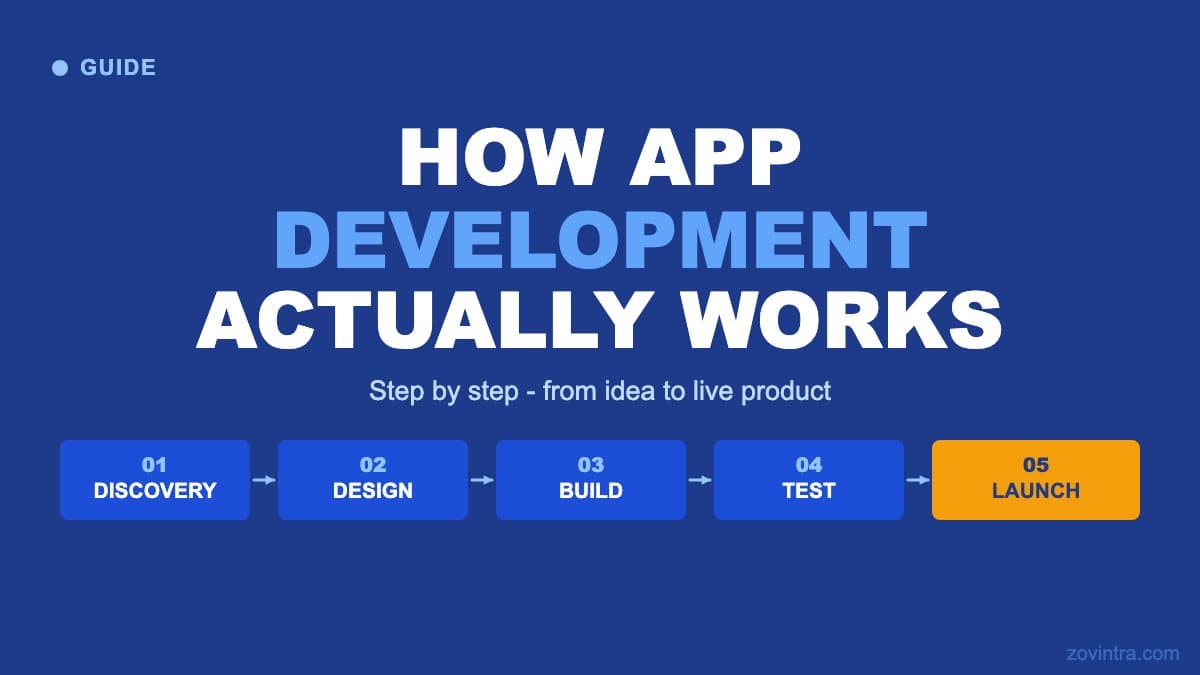
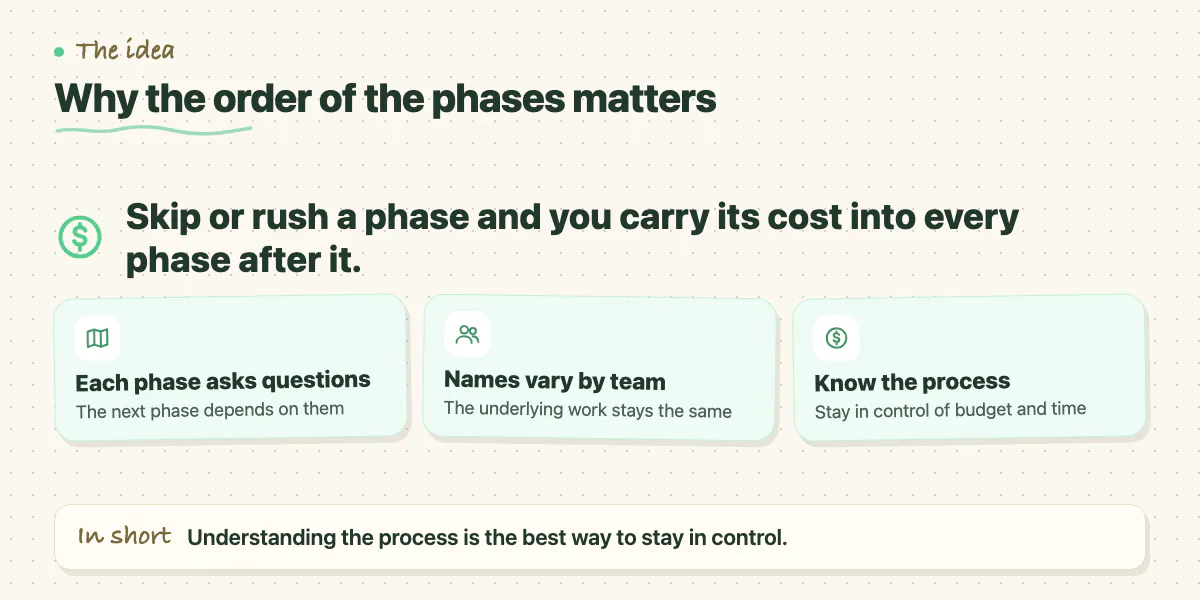
App development - whether for web or mobile - follows a recognisable sequence. The names of the phases vary by team and methodology, but the underlying work is consistent. Each phase answers a specific set of questions that the next phase depends on. Skip a phase or rush it and you carry the cost forward into every phase that follows.
Phase 1: Discovery and Definition
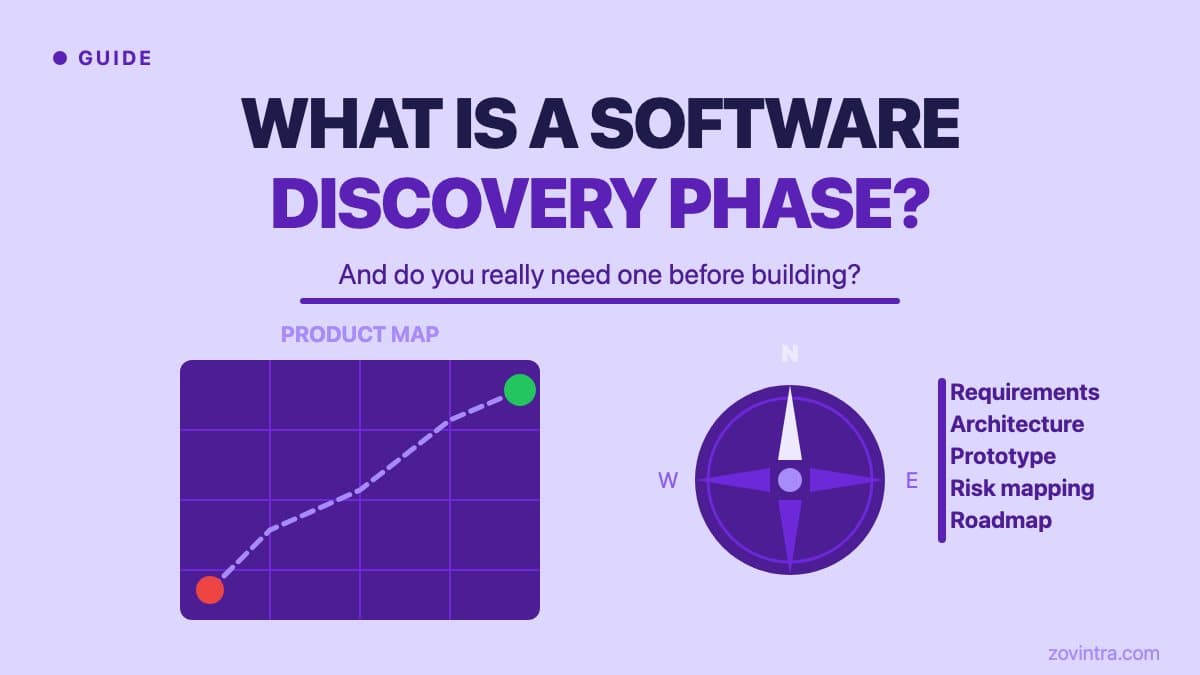
Discovery is the phase most founders try to skip. It feels like delay - you're not building anything yet - but it is the phase where the most expensive decisions get made. In discovery, the team works out exactly what is being built, who it is for, what the core user flows are, and what technical dependencies exist before writing a line of code.
A good discovery phase produces a feature list with acceptance criteria, a data model showing how information is structured, an API contract showing how the frontend and backend will communicate, and a risk log flagging the unknowns that could affect timeline. Teams that skip this produce all the same information eventually - they just produce it during development, where changes are five to ten times more expensive.
Phase 2: Design
Design is not decoration. It is the process of deciding how users navigate from one state to another. A designer working on your app is answering questions like: what happens when the data doesn't load? What does an empty state look like? What does the user see when they make an error? Where does the confirmation appear?
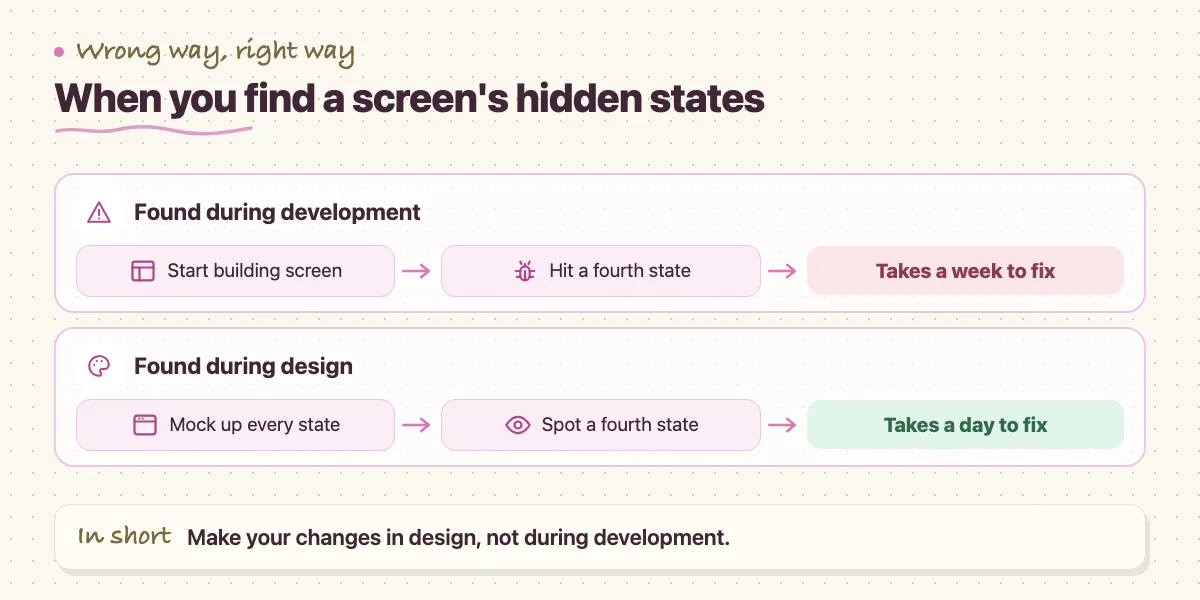
These questions sound minor but they have downstream effects on development time. A screen with four possible states (loading, empty, populated, error) takes longer to build than one with two. Discovering that a screen has four states during design takes a day to address. Discovering it during development takes a week.
The output of design is a set of high-fidelity mockups - static images of every screen in every state - and an interactive prototype that lets stakeholders click through the app before a developer touches it. This is where you should make changes. Not during development.
Phase 3: Development
Development is where the decisions made in discovery and design get implemented. It typically runs in two tracks simultaneously: frontend (what users see and interact with) and backend (the server, database, and API that store and serve data). A full-stack developer handles both; a larger team has specialists in each.
Sprint planning
Team reviews the next two weeks of work, breaks features into tasks, estimates hours, and identifies blockers before they start.
Active development
Frontend and backend work in parallel. Developers work against the agreed API contract so both sides can build without waiting for the other.
Daily check-in
Short sync to surface blockers early. A blocker left unresolved for a day costs less than one left for a week.
Code review
Every change reviewed by at least one other developer before it merges. Catches bugs before they compound.
Sprint demo and retrospective
Team demos completed work to stakeholders, collects feedback, and adjusts the next sprint based on what was learned.
Phase 4: Testing and QA
Quality assurance is the phase that tells you what you actually built, as opposed to what you intended to build. A QA engineer works through every user flow, tests edge cases (what happens if the user has no internet? what if they submit the form twice?), and documents anything that doesn't match the agreed acceptance criteria from discovery.
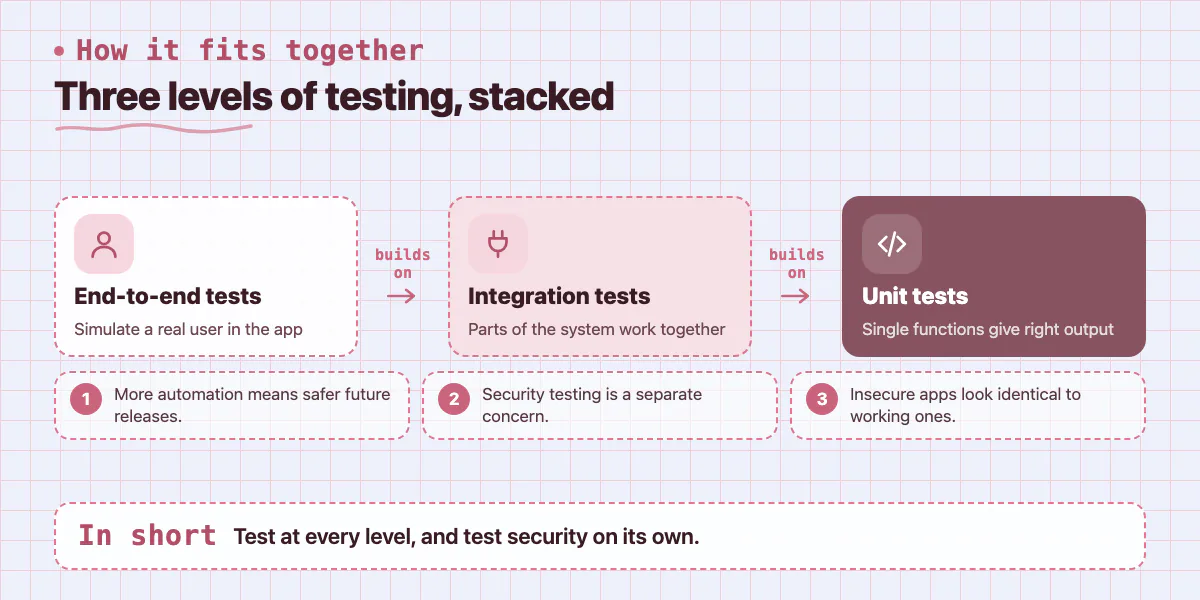
Testing happens at multiple levels. Unit tests check that individual functions produce the right output. Integration tests check that different parts of the system work together. End-to-end tests simulate a real user navigating through the app. The more of this that is automated, the faster you can release future updates without breaking existing functionality.
Security testing is a separate concern that is often left out of cheaper builds. An app that handles user data, payments, or any sensitive information needs to be reviewed for common vulnerabilities - SQL injection, broken authentication, insecure data storage, exposed API keys. These vulnerabilities look identical to a working app from the outside. You will not know they are there until someone exploits them.
Phase 5: Deployment and Launch
Deployment is the process of moving the application from a development environment to a production environment where real users can access it. For a web app, this typically means configuring a hosting provider, setting up a domain, connecting a database, and managing environment variables. For a mobile app, it means submitting builds to the App Store and Google Play, where they go through a review process that takes 1 to 3 days.
- Production environment configured with proper environment variables and secrets management
- Database migrations run and verified against production data structure
- Error monitoring and logging set up so issues surface before users report them
- Performance baselines established so degradation is detectable
- App Store and Play Store listings prepared (screenshots, descriptions, age ratings)
- Rollback plan in place in case a critical issue is found post-launch
Phase 6: Post-Launch and Iteration
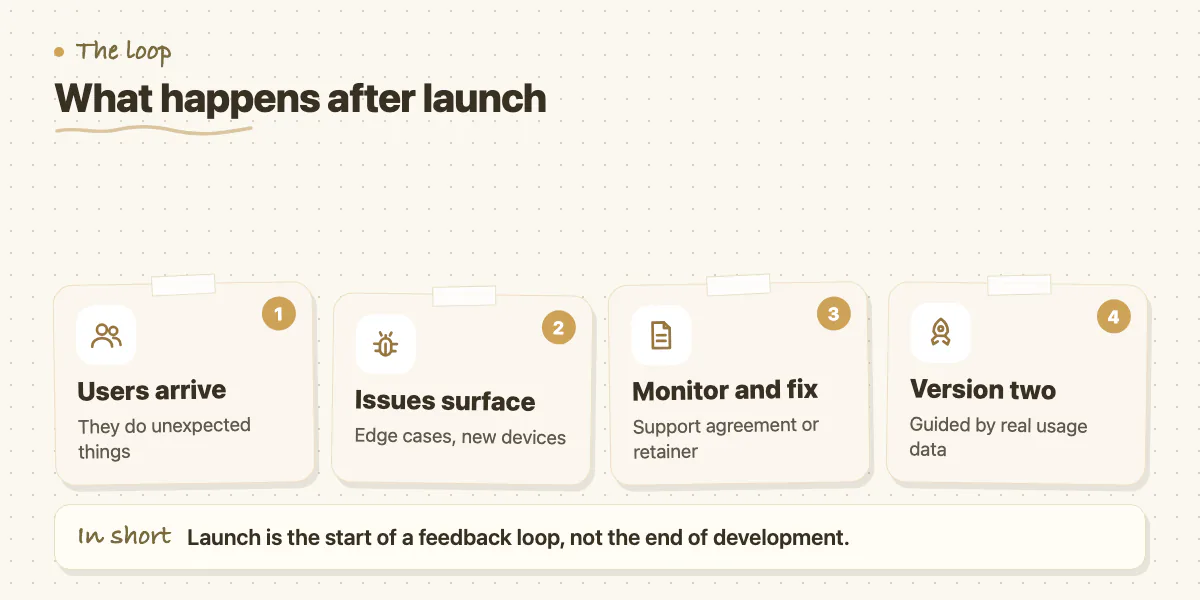
The launch is not the end of development - it is the beginning of a feedback loop. Real users do unexpected things. They find edge cases QA didn't think to test. They use the product on devices and network conditions the team didn't anticipate. Post-launch monitoring catches these issues; a development retainer or support agreement ensures they get fixed quickly.
Iteration after launch is also where your MVP learnings turn into a better product. You now have real usage data. You can see which features get used, which screens have high drop-off, and which flows confuse users. Building version two with that data produces a significantly better product than building version two from assumptions.
Where Teams Most Commonly Get Stuck
The two most common failure points are late-stage scope changes and integration problems. Scope changes are almost always avoidable with a good discovery phase. Integration problems - where your app connects to a payment provider, authentication service, or third-party API - are trickier because you depend on external systems behaving as documented, and they often don't.
A large number of the projects that come to Zovintra for Launch & Rescue are stuck at exactly these points. The core product works, but something in the integration layer is broken, the codebase has accumulated enough technical debt that adding features has become risky, or a prototype built in a no-code tool needs to be rebuilt properly before it can scale. If your project is at one of those stages and you need experienced hands to finish it and ship it, that is precisely what we are built for.
Common questions
What does a good discovery phase produce before coding starts?
It produces a feature list with acceptance criteria, a data model, an API contract showing how frontend and backend communicate, and a risk log of unknowns that could affect the timeline. Teams that skip it produce the same information later, during development, when changes are five to ten times more expensive.
How long does App Store review take when launching a mobile app?
The post says submitting builds to the App Store and Google Play involves a review process that takes 1 to 3 days. You should also prepare listings with screenshots, descriptions, and age ratings before submitting.
What if my app is stuck on an integration problem or technical debt?
Integration problems and accumulated technical debt are the two most common sticking points, along with late scope changes. If your core product works but something in the integration layer is broken, Zovintra's Launch and Rescue work is built for finishing and shipping those projects.
Building something similar?
Talk to our engineering team about your architecture, roadmap, and delivery timeline.
Request a Technical Review →
We design, engineer, and deploy high-performance web platforms, mobile applications, and intelligent cloud systems.