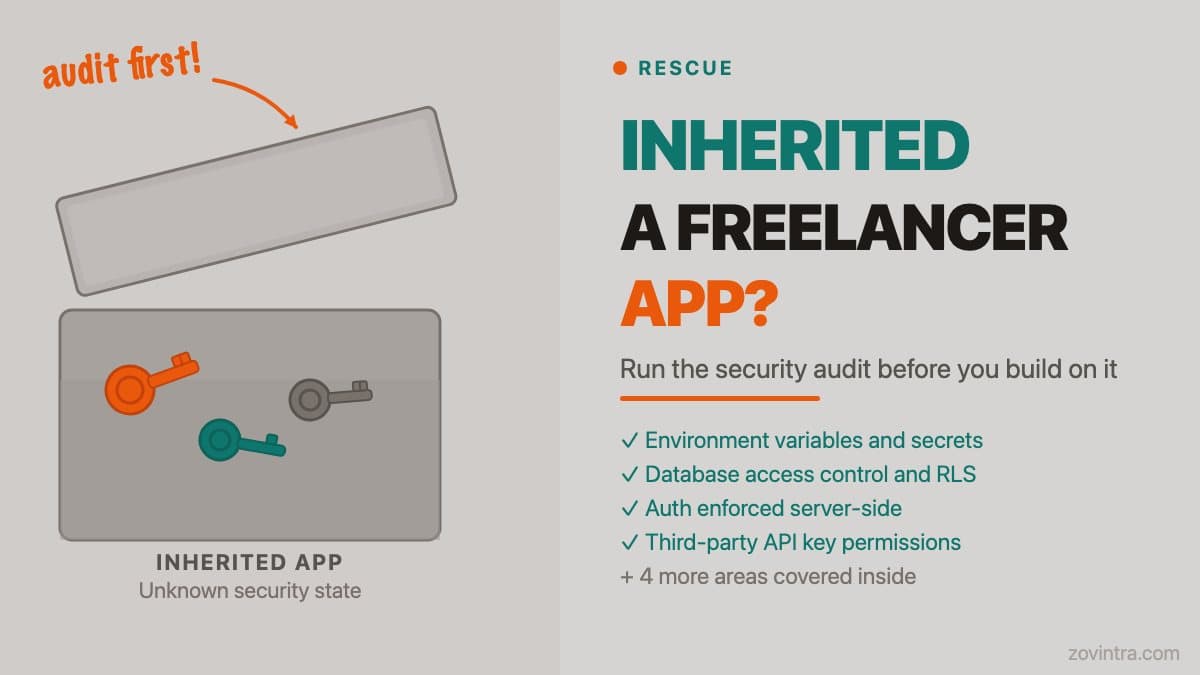
When you inherit an app built by a freelancer, assume the security configuration has not been reviewed. Most freelancers are skilled at building features but do not run security audits on their own work - that is a different discipline and usually outside the scope of what was commissioned. The checklist below covers eight areas where inherited apps commonly have exploitable gaps, and the questions to ask your new developer before they write a single line of new code.
Why Inherited Apps Carry More Risk Than You Expect
The risk in a freelancer-built app is not usually that the developer was careless. It is that security was not part of the brief, the timeline, or the review process. Freelancers are typically hired to deliver a working feature set against a fixed budget. Security auditing is slow and detail-intensive. It is the first thing that gets cut when time is tight.
The second risk is context loss. When the developer who built the app is no longer available, you do not have anyone to ask why a particular decision was made. That database configuration that looks unusual - was it intentional, or was it an oversight? The only way to know is to audit it.
The third risk is accumulation. Freelancers often build apps incrementally, with each new feature added on top of the last. Security decisions made for version one ("this is just a prototype") persist into version three, by which point real users and real data are involved. The UpGuard study published in October 2026 found 16,326 Supabase databases with publicly readable tables out of roughly 300,000 candidate domains. Missing RLS is the kind of gap that can trace back to the original build - a configuration set up for development and never locked down for production.
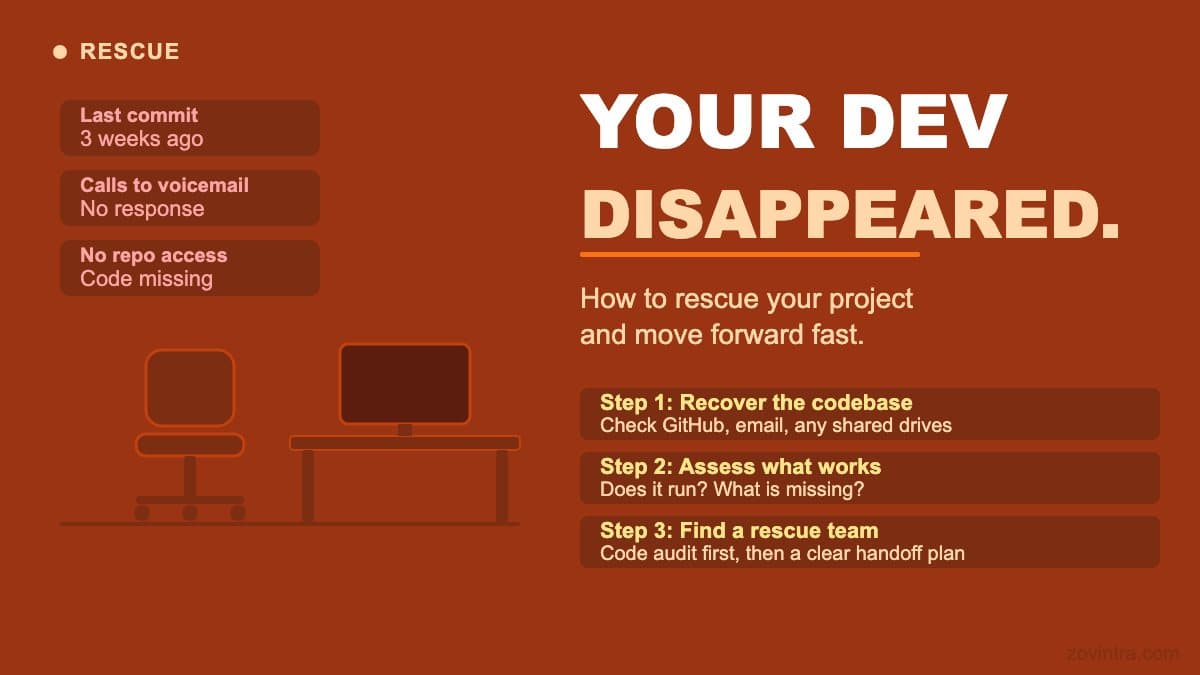
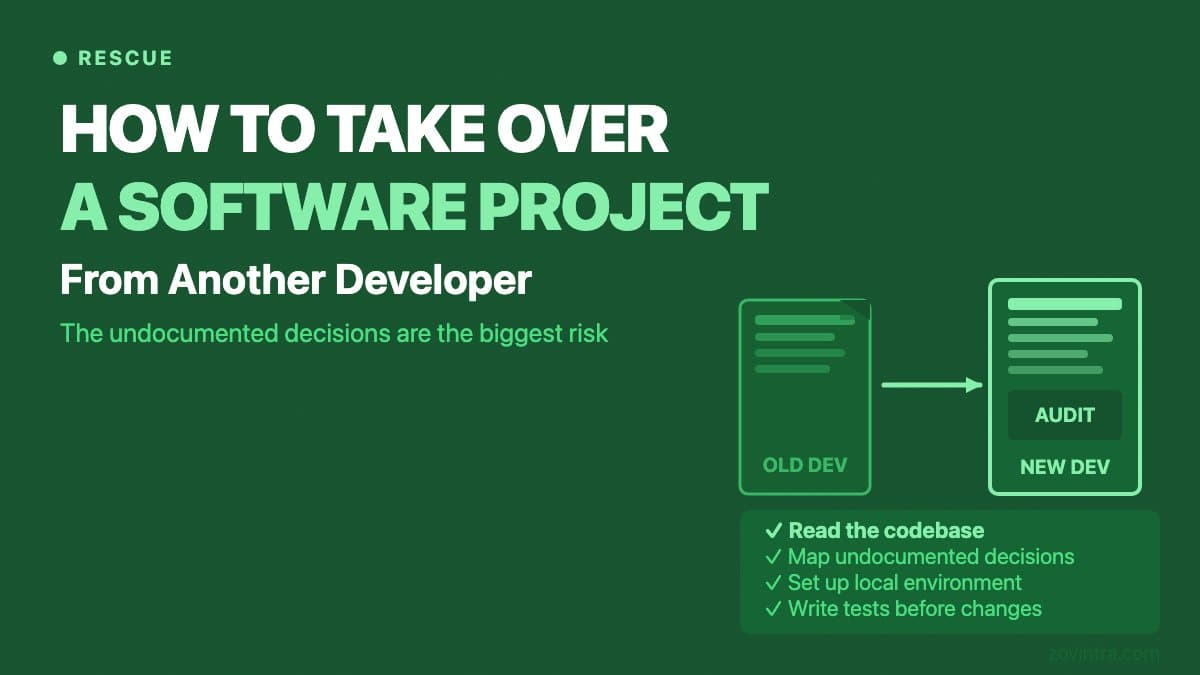
If you are also navigating a broader handover from a previous developer, our guide to taking over a project from another developer covers the process, access recovery, and communication steps that precede the audit.
Before You Start: What You Need Access To
A security audit requires access to the source code, the hosting configuration, the database, and the environment variables. If you do not have all four, the audit is incomplete. Before commissioning an audit - or before a new developer starts work - confirm you have:
- Full access to the code repository (not a zip file - a repo with commit history)
- Admin access to the hosting platform (Vercel, Render, AWS, whichever was used)
- Database access with enough permissions to read the schema and check policy configurations
- A copy of the .env file or access to the secrets manager where environment variables are stored
- Access to any third-party service accounts the app connects to (payment processors, email providers, storage)
If the previous developer still controls any of these and is unresponsive, that is the first problem to solve. Our guide on inheriting a messy codebase covers the practical steps for recovering access.
The Eight-Area Security Audit Checklist
1. Environment Variables and Secrets
Search the entire codebase for hardcoded API keys, database passwords, and service credentials. Check the git history as well as the current code - secrets committed and then removed from the code still exist in the history. Common locations: frontend JavaScript bundles (where they become public), config files committed to the repo, and build scripts.
For Supabase projects specifically, check whether the service role key (which bypasses row-level security) appears anywhere in client-side code. A service role key in a Next.js component or a React frontend is exposed to every user who inspects the page source.
2. Database Access Control
For Supabase, check every table to confirm row-level security (RLS) is enabled and that the policies are correct. An RLS policy that is enabled but returns true for all authenticated users is not protecting data between users. An RLS policy on a table that is queried via a SECURITY DEFINER function may be bypassed entirely, because a security definer function can return rows the caller isn't allowed to read. Check both the table settings and the function definitions.
For other databases, check that the application connects with a restricted user account, not a database administrator account. Confirm that the database is not publicly accessible - it should only accept connections from the application server.
3. Authentication and Session Handling
Check that authentication is enforced server-side, not just in the frontend. Frontend auth checks (hiding a button, not rendering a component) are UI features, not security controls. A user who calls the API directly bypasses them. Check every API route or server function that returns sensitive data to confirm it validates the session before responding.
4. Third-Party API Keys and Permissions
Audit every third-party service the app connects to. Check the permissions on each API key: does the app's Stripe key have the minimum permissions it needs, or does it have full account access? Check whether any API keys are shared between development and production environments. Stripe's key guidance recommends restricted keys with limited permissions, never putting secret keys in source code, and rotating keys periodically; rotate keys the previous developer held when you take over the account.
5. Input Validation and Injection Risk
Check that user input is validated before it reaches the database or any downstream service. Parameterised queries or an ORM that handles escaping are the standard - raw string concatenation into SQL is a serious vulnerability. Check form inputs, URL parameters, and API request bodies.
6. Dependency Vulnerabilities
Run an audit on the dependency tree. `npm audit` or `pip audit` will flag known vulnerabilities in third-party packages. Freelancer-built apps often have outdated dependencies - particularly if the app was built and then left without maintenance for several months. Pay attention to high-severity findings in packages that handle authentication, file uploads, or HTTP requests.
7. Data in Transit and at Rest
Confirm that the app enforces HTTPS for all client-server communication. Check whether any sensitive data is stored in browser localStorage - OWASP advises against storing session identifiers or sensitive information there, because a single cross-site scripting flaw can steal everything in it. Check whether log output includes personally identifiable information or credentials - logging errors that include full request objects can inadvertently capture auth tokens.
8. Admin and Privileged Access
If the app has an admin panel or any privileged functionality, check that admin access requires separate authentication - not just a role check against the same session as regular users. Check whether there are developer or test accounts with elevated permissions that were not removed after development.
What to Do When the Audit Finds Problems
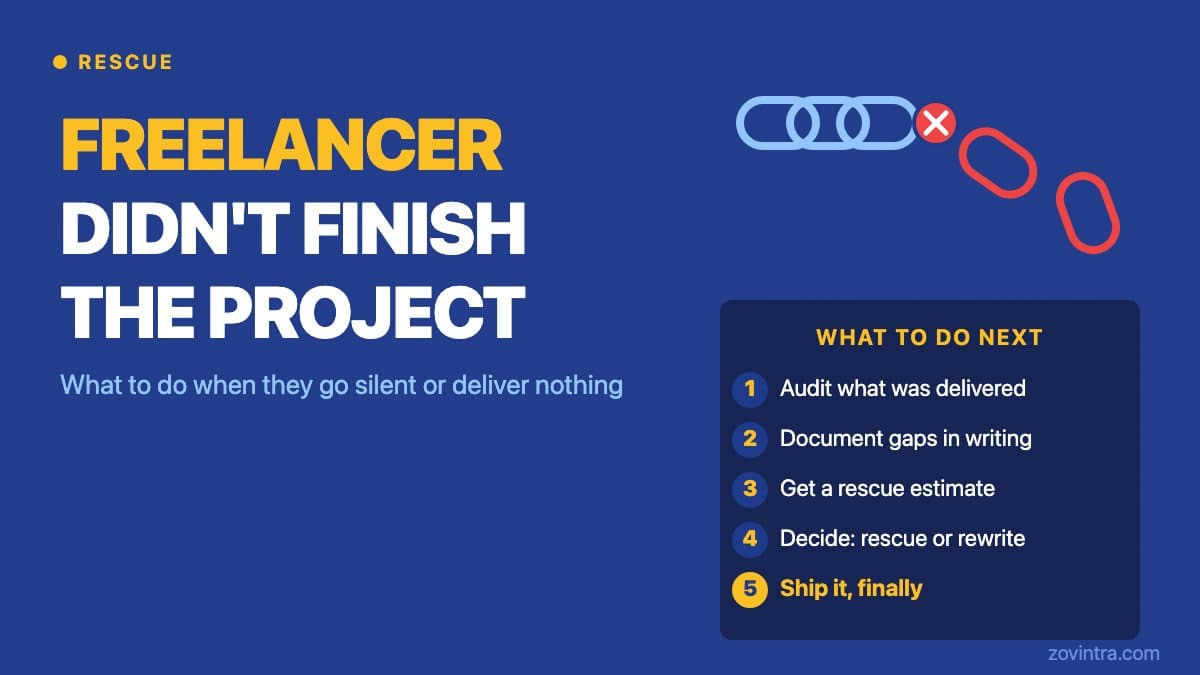
It is nearly certain that the audit will find at least one issue. The question is severity. Issues that expose user data or allow unauthorised access to data or actions are high severity and should be fixed before any new development starts. Issues that are hardening improvements - better input validation, removing unused endpoints, rotating old API keys - can be prioritised into the first development sprint.
Be cautious about new developers who want to start building immediately before the audit is complete. Every new feature added to a system with an unresolved access control issue potentially inherits that issue. The cost of fixing security problems grows with the codebase.
We run this type of security entry audit as part of our rescue and launch review service. If you want an independent view before your new developer starts - or to validate what they have found - our free code review tool is a practical starting point, and a technical review can go deeper on the areas it flags.
Common questions
What should I check first when I inherit an app from a freelancer?
Confirm you have full access to the code repository with commit history, the hosting platform, the database and the environment variables, because without all four a security audit is incomplete. Then search for hardcoded secrets, including in git history, and check whether a service role key appears in client-side code.
How do I know if my Supabase app is exposing user data?
Check every table to confirm row-level security is enabled and that the policies are correct. A policy that returns true for all authenticated users does not protect data between users, and a SECURITY DEFINER function may bypass RLS entirely, so check the function definitions as well.
Should I get an independent security review before my new developer starts?
An independent view is useful, especially to validate what the new developer finds. Issues that expose user data or allow unauthorised access should be fixed before new development starts. Zovintra runs this type of security entry audit as part of its rescue and launch review service.
Sources
- Everything, Everywhere: Systemic Data Exposure in Supabase Apps - UpGuard, 14 Oct 2026
- Row Level Security - Supabase Docs, accessed 19 Oct 2026
- Database Functions - Supabase Docs, accessed 19 Oct 2026
- Best practices for managing secret API keys - Stripe Docs, accessed 19 Oct 2026
- npm audit - npm Docs, accessed 19 Oct 2026
- HTML5 Security Cheat Sheet - OWASP Cheat Sheet Series, accessed 19 Oct 2026