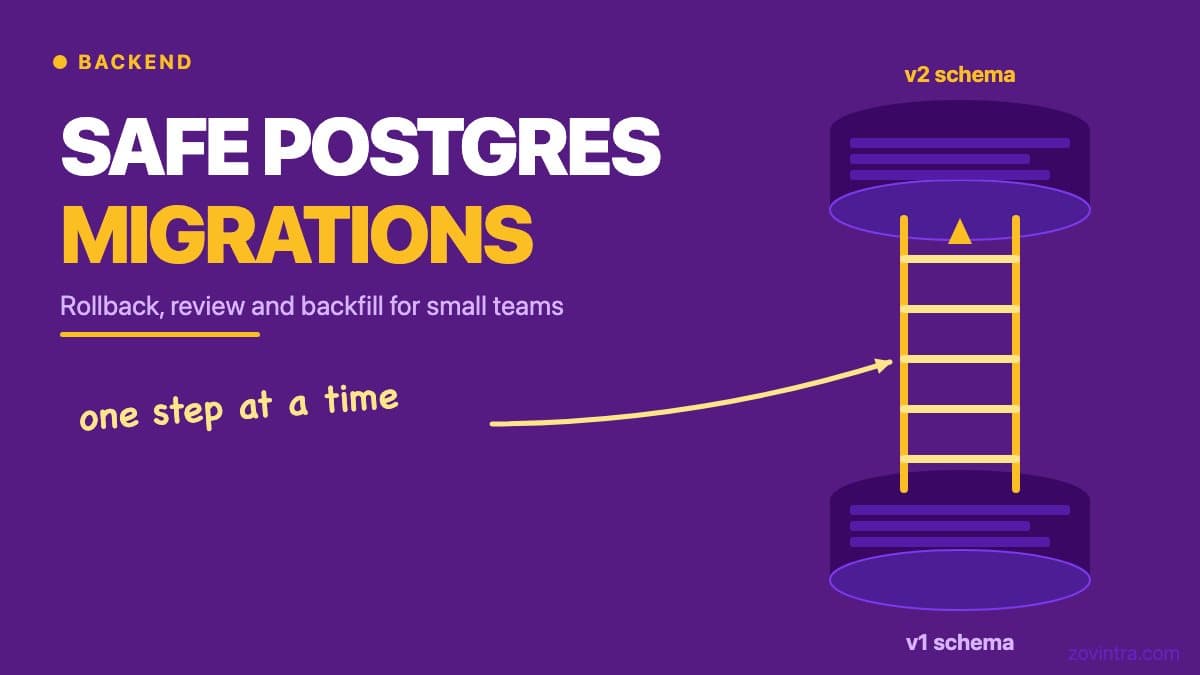
Postgres migrations are irreversible by default: once you drop a column or rename a table, the data that was in it is gone unless you planned ahead. Small teams often run migrations with a single command during a deployment, assume it will work, and discover the problem after the fact - when users are seeing errors, not before. A safe migration process has three phases: review before running, a tested rollback path before you need it, and a backfill strategy for any data changes that cannot be done in a single atomic step.
Why Migrations Break Production for Small Teams
The most common cause is a migration that acquires an ACCESS EXCLUSIVE lock on a table that is actively being read or written by the application. Postgres takes an ACCESS EXCLUSIVE lock for many forms of ALTER TABLE (the docs say it conflicts with every other lock mode, so the holder is the only transaction touching the table), including renaming a column or changing a column type, and it is held until the migration finishes. If the migration waits for an existing long-running transaction to release the table, all new queries queue behind the lock, and the app appears to hang. For a busy table, this can look like a full outage within seconds of the migration starting.
A second cause is a migration that assumes data consistency that does not exist. Setting NOT NULL on an existing column fails if any row has a NULL value in that column - even if your application code never writes nulls, old records or data imported from another source may. Running the migration against a production snapshot in a staging environment catches this; running it only in local dev does not.
If you are using Supabase, the migration tooling will run only the migrations not yet applied, in order, but will not stop you from writing a migration that locks a production table for thirty seconds. The tooling does what you tell it; the safety check is on you.
Postgres Migrations Best Practice: Write the Rollback First
Before writing the forward migration, write the down migration. Supabase's migration docs do not describe a built-in rollback, so this will be a SQL file you write and keep yourself. This forces you to think through the change from both directions. Some changes are easy to roll back: adding a column can be reversed by dropping it. Others are not: if the forward migration drops a column, the down migration cannot recover the data unless you backed it up first. If you cannot write a clean down migration, that is a signal to change the forward migration strategy - not to skip the rollback.
The rollback does not need to be automated. For a small team, a documented SQL statement that a developer can run manually under a minute is sufficient. What matters is that it exists, it is tested against the same schema as the forward migration, and the person running the deployment knows where to find it before starting.
The Migration Review Checklist
- Does this migration acquire an ACCESS EXCLUSIVE lock on a table with active traffic, or force a long table scan or rewrite? If yes, schedule a low-traffic window or rewrite using a lock-safe pattern (see below).
- Does it set NOT NULL on an existing column? Use the CHECK-constraint pattern below instead of a bare SET NOT NULL, and backfill first.
- Does it drop a column or table? Confirm the application code no longer references it in any live code path before running.
- Has it been run against a recent production data snapshot in staging, not just a fresh local database?
- Is the down migration written, tested, and accessible to whoever is running the deployment?
- Is there a monitoring dashboard or alert configured to catch application errors in the five minutes after the migration runs?
Lock-Safe Migration Patterns
Adding a NOT NULL constraint to a large table
First, a correction to a common belief: `ALTER TABLE orders ADD COLUMN status TEXT NOT NULL DEFAULT 'pending'` is not a table rewrite. The Postgres docs say a non-volatile default is stored in the table's metadata and no rewrite is required; a volatile default such as clock_timestamp(), a stored generated column or an identity column does rewrite the whole table and its indexes. The expensive case is `SET NOT NULL` on a column that already exists, which the docs say is ordinarily checked by scanning the entire table (under the ACCESS EXCLUSIVE lock) unless a valid CHECK constraint already proves no NULL can exist. The safer sequence is: (1) add the column as nullable, (2) backfill existing rows in batches, (3) `ADD CONSTRAINT ... CHECK (status IS NOT NULL) NOT VALID`, (4) `VALIDATE CONSTRAINT`, which per the docs takes only a SHARE UPDATE EXCLUSIVE lock, (5) `SET NOT NULL`, which skips the scan because the validated CHECK constraint exists, then drop the CHECK constraint. Confirm the details against the docs for your Postgres version.
Renaming a column
Renaming a column is not zero-downtime unless you do it in stages. The safe approach: (1) add a new column with the new name, (2) write a trigger or application logic that writes to both the old and new column, (3) backfill the new column from the old one, (4) deploy the application code that only reads from the new column, (5) drop the old column. This takes multiple deployments but avoids the moment where the column name in the database does not match what the application expects.
Backfill Strategy
Backfilling means updating existing rows to reflect a schema change. The wrong way is `UPDATE orders SET status = 'pending' WHERE status IS NULL` in the migration itself - this holds row locks on every matching row until the transaction commits, which on a table with millions of rows can take a long time. The right way is a batched update: process 1,000 rows at a time in a loop, with a short sleep between batches. This keeps the lock duration per batch to milliseconds and allows normal traffic to proceed between batches.
For Supabase projects, you can run a batched backfill as a Postgres function or via a script that calls the database in a loop. Track progress by logging how many rows remain, and do not assume the backfill will finish in one deployment window - large backfills often need to run as a background job over hours.
Testing Migrations Against Real Data
A migration that works on a three-row local database may fail on a production table with one million rows and inconsistent legacy data. The only way to know is to run it against a sanitised copy of production data. For Supabase, this means taking a database backup, restoring it to a staging project, and running the migration there before production. The restore-and-migrate step should be part of your standard release checklist, not an optional extra.
If you are not sure whether your current backup and restore process would actually work under pressure, testing your backup restore process is the right place to start. A backup that has never been restored is not a backup - it is a hope.
What a Migration Log Should Contain
Every migration that runs in production should be logged with: the migration filename, the timestamp it ran, who ran it (or which deployment triggered it), and whether it completed or failed. Supabase records applied migrations in the `supabase_migrations.schema_migrations` table. Review that table periodically to confirm that the migration history matches what you expect - especially after onboarding a new developer or merging a long-lived branch that touched the schema.
When to Ask for Help
If your codebase has a large number of migrations with no documented rollback paths, or if you are about to make a significant schema change to a table that drives a critical part of your product, it is worth having someone review the migration plan before running it. The cost of getting it wrong - a production outage, data loss, or a lock that halts all traffic - is almost always higher than the cost of a short review session. Talk to us about your custom software project and we can take a look at your migration setup.
Common questions
Why do Postgres migrations cause downtime?
Many forms of ALTER TABLE take an ACCESS EXCLUSIVE lock, which conflicts with every other lock mode. If the migration waits on a long-running transaction, new queries queue behind it and the app appears to hang, which on a busy table can look like a full outage.
How do I add a NOT NULL constraint to a large Postgres table safely?
Per the Postgres docs, adding a column with a non-volatile default does not rewrite the table. The expensive case is SET NOT NULL on an existing column, which scans the whole table under the lock unless a valid CHECK constraint already proves no NULL exists, so use the CHECK pattern and backfill first.
When should I get someone to review a database migration plan?
When you have many migrations with no documented rollback paths, or are about to change a table that drives a critical part of your product. The cost of an outage, data loss or a traffic-halting lock is almost always higher than a short review session. Zovintra can look at your setup.
Sources
- ALTER TABLE - PostgreSQL documentation, accessed 19 Oct 2026
- Explicit Locking - PostgreSQL documentation, accessed 19 Oct 2026
- Database Migrations - Supabase documentation, accessed 19 Oct 2026