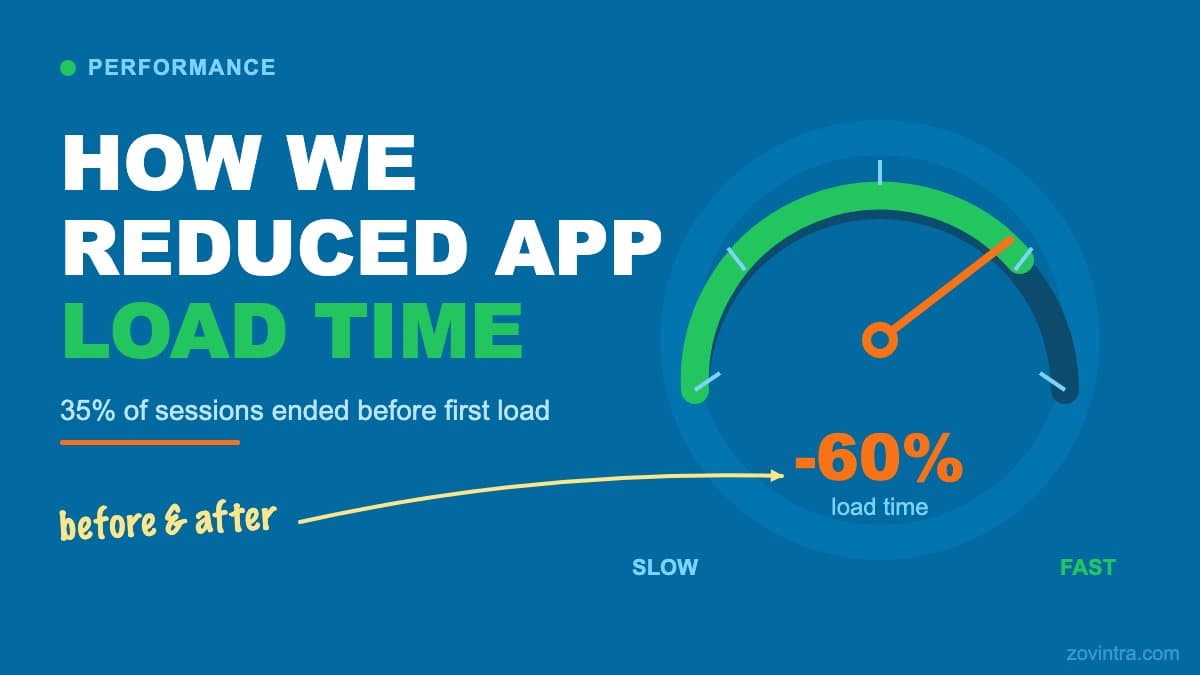
A client came to us with a mobile app that was losing users. Analytics showed that 35% of sessions ended before the first screen fully loaded. The app was functional but painfully slow. This is what we found, what we changed, and how we measured it.
“Speed is a feature. Every second of load time quietly costs you users, and most teams never measure what they are losing.”
Why performance paysStarting With a Proper Performance Audit
Before changing anything, we profiled the app using React Native's built-in Performance Monitor and Flipper. Profiling without measurement first is guesswork. You end up optimizing things that don't matter while the actual bottleneck stays untouched.
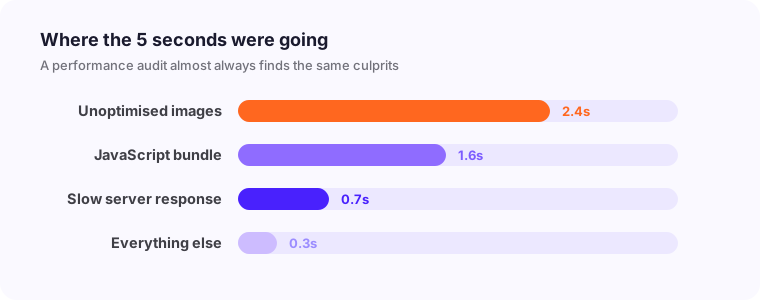
The profiling session identified four distinct problem areas. The JavaScript thread was consistently hitting 60ms+ frame times during the initial load. Network requests were sequential rather than parallel, meaning each API call waited for the previous one to complete. Images were loading synchronously and blocking the render. And three third-party SDKs were executing initialization code on the main thread during app startup.
What We Found
- Images were uncompressed PNGs averaging 800KB each, loading synchronously at startup
- Seven API calls fired sequentially - the last one couldn't start until the first six finished
- No local caching meant every screen re-fetched all data on every visit
- Three analytics and advertising SDKs initialized synchronously on the main thread
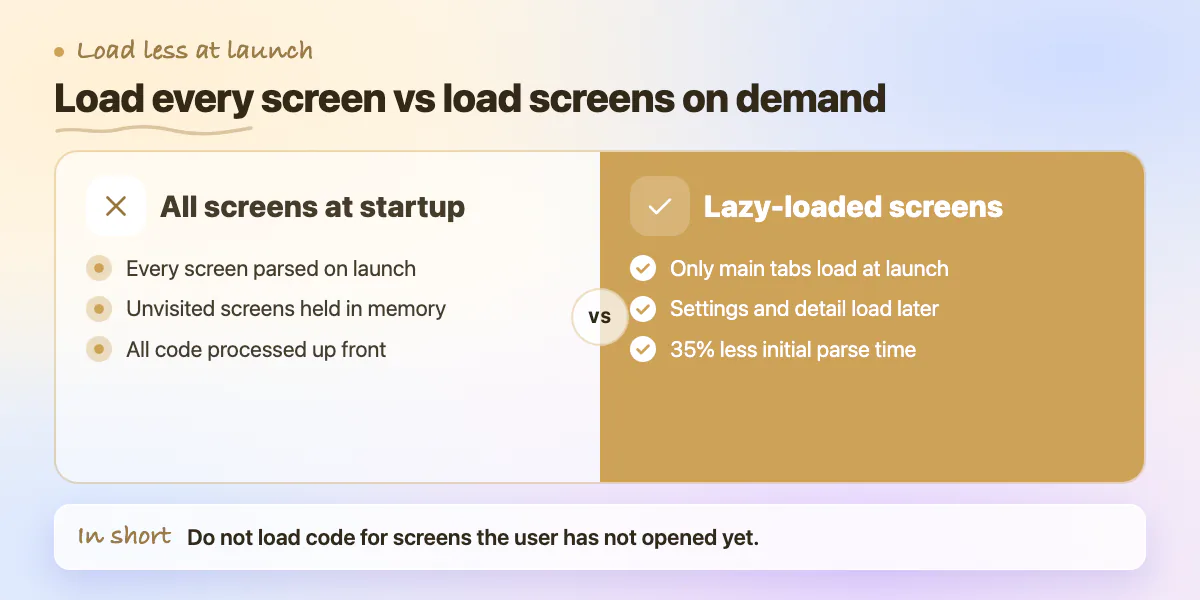
- The navigation library was loading all screen components at startup instead of lazily
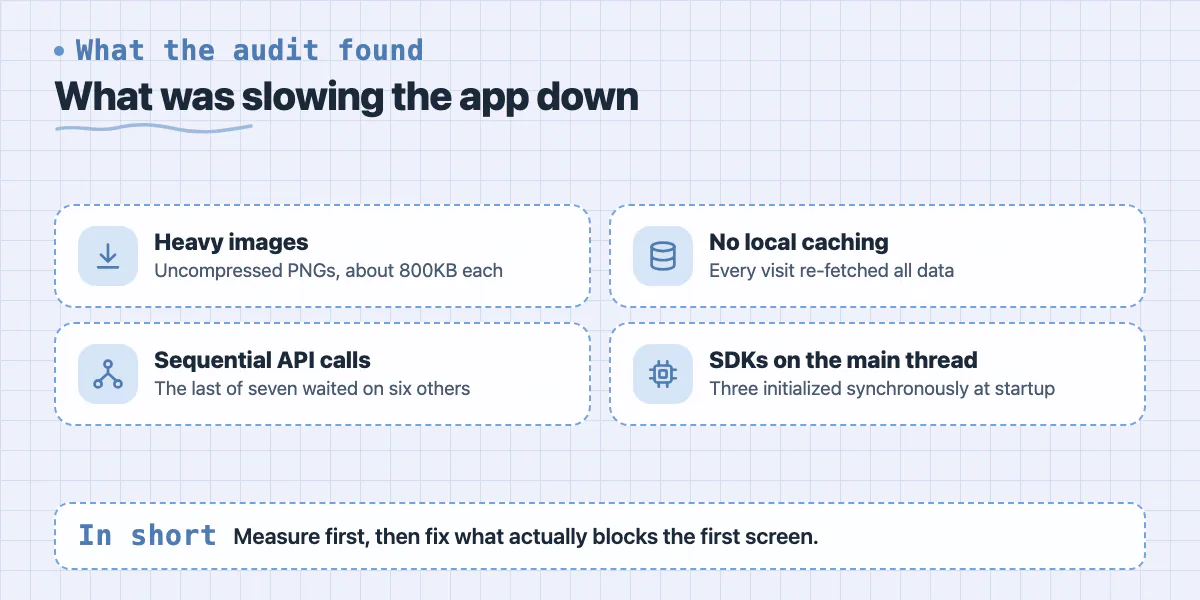
Image Optimization Techniques
Image optimization alone reduced the initial load payload by 40%. We converted all images from PNG to WebP format, which achieves equivalent visual quality at 25 to 35% smaller file sizes. All product images were compressed to under 80KB. Background and decorative images were compressed further to under 30KB.
We implemented lazy loading using the FastImage library, which replaced the default React Native Image component. FastImage uses a more aggressive caching strategy and loads images progressively. Above-the-fold images load at full priority. Images below the initial viewport load only when they're about to enter view. This reduced the amount of data fetched on first load by 60%.
Parallelizing API Calls and Adding Request Caching
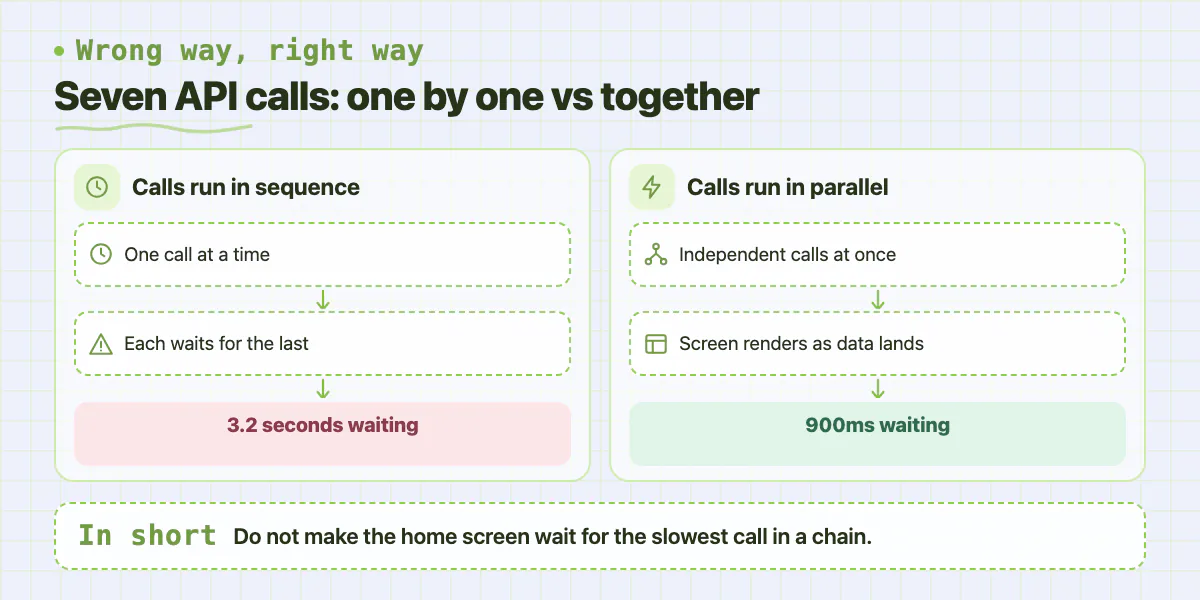
The app needed data from seven different endpoints to render the home screen. Previously, those requests ran in sequence. The home screen couldn't render until all seven calls completed, meaning users waited for the slowest endpoint, which averaged 800ms. Total wait time was over 3 seconds just from API calls.
We refactored the data fetching layer to use Promise.all() for independent requests and implemented a request caching layer using React Query. Independent calls now run in parallel, and the home screen renders progressively as data arrives rather than waiting for all of it. Cached responses serve immediately on subsequent visits while fresh data loads in the background.
- Parallel API calls reduced API wait time from 3.2 seconds to 900ms
- React Query's stale-while-revalidate pattern made repeat visits feel instant
- Cache invalidation was set per-endpoint based on how frequently that data changes
- User-specific data cached for 5 minutes, product catalog cached for 30 minutes
- Critical path data (user auth state, core navigation data) cached persistently across sessions
Moving Analytics to Non-Blocking Background Queues
The three SDKs running on the main thread during startup were adding approximately 600ms to the initial load time. The analytics SDK, the crash reporting SDK, and the in-app messaging SDK all needed to initialize before the app could fully render. None of them needed to be ready before the user could interact with the app.
We deferred SDK initialization using the InteractionManager API, which schedules work after the initial render and any ongoing interactions are complete. Analytics events that fired before initialization completed were queued locally and flushed once the SDK was ready. This removed 600ms from the critical path with zero functional change to the app's behavior.
Code Splitting and Lazy Screen Loading
React Navigation was configured to load all screen components at app startup. This meant even screens the user might never visit in a given session were parsed and loaded into memory on launch. We implemented lazy loading for all screens outside the main tab navigation using React.lazy() and dynamic imports.
The settings screen, onboarding flow, and secondary detail screens were all moved to lazy-loaded bundles. This reduced the initial JavaScript bundle parse time by 35% because the engine didn't need to process code for screens the user hadn't navigated to yet.
The Result
Load time dropped from 4.2 seconds to 1.6 seconds - a 62% improvement. Session duration increased by 28% because users who previously bounced during the slow load were now staying. The 35% early drop-off rate fell to under 12% within 30 days of the release.
The app didn't get new features. It didn't change visually. It just stopped wasting users' time. Performance isn't a feature you add later. It's a quality standard that should be built in from the start, and measured continuously against real device benchmarks, not desktop emulators.
Common questions
How do you find out why a mobile app is slow?
Profile before changing anything. The post used React Native's built-in Performance Monitor and Flipper, because optimizing without measurement is guesswork and leaves the real bottleneck untouched. Their profiling found four problem areas: the JavaScript thread, sequential network requests, synchronous image loading, and third-party SDK initialization.
Does running API calls in parallel make an app load faster?
Yes. In the post, seven sequential requests meant over 3 seconds of waiting. Refactoring independent calls to run in parallel with Promise.all() and adding React Query caching cut API wait time from 3.2 seconds to 900ms.
When should I hire someone to fix my app's performance?
When analytics show users leaving before the first screen loads, as in the post, where 35% of sessions ended that way. Finding the real bottlenecks takes proper profiling, and the post shows the fixes spanned images, networking, caching and SDK startup.
Building something similar?
Talk to our engineering team about your architecture, roadmap, and delivery timeline.
Request a Technical Review →
We design, engineer, and deploy high-performance web platforms, mobile applications, and intelligent cloud systems.