“AI tools are exceptional at the happy path. Production is everything but the happy path.”
The gap between demo and deploymentYou built your MVP using Cursor, Lovable, Claude Code, or a similar AI tool. It works beautifully in your demo. You can click through every user flow and it behaves exactly as expected. You are ready to invite your first real users.
Two weeks later, users are hitting errors you have never seen. Your database is filling up with duplicate records. Someone emails to say they can see another user's data. The app slows to a crawl when three people use it simultaneously. You are debugging problems that did not exist in your demo environment.
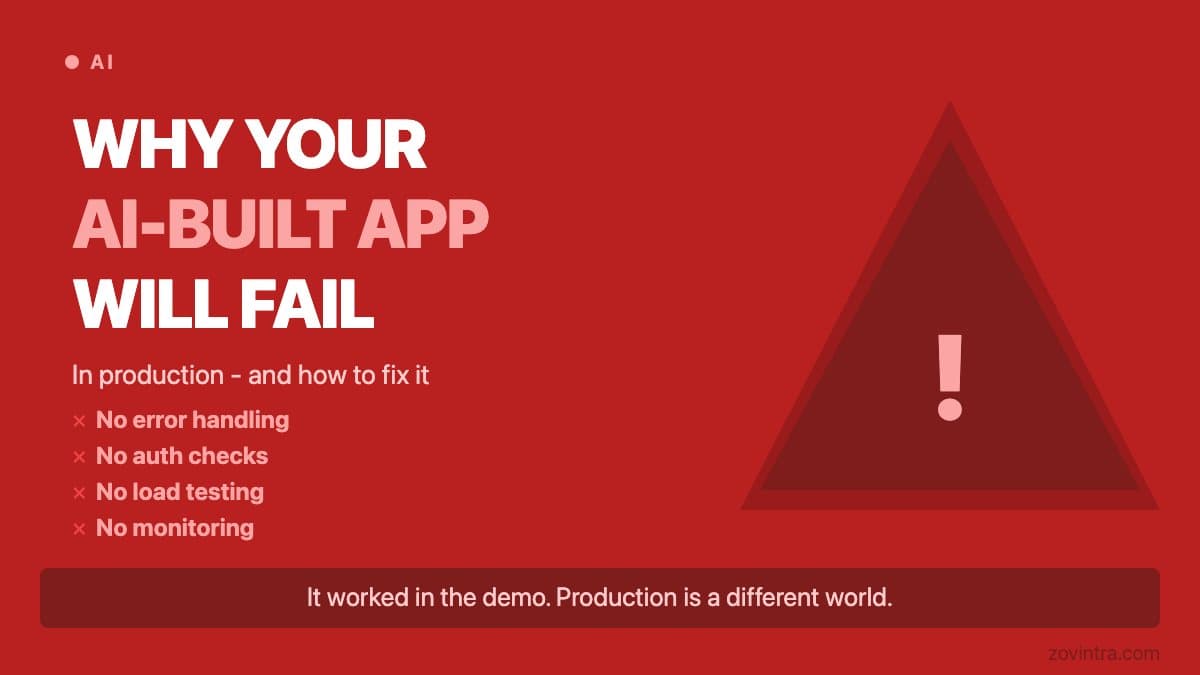
This is not a rare outcome. It is the predictable result of deploying code that was optimised for demonstration rather than for production use. This guide explains why it happens and what to do about it.
Why AI-Generated Code Looks Production-Ready But Usually Isn't
AI coding tools are trained to produce code that works on the happy path - the sequence of actions a single user takes when everything goes right. They are very good at this. The problem is that production environments are defined by everything except the happy path.
Real users do unexpected things. They submit forms twice. They use the back button at the wrong moment. They have slow connections that cause requests to arrive out of order. They have different browser settings, different screen sizes, different OS versions. They find edge cases you never anticipated because you designed the happy path and tested it yourself.
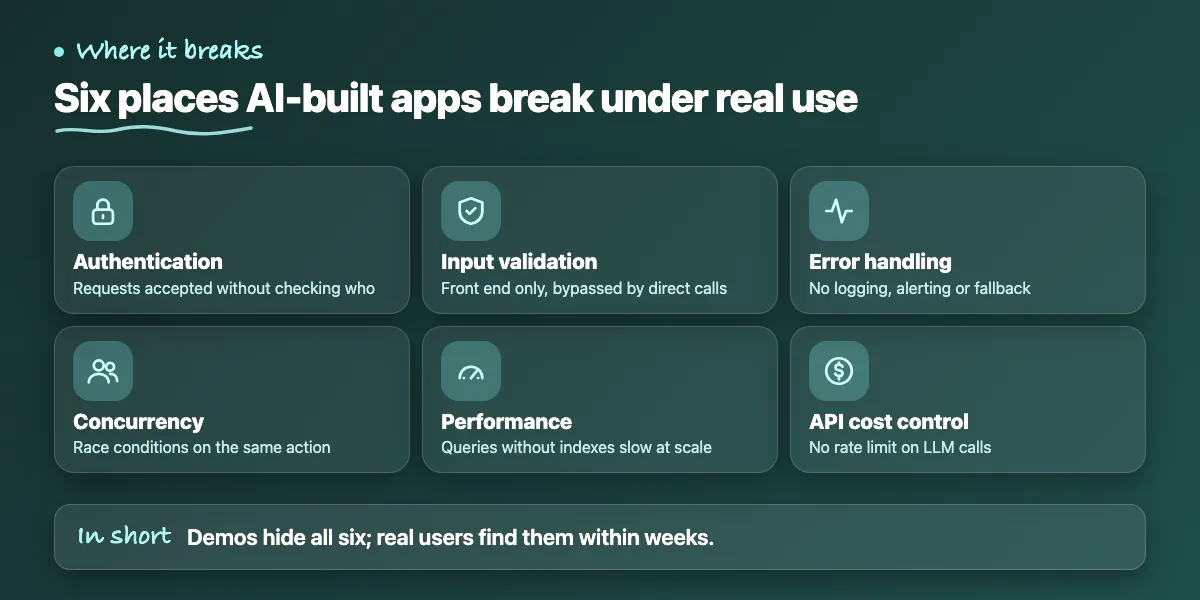
The 6 Categories Where AI Apps Most Commonly Break
- Authentication and authorisation: endpoints that accept requests without validating the user's identity or permissions
- Input validation: forms validated on the frontend but not on the server - bypassed by direct API calls
- Error handling: try/catch wrappers without logging, alerting, or graceful fallback for the user
- Concurrency: race conditions when two users perform the same action simultaneously
- Performance: database queries without indexes that work fine on 100 rows and fail on 100,000
- API cost control: no rate limiting on LLM calls, leading to bills that scale unexpectedly with usage
The Security Problem You Cannot See from the Outside
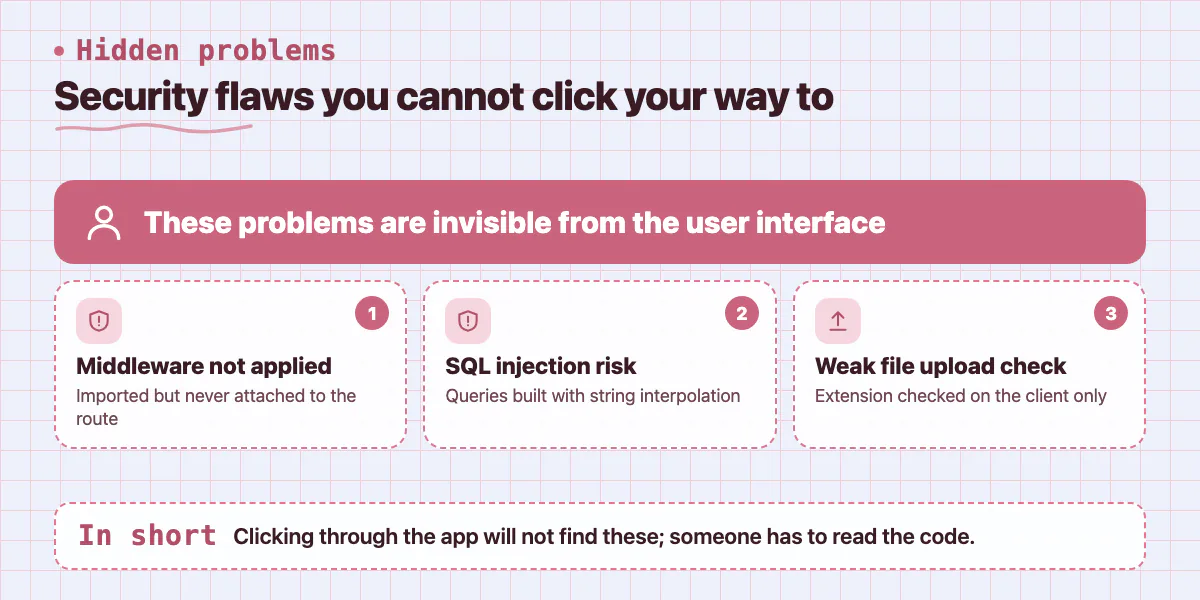
The most dangerous problems in AI-generated code are invisible from the user interface. An endpoint might import an authentication middleware without actually applying it to the route. A database query might use string interpolation in a way that is vulnerable to SQL injection. A file upload endpoint might check the extension on the client but not validate the actual file content on the server.
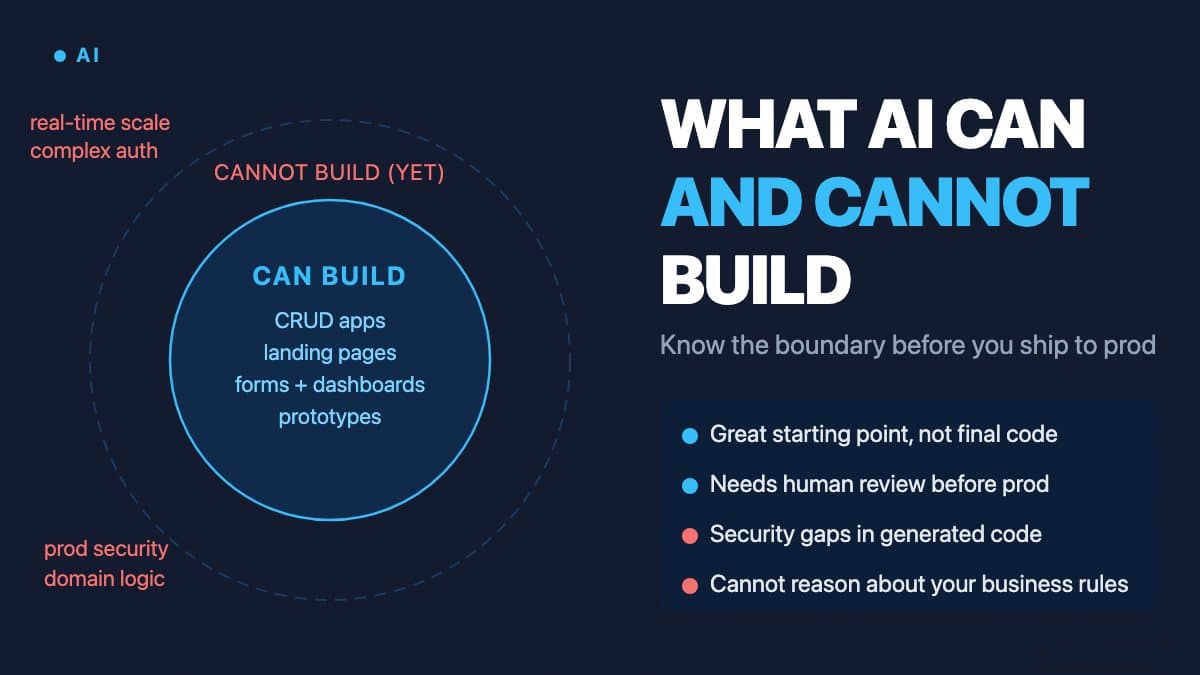
You cannot test for these issues by clicking through your app. They require reading the code and understanding what it is doing at the infrastructure level. A developer reviewing the code for half a day can identify these issues. A user discovering them in production can become a significant liability.
How to Know If Your App Is Production-Ready
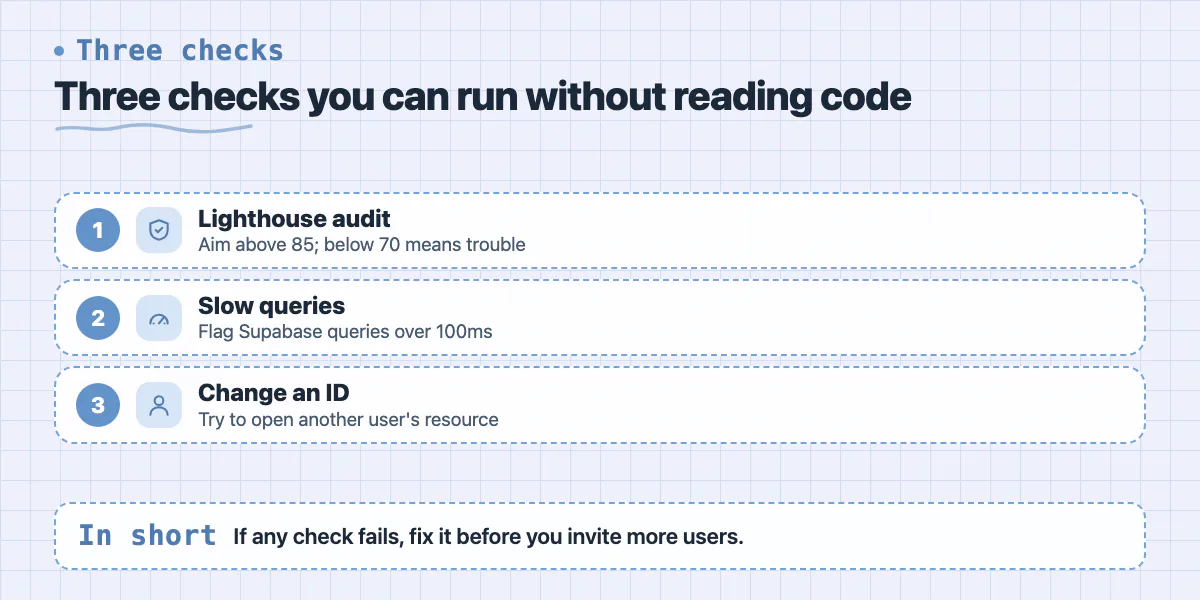
There are specific checks you can run right now, without needing to read the code. First, run a Lighthouse performance audit in Chrome DevTools on your production app. A production-ready frontend should score above 85 on Performance. Below 70 indicates likely issues with bundle size, image optimisation, or render-blocking resources.
Second, if you are using Supabase, check the Query Performance section in the dashboard. Look for queries taking more than 100ms on your current data volume - they will be much slower as your data grows. Third, try to access a resource that should belong to another user by modifying the ID in the URL or API request. If you can see another user's data, you have a critical authorisation bug.
The Honest Cost of Fixing This
The good news is that most AI-generated apps can be brought to production quality. The work is rarely glamorous - it is auditing error handling, adding server-side validation, reviewing authentication flows, adding database indexes, and setting up basic monitoring. A focused developer can typically address the critical issues in a well-scaffolded AI app in 2 to 6 weeks.
The bad news is that the more users you have when you find these issues, the more expensive the fix becomes - not in development cost, but in the cost to your reputation and your relationships with the people who trusted you with their data. The right time to address these issues is before you launch, or at least before you scale.
At Zovintra, we run structured production-readiness reviews specifically for AI-generated and no-code apps. The output is a written report of every risk category, priority ranked, with a clear remediation plan. If you are not certain your app is ready for the users you are about to acquire, that review is significantly cheaper than the alternative.
Common questions
What Lighthouse score should a production app have?
Run a Lighthouse performance audit in Chrome DevTools on your production app. The post says a production-ready frontend should score above 85 on Performance, and below 70 suggests likely issues with bundle size, image optimisation or render-blocking resources.
How long does it take to fix an AI-generated app for production?
A focused developer can typically address the critical issues in a well-scaffolded AI app in 2 to 6 weeks. The work is auditing error handling, adding server-side validation, reviewing authentication flows, adding database indexes and setting up basic monitoring.
When should I get my AI-built app reviewed before launch?
Before you launch, or at least before you scale, because the more users you have when problems surface, the more costly the damage to your reputation. Zovintra runs structured production-readiness reviews for AI-generated and no-code apps, ending in a ranked written report and remediation plan.
Building something similar?
Talk to our engineering team about your architecture, roadmap, and delivery timeline.
Request a Technical Review →
We design, engineer, and deploy high-performance web platforms, mobile applications, and intelligent cloud systems.