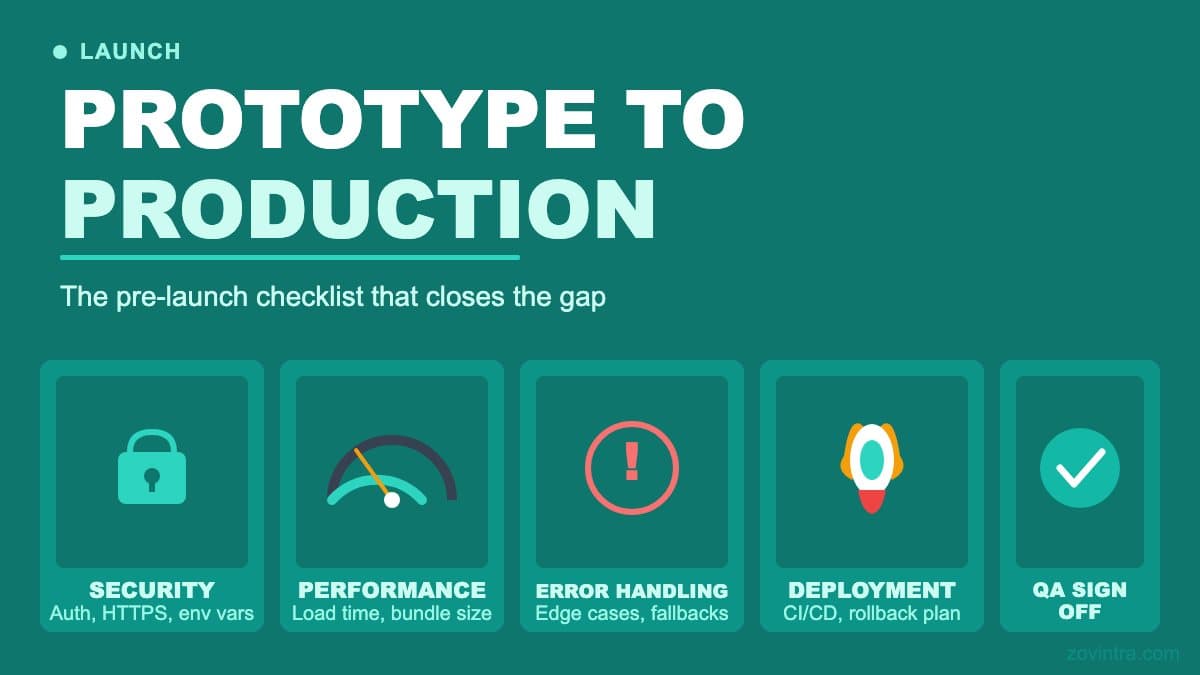
A prototype proves an idea. A production app survives contact with real users, real money, and the messy real world. The gap between them is a list of unglamorous checks that, skipped, turn into the incidents you read about. Below is the checklist we run before putting any self-built app in front of a real audience. Read it less as a to-do list and more as a reality check: notice how many of these you could confidently verify on your own, because that honest count is the real point.
“A prototype only has to work once, for one friendly person. Production has to work for strangers, on bad networks, while someone pokes at it.”
Prototype versus productionSecurity: The Part You Cannot See
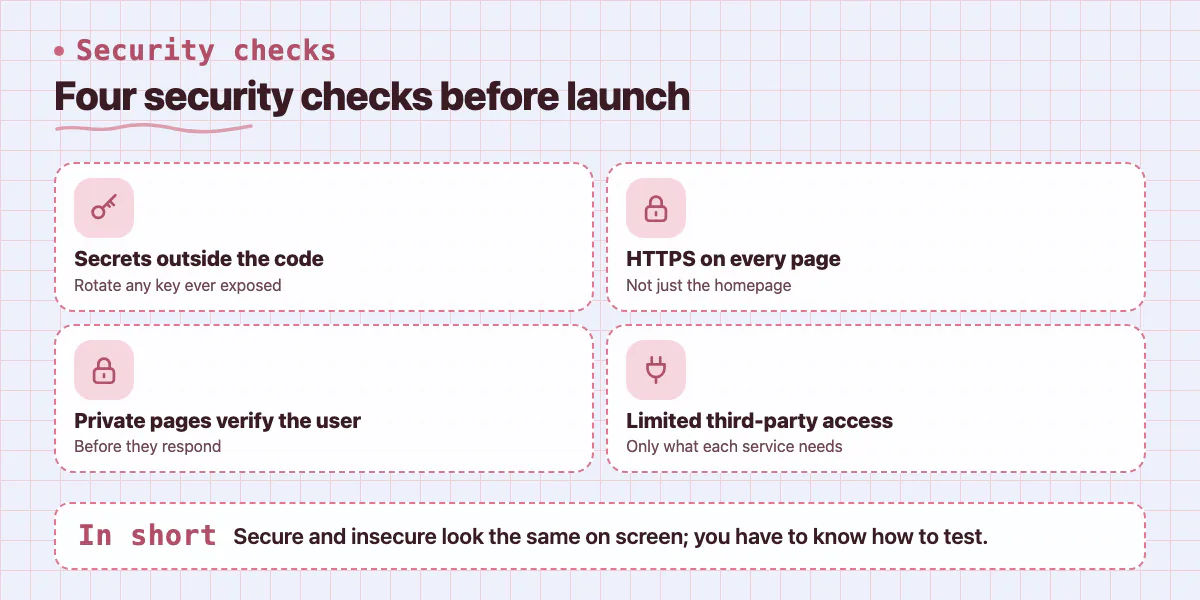
Security is first because it is the hardest to fix after the fact and the easiest to get silently wrong. Every secret key must live outside your code. HTTPS must be enforced everywhere. And anything private must actually check who is asking - a check that is missing far more often than founders realise, because a dashboard that anyone can open looks exactly like one that is properly locked down. There is no visible difference between secure and insecure here; you have to know how to test it, and that is precisely the knowledge a self-build does not come with.
- No API keys, passwords, or tokens written into the code - and any ever exposed have been rotated
- HTTPS enforced on every page, not just the homepage
- Private pages and data verify the user before responding
- Third-party access limited to only what each service genuinely needs
Data: Assume You Will Need to Recover It
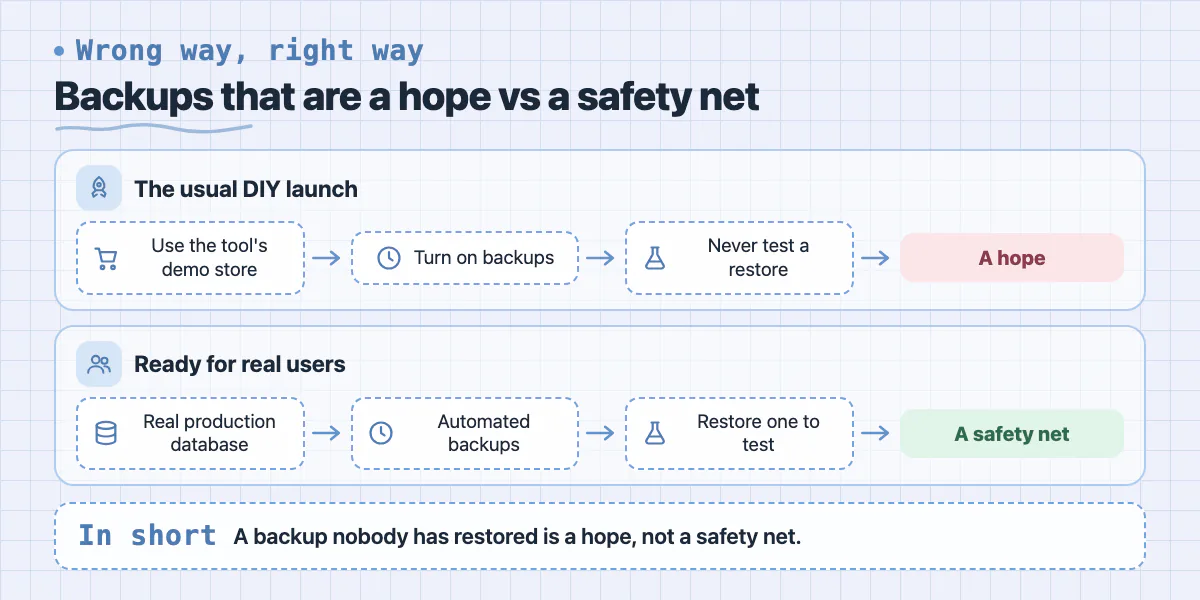
Once real users put real information into your app, losing it becomes a genuine business risk. You need a real production database - not the tool's demo store - with automated backups that have actually been tested by restoring one. A backup nobody has ever restored is a hope, not a safety net, and most DIY launches never test it. You also need to handle personal data responsibly: collect only what you need, and be clear about what you store. Getting this wrong is quiet until the day it is catastrophic.
Payments: Where Mistakes Cost Real Money
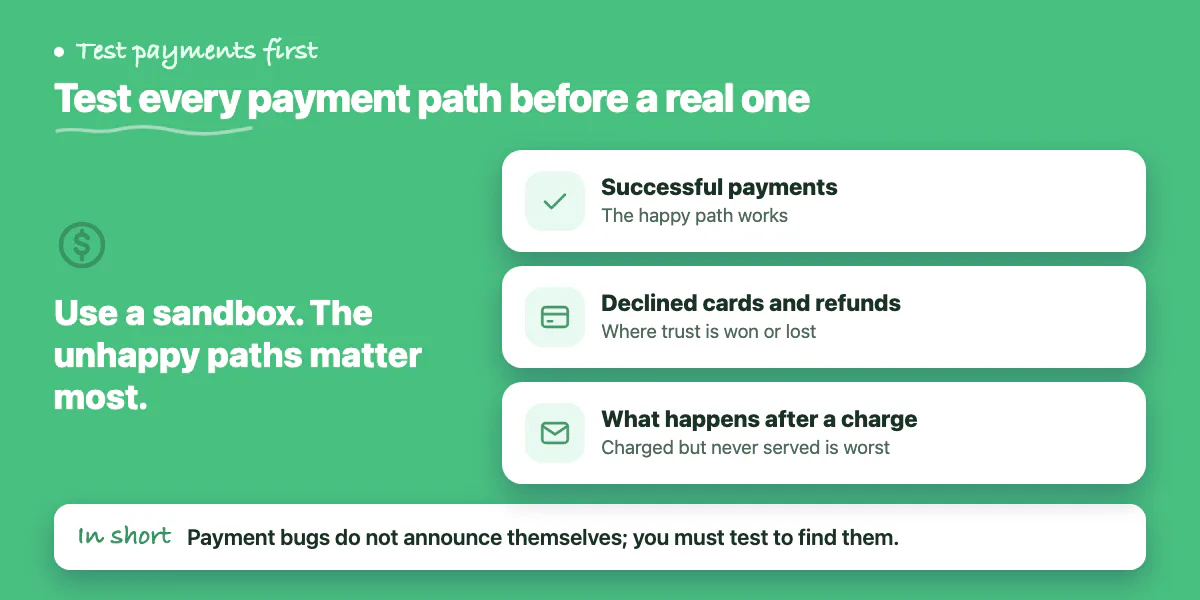
If your app takes money, this is the highest-stakes area on the list. Successful payments, declined cards, refunds, and what happens after a charge all have to be tested in a sandbox before a single real transaction - and the unhappy paths matter most, because a customer charged for something they never received is the fastest way to destroy trust. Payment bugs do not announce themselves; you find them through the kind of deliberate, adversarial testing that is hard to do well if you have never built billing before.
Performance and the Real-User Test
A prototype is fast because one person uses it with a handful of records. Production is not that. The app has to stay responsive with realistic data, on a normal phone connection, when more than one person is using it at once. And it has to survive a real stranger: someone who signs up cold, taps the wrong things, submits empty forms, and expects a graceful message instead of a crash or a wall of error text. Knowing how an app should behave when people misuse it - and building it to do so - is experience, not luck.
- Stays responsive with realistic amounts of data and traffic
- Loads quickly on a normal mobile connection, with images compressed
- Handles bad input and mistakes with clear, friendly messages
- Confirmation emails and notifications actually arrive
Monitoring: Knowing Before Your Customers Do
After launch you cannot watch the app every minute, so it has to tell you when something breaks. Without basic analytics and error monitoring, your first sign of a problem is an angry customer - the worst possible way to find out. Setting this up correctly, so the alerts are useful rather than noise, is one more thing that is simple in theory and easy to get wrong in practice.
What This Checklist Is Really Telling You
If you read this list and felt confident about every item, you may not need help. Far more often, founders reach the end and realise that most of these checks require knowledge they do not yet have - and that the items they are least sure about are the ones where a mistake is most expensive. That is not a failure. It is the honest reason production-readiness is a specialist job.
This checklist is not just an article - it is the actual audit our <a href='/solutions/launch-and-rescue'>Launch & Rescue</a> service runs on apps you have built. We work through every item, fix what is missing, and harden your app so you can announce with confidence instead of crossed fingers. If you would rather have this done right than do it yourself, <a href='/contact'>book a free discovery call</a> and we will run the pre-launch pass for you.
Common questions
How do I know my backups actually work?
Restore one. The post says a backup nobody has ever restored is a hope, not a safety net, and most DIY launches never test it. You need a real production database, not the tool's demo store, with automated backups.
How should I test payments before launching an app?
Test successful payments, declined cards, refunds and what happens after a charge in a sandbox before a single real transaction. The post says unhappy paths matter most, since a customer charged for something they never received destroys trust fastest.
Which parts of the pre-launch checklist can I verify on my own?
The post invites an honest count. Security is hardest, since a dashboard anyone can open looks identical to a locked-down one, and you need to know how to test it. If most items feel unverifiable, that count is the signal to get help.
Building something similar?
Talk to our engineering team about your architecture, roadmap, and delivery timeline.
Request a Technical Review →
We design, engineer, and deploy high-performance web platforms, mobile applications, and intelligent cloud systems.