Deployment is the moment your app stops living safely on your computer and meets the open internet - and the open internet is unforgiving. For people who built with AI or no-code tools, this is the first genuinely unfamiliar step. The builder handled everything until now, and suddenly there is hosting, DNS, environment variables, and a surprising number of ways to ship something that looks live but is quietly broken or unsafe. This article is an honest tour of what deployment really involves, so you can judge the risk rather than walk into it blind.
Why the Easy Part Is a Trap
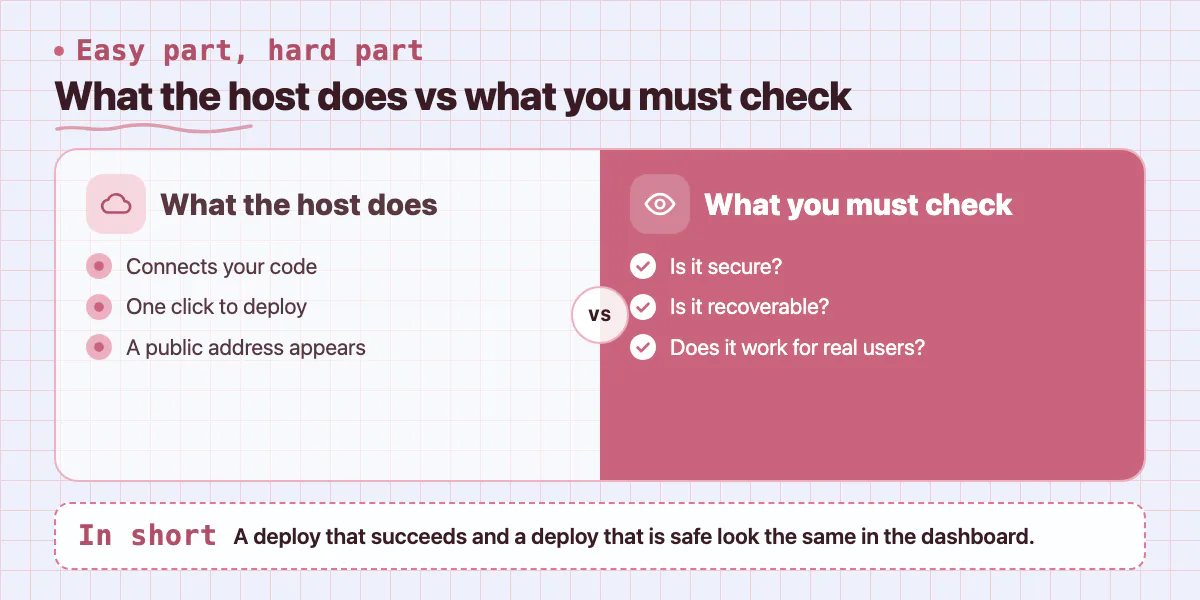
Modern hosts like Vercel and Netlify have made the mechanical part of deployment genuinely simple - connect your code, click a button, and a public web address appears. That ease is real, and it is also the trap. The clicking is easy. Knowing whether what you just shipped is secure, recoverable, and actually working for real users is the hard part, and no button tells you that. A deploy that succeeds and a deploy that is safe look exactly the same in the dashboard.
So the right question is not can I get it online - you probably can. It is will it survive contact with real users, real load, and someone testing it for weaknesses. That is a different and much harder question.
Where Deployments Silently Break
Most failed self-built launches do not fail loudly. They fail in one of a handful of quiet ways that a non-developer has no easy way to spot:
Each of these can be live for weeks before you notice, because the app appears to work. By the time the symptom shows up - a runaway bill, a data loss, a customer seeing someone else's information - the damage is already done.
The Secrets Problem Almost Everyone Misses
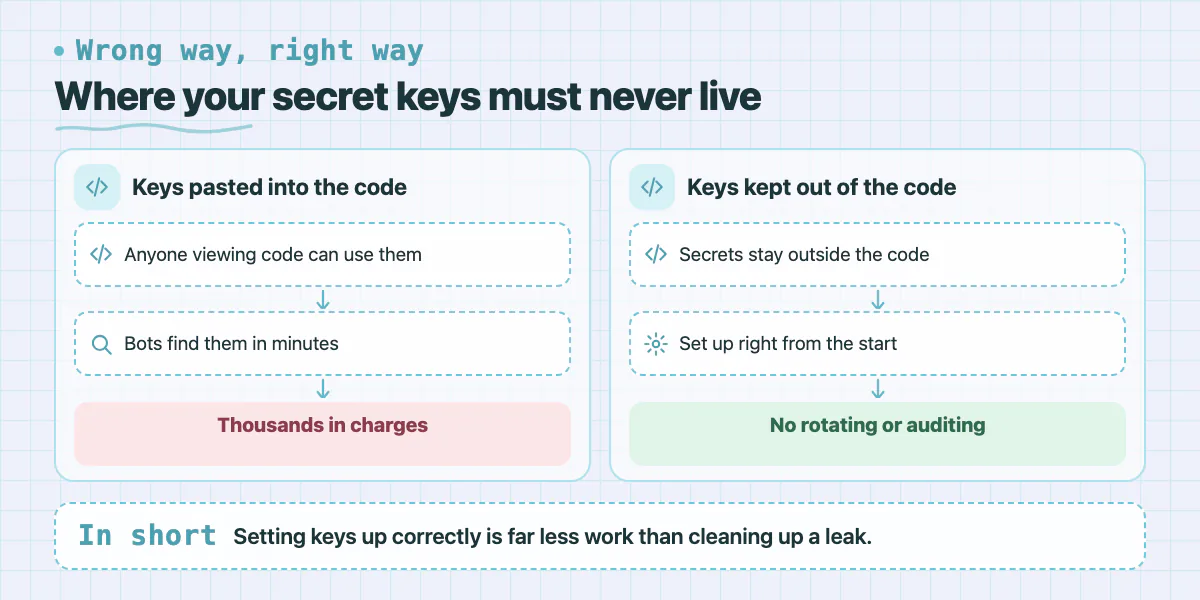
Of all deployment risks, exposed secrets is the one that does the most damage fastest, and the one AI builders cause most often. Your app needs secret keys - for its database, its payment provider, its third-party services. These must never live in the code itself, because anyone who can view the code can then use them. AI tools frequently paste keys directly into the code anyway, because it makes the demo work.
When those keys go public, automated bots find them in minutes, not days. A leaked cloud key can be used to run up thousands in charges. A leaked payment key can expose your billing. Cleaning this up means rotating every key and auditing what was accessed - far more work than setting it up correctly in the first place. This is not a step to guess your way through.
Deployed Is Not the Same as Working
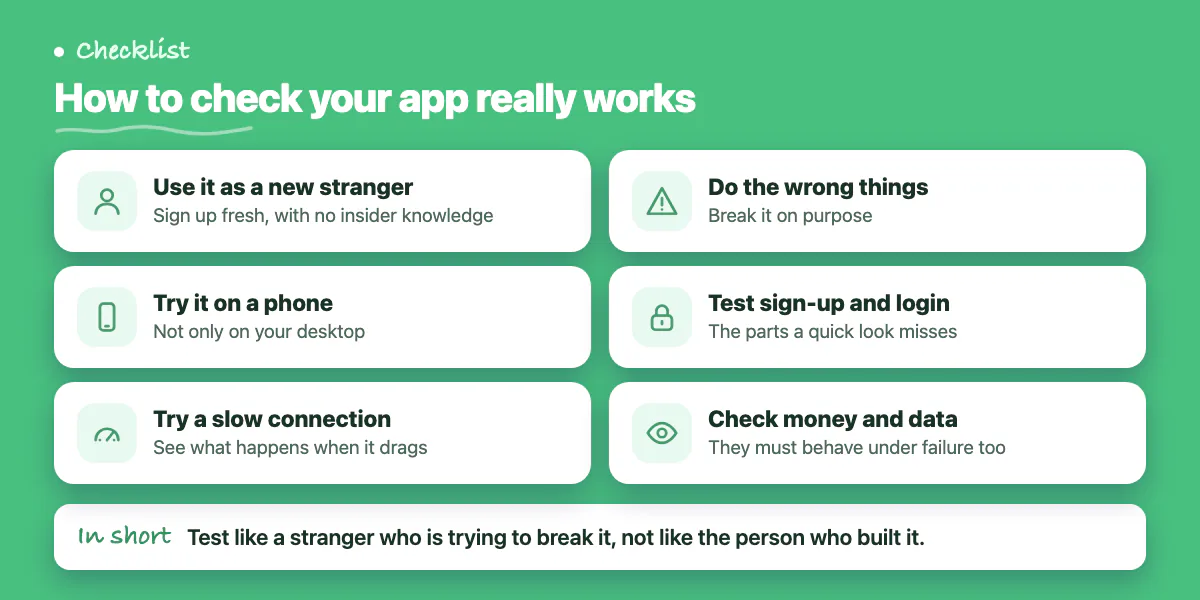
A successful deploy gives a powerful false sense of done. But the parts most likely to be broken - sign-up, login, payments, the core action your app exists for - are exactly the ones a quick look will not catch. Real verification means going through the app as a brand-new stranger, on a phone, on a slow connection, deliberately doing the wrong things, and confirming that money and data behave correctly under failure, not just success. Knowing which failure paths to test is itself expertise most builders do not have yet, which is why the gaps get shipped.
Have us deploy it
- Shipped to your own accounts by people who have done it many times
- Secrets locked down, backups on, payments tested before real money
- A clear go-live check run before a single user arrives
- Someone to call the moment something goes wrong
When to Have an Expert Take It Over
You cannot audit what you do not know to look for - and deployment is full of exactly those invisible footguns. For a simple, static page with no logins and no payments, deploying yourself is reasonable. The moment your app touches user accounts, personal data, or money, the safe move is to have someone who has shipped to production many times either do it or check it before you go live.
That is a short, well-defined job, and it is one of the most common things our <a href='/solutions/launch-and-rescue'>Launch & Rescue</a> service handles. We deploy self-built apps into your own accounts, lock down the secrets, wire up backups, and verify the whole thing works before a single real user arrives - so your launch is an event, not an incident. If deployment is where you are stuck, <a href='/contact'>book a free discovery call</a> and we will get it live safely.
Common questions
Why is deploying with Vercel or Netlify not the same as deploying safely?
Modern hosts make the mechanical part simple: connect your code, click a button, and a public address appears. But the post says a deploy that succeeds and one that is safe look exactly the same in the dashboard, so safety still needs checking.
Why are exposed secret keys so dangerous after deployment?
Keys left in the code are exposed the moment the app goes public and can be scraped and abused by automated bots within minutes. The post says this is the deployment risk that does the most damage fastest, and AI builders cause it most often.
How can a deployment look fine and still be broken?
The post lists quiet failures: a front-end deployed with no working backend, misconfigured DNS or HTTPS, secrets left in code, or a demo database still wired in. If you can't verify these yourself, get a developer to review before real users arrive.
Building something similar?
Talk to our engineering team about your architecture, roadmap, and delivery timeline.
Request a Technical Review →
We design, engineer, and deploy high-performance web platforms, mobile applications, and intelligent cloud systems.