“A prototype proves your idea works. A real app proves your business works. The distance between them is almost always bigger than founders expect.”
The gap that stalls most AI-built startupsWhat Makes a Prototype Different From a Real App
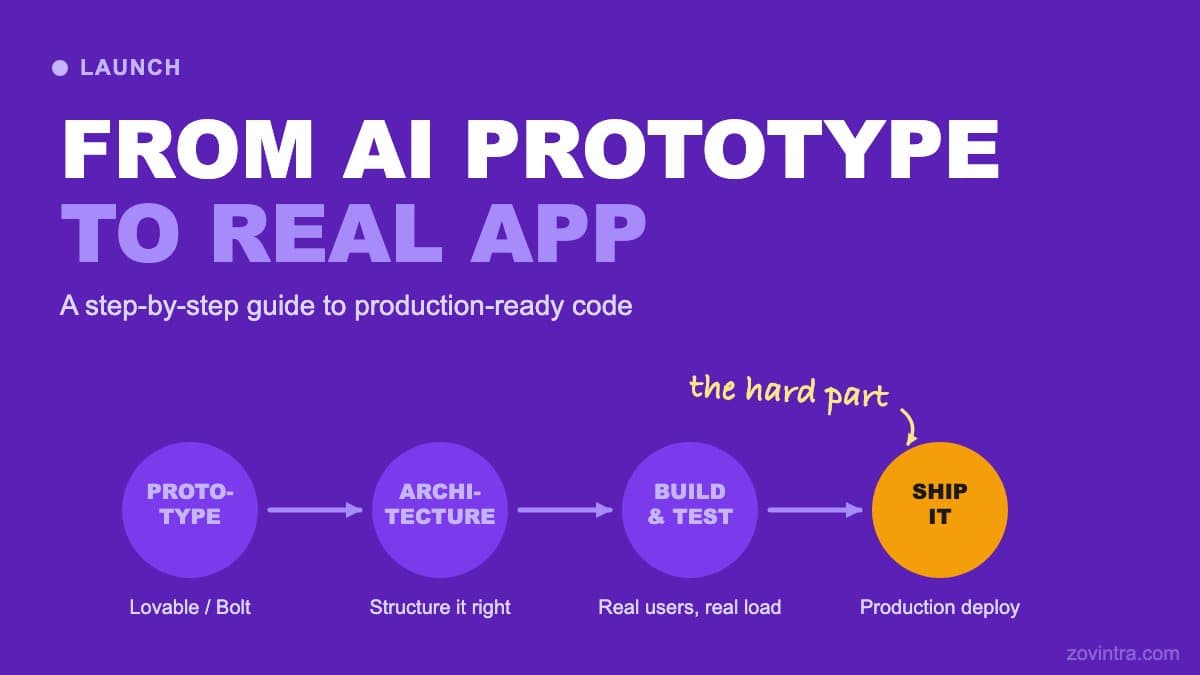
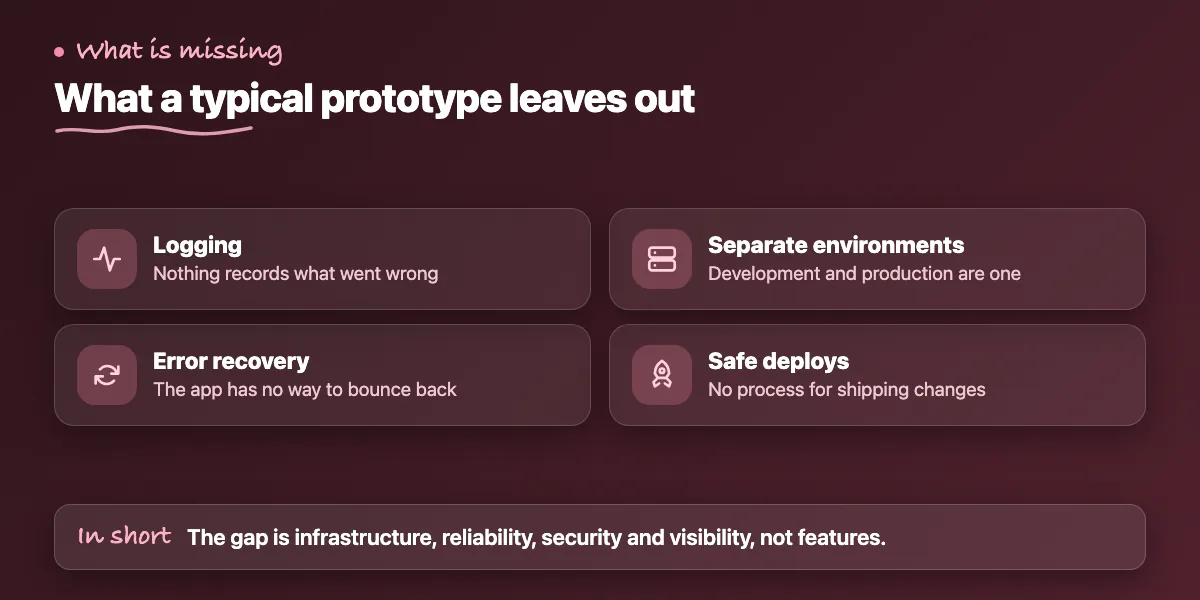
When you build a prototype with Lovable, Bolt, or Cursor, you're producing something that demonstrates your concept. It handles one user at a time under good conditions. It has no logging, no error recovery, no separation between development and production environments, and no process for deploying changes safely. That's not a failure - prototypes are supposed to work that way. The problem comes when founders treat a prototype as a launchable product.
The distinction matters because the gap between "works in a demo" and "handles real users safely" is not primarily about features. It's about infrastructure, reliability engineering, security, and observability. Adding those layers to an existing prototype is a specific type of work - not glamorous, often invisible to users, but entirely load-bearing. If you skip it, users will encounter it eventually through outages, data loss, or breaches.
This guide maps out what that transition actually involves, in the order you should tackle it. Every step here represents something that is either missing from a typical AI-built prototype or present in a form that doesn't hold up under production conditions.
Step One: Audit What You Have
Before writing any new code, you need a clear picture of what your prototype actually contains. This means reading through the codebase - or having a developer do it - and categorising what you find. The categories that matter most are: authentication implementation, database access controls, API endpoint security, secret management, and error handling coverage.
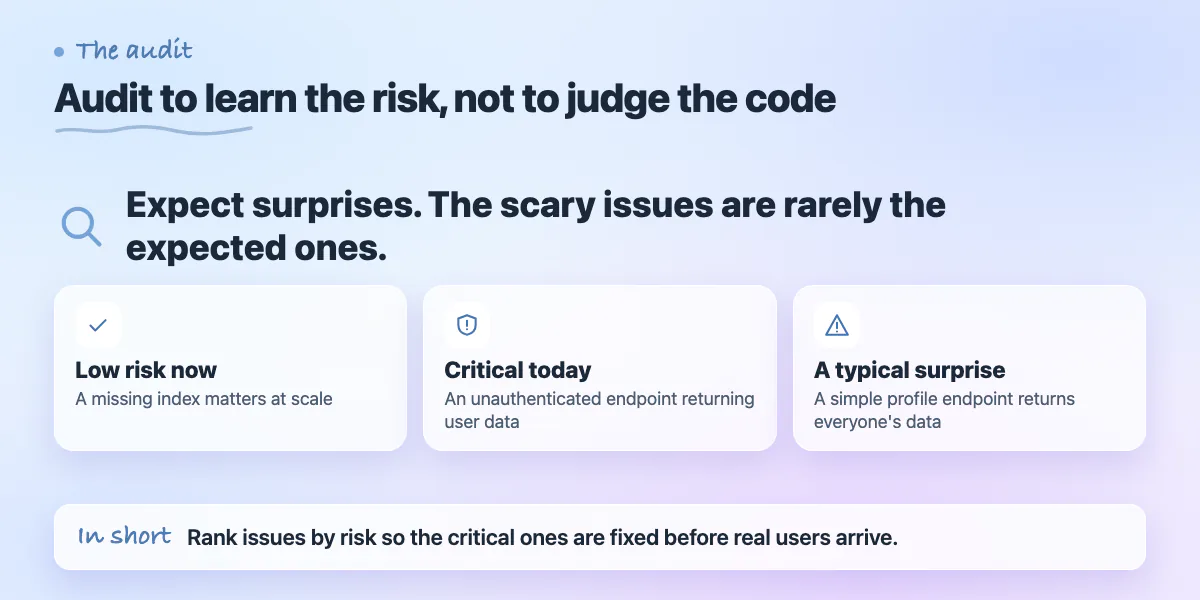
The audit is not about judging the quality of the AI-generated code. It's about understanding the risk profile so you can prioritise the work. Some issues (a missing index on a database column) are low risk now but will matter at scale. Others (an unauthenticated API endpoint that returns user data) are critical and need to be addressed before a single real user touches the app.
Plan for the audit to surface surprises. In our experience working with AI-built apps, the most dangerous issues are rarely the ones founders expected. The feature that looks most complex is often fine. The simple-looking user profile endpoint sometimes turns out to return every user's data to any authenticated request.
Step Two: Lock Down Security Before Anything Else
After the audit, your first priority is security - not new features, not performance, not UI polish. This is the step that's most tempting to skip because the app already appears to work, and users can't tell the difference between a secure implementation and an insecure one until something goes wrong. But the consequences of getting this wrong after launch are significantly worse than delaying launch by two weeks to get it right.
The security work includes: enabling and correctly configuring row-level security on your database, verifying that every API route that should require authentication actually checks authentication server-side, moving any secrets out of your codebase and into a proper secrets manager, adding server-side input validation to every endpoint that accepts user input, and verifying webhook signature validation on every incoming webhook handler.
Step Three: Separate Your Environments
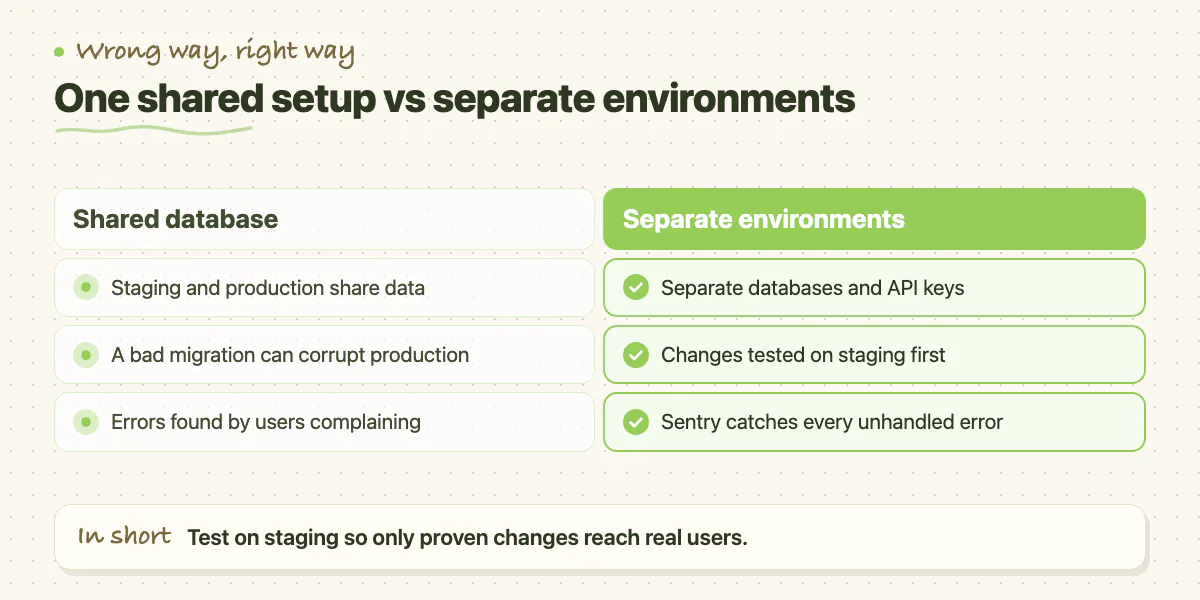
A prototype typically has one environment: your laptop or a single Vercel deployment. A production app needs at least two: staging and production. Staging is where you deploy and test changes before they go live. Production is where real users are. These environments need separate databases, separate API keys, and separate environment variable configurations. If your staging and production environments share a database, a bad migration on staging can corrupt production data.
Setting up environment separation is a half-day of work for a developer who knows the stack. It involves creating a staging project in Vercel (or your hosting platform), creating a separate Supabase project for staging, duplicating your environment variables with staging-specific values, and configuring your git workflow so that merges to main deploy to staging and tagged releases deploy to production.
This step also includes setting up error tracking. Sentry is the standard choice - it captures every unhandled error in your app with a full stack trace, user context, and breadcrumb trail showing what the user did before the error occurred. Without this, you find out about errors from users complaining, which is a bad way to run a production system.
Step Four: Make Deployments Safe
Right now, deploying a change to your prototype probably means pushing to main and hoping. That's fine for a prototype. For a production app, you need a deployment process that includes automated checks before anything goes live. At minimum: your TypeScript compiles, your linter passes, and your critical-path tests run. If any of those fail, the deployment stops and you get an alert.
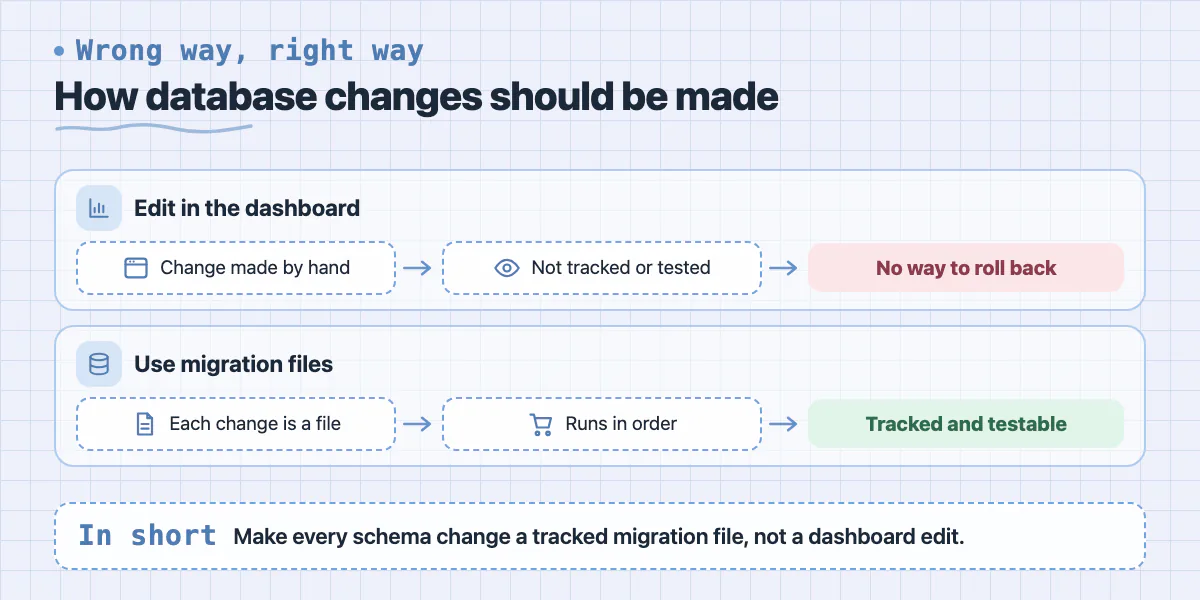
The other part of safe deployments is database migrations. AI-generated apps often make database changes directly in the Supabase dashboard rather than through migration files. This means your database changes aren't version-controlled, can't be tested on staging first, and can't be rolled back if they go wrong. A proper migration workflow uses Supabase's migration tooling so every schema change is a tracked file that runs in order.
Step Five: Build for the Load You Expect
Once your security and reliability foundations are in place, it's worth stress-testing your app against realistic load before you run any significant marketing. The questions to answer are: how does your app perform when 100 users are active at once, what happens to your database query times when you have 50,000 rows instead of 500, and what are your infrastructure costs at your target scale.
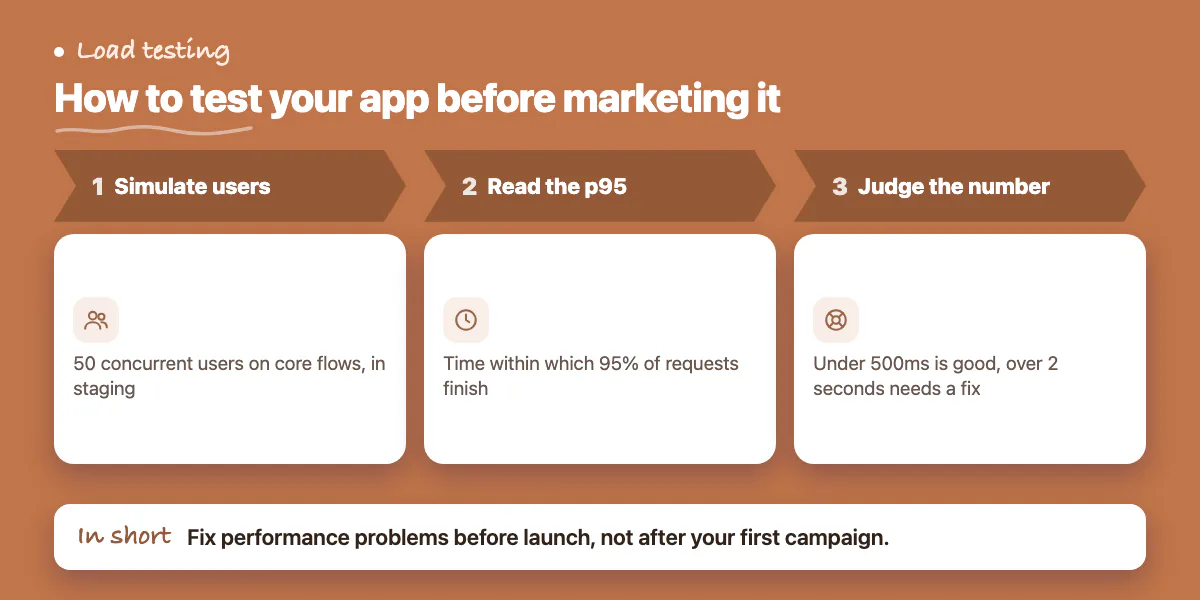
k6 and Artillery are open-source load testing tools that can simulate realistic user behaviour against your staging environment. Run a test with 50 concurrent users going through your core flows and look at your p95 response time - the time within which 95% of requests complete. For an app that will feel fast to users, that number should be under 500ms for most pages. If it's over 2 seconds, you have a performance problem worth fixing before launch.
Step Six: Set Up Monitoring Before Launch
Launching without monitoring means flying blind. At minimum you need: Sentry for error tracking (covered in step three), uptime monitoring so you're alerted within minutes if your app goes down, and basic performance monitoring to track your response times over time. Better Uptime, UptimeRobot, and Checkly are all reasonable choices for uptime monitoring and take less than an hour to set up.
Structured logging is worth adding early even if you don't look at it immediately. When something goes wrong in production - and something always does eventually - structured logs are what let you reconstruct exactly what happened. A log library like Pino in Node.js writes JSON logs that can be queried and filtered, rather than text strings that are hard to search at volume.
Going from AI prototype to production app is a defined process - it's not mysterious, but it does require a specific skill set and honest prioritisation. The security and reliability work is invisible to users but entirely load-bearing. Where teams get stuck is trying to do this work themselves while also building features, or underestimating the scope and skipping steps. If you'd rather hand this off to a team that does it as a standard engagement, Zovintra's Launch & Rescue service covers every step in this guide - audit, security hardening, environment setup, CI/CD, and launch monitoring - so you can focus on the product decisions only you can make.
Common questions
What should I fix first when turning an AI prototype into a real app?
Security, before new features, performance or UI polish. The post lists enabling row-level security, checking server-side authentication on every route, moving secrets into a secrets manager, validating input on the server, and verifying webhook signatures.
What should an audit of an AI-built prototype cover?
Authentication implementation, database access controls, API endpoint security, secret management and error handling coverage. The post says the aim is understanding the risk profile, and the most dangerous issues are rarely the ones founders expected.
Is delaying launch to fix security worth it?
Yes. The post says the consequences of getting security wrong after launch are significantly worse than delaying launch by two weeks. Users cannot tell secure from insecure until something goes wrong, so a developer audit before launch is worth arranging.
Building something similar?
Talk to our engineering team about your architecture, roadmap, and delivery timeline.
Request a Technical Review →
We design, engineer, and deploy high-performance web platforms, mobile applications, and intelligent cloud systems.