“The right answer to build vs buy is rarely obvious upfront. The companies that get it wrong usually optimised for the wrong variable at the time they decided.”
Build vs buy is a strategy question, not a technical oneWhy This Decision Is Harder Than It Looks
Every SaaS tool you pay for monthly was built by someone else and solves a problem they defined. When their problem definition matches yours closely enough, buying is an obvious win. When it doesn't - when the tool does 80% of what you need but the remaining 20% is exactly your competitive advantage - you're in the harder territory where most bad decisions happen.
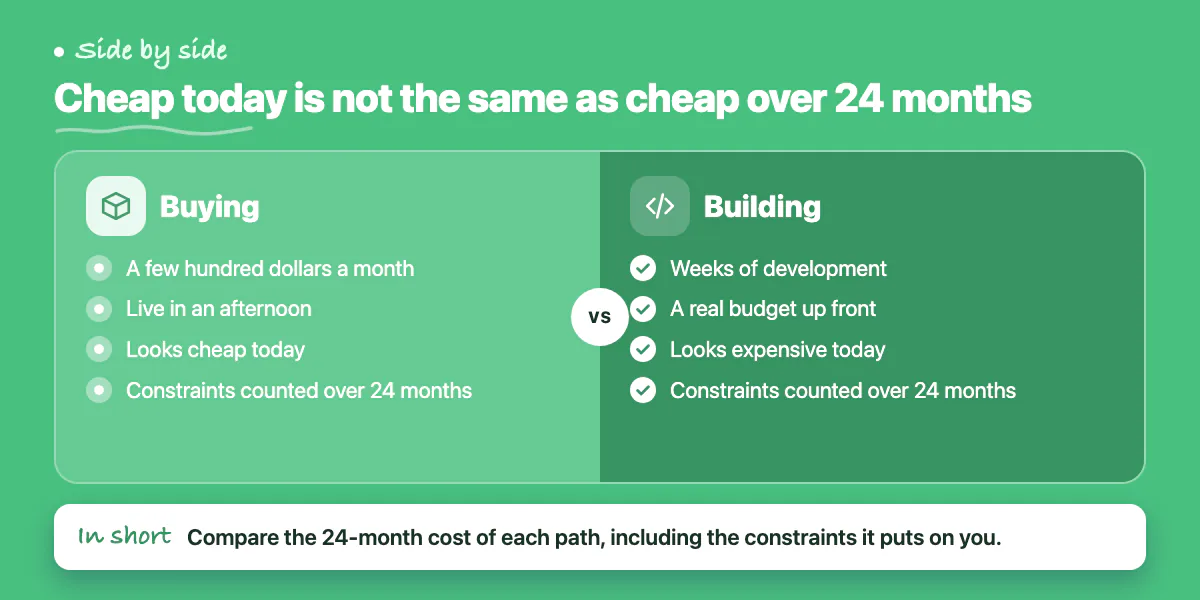
Build vs buy gets harder because the costs are asymmetric and time-shifted. Buying looks cheap today: a few hundred dollars a month, live in an afternoon. Building looks expensive today: weeks of development, a real budget. The analysis that matters isn't today's cost. It's the 24-month cost of each path, including the cost of the constraints each path imposes on your business.
The Case for Buying
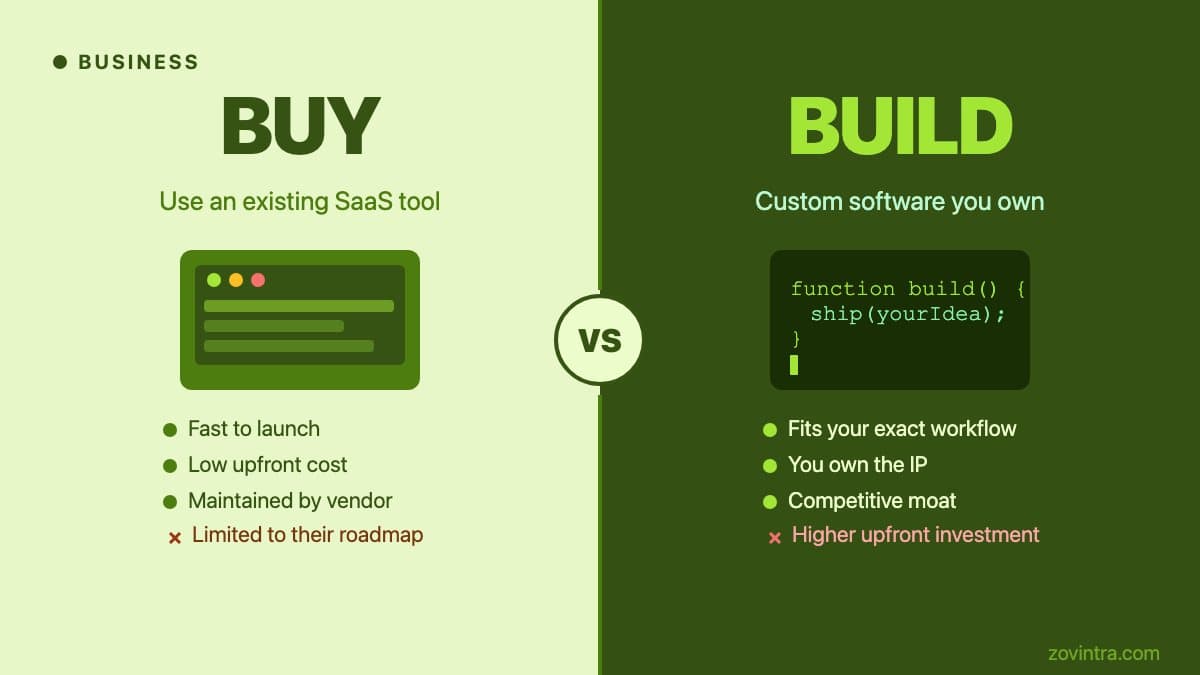
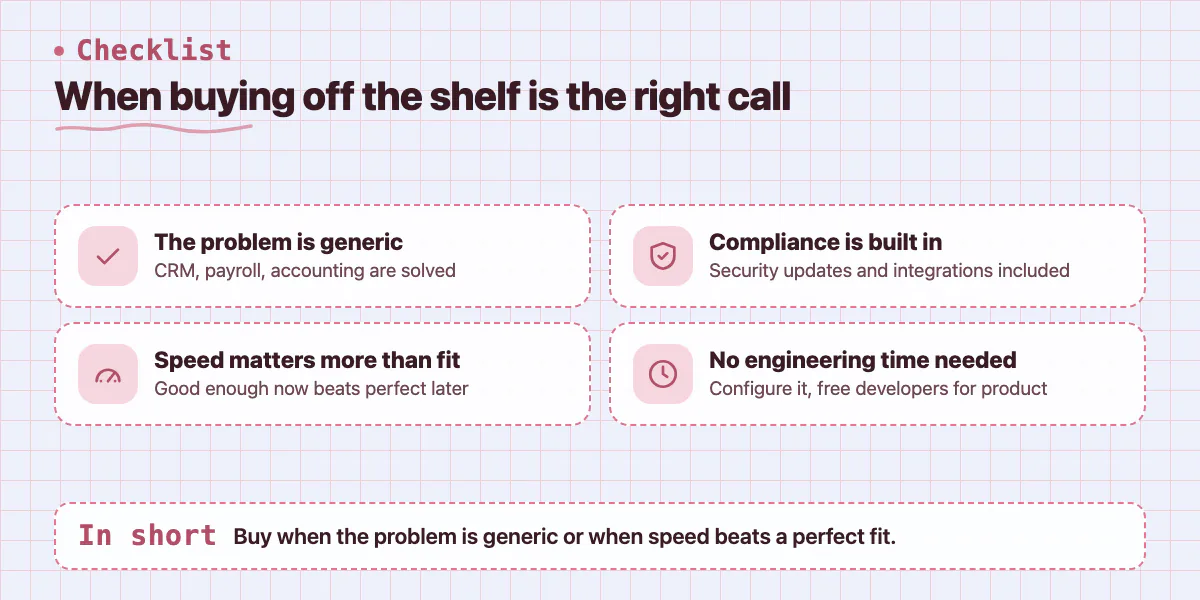
Off-the-shelf software wins when the problem is generic. CRM, email marketing, project management, HR, payroll, accounting - these are solved problems. The companies that sell solutions to them have invested years of engineering time, accumulated feedback from thousands of customers, and built compliance and integration layers you would need to recreate from scratch. Buying is nearly always the right call here.
Buying is also right when speed matters more than fit. If you need something working in two weeks and a $200 per month SaaS tool gets you there, the 3-month custom build is the wrong answer regardless of how much better the custom version would eventually be. Early-stage companies rarely have the luxury of perfect tools. Good enough now beats perfect later if "later" comes after you've missed your window.
- Generic workflows like CRM, invoicing, HR, and email marketing are solved - buy
- Off-the-shelf software includes compliance, security updates, and integration libraries you'd otherwise build
- Vendor ecosystems often have integrations and plugins that extend the base product
- SaaS tools can be configured without engineering time, freeing developers for core product work
- Switching costs are real but manageable early on - harder to switch once you've built workflows around a tool
The Case for Building
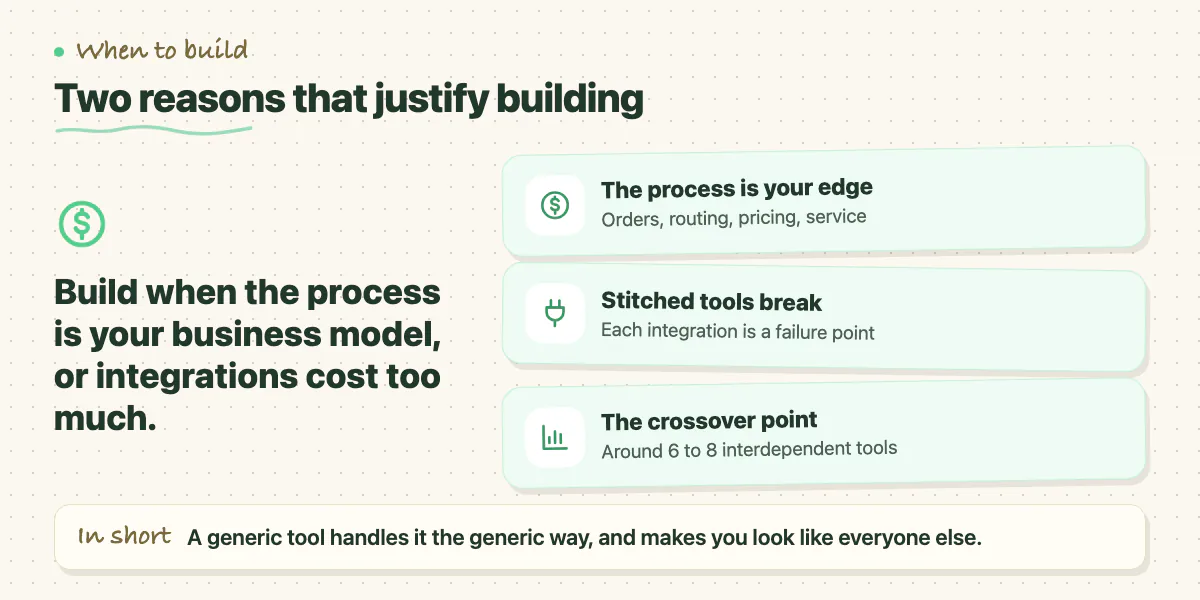
Custom software is the right answer when the process you're automating is your business model, not just a support function. If the way you handle orders, route work, price services, or serve customers is the thing that differentiates you from competitors, then the generic tool that handles it the generic way is also the tool that makes you look like everyone else.
Building is also right when the integration tax of buying becomes too high. Some businesses end up stitching together 12 SaaS tools with Zapier and a prayer. Each integration is a failure point. Each tool has its own data model. Reporting requires exporting from three platforms into a spreadsheet. At some point, the coordination cost of your bought stack exceeds the build cost of a unified custom system. That crossover point is usually around 6 to 8 tools with complex interdependencies.
The True Cost of Custom Software
The most common mistake in the build decision is underestimating total cost of ownership. The initial build is only the beginning. Custom software requires ongoing maintenance - security patches, dependency updates, bug fixes, performance work, and new feature development as your business evolves. A rule of thumb: budget 15 to 20% of the build cost annually for maintenance, before any new features. A $100,000 custom build costs $15,000 to $20,000 per year just to stand still.
That cost is worth it when the software is your product or a core operational advantage. It's not worth it when you're rebuilding something a SaaS tool does adequately. The companies that get burned are usually those who custom-built a CRM because they thought they had unique requirements - then discovered the unique requirements were actually pretty standard once a good consultant walked them through what existing tools could do.
A Decision Framework That Actually Works
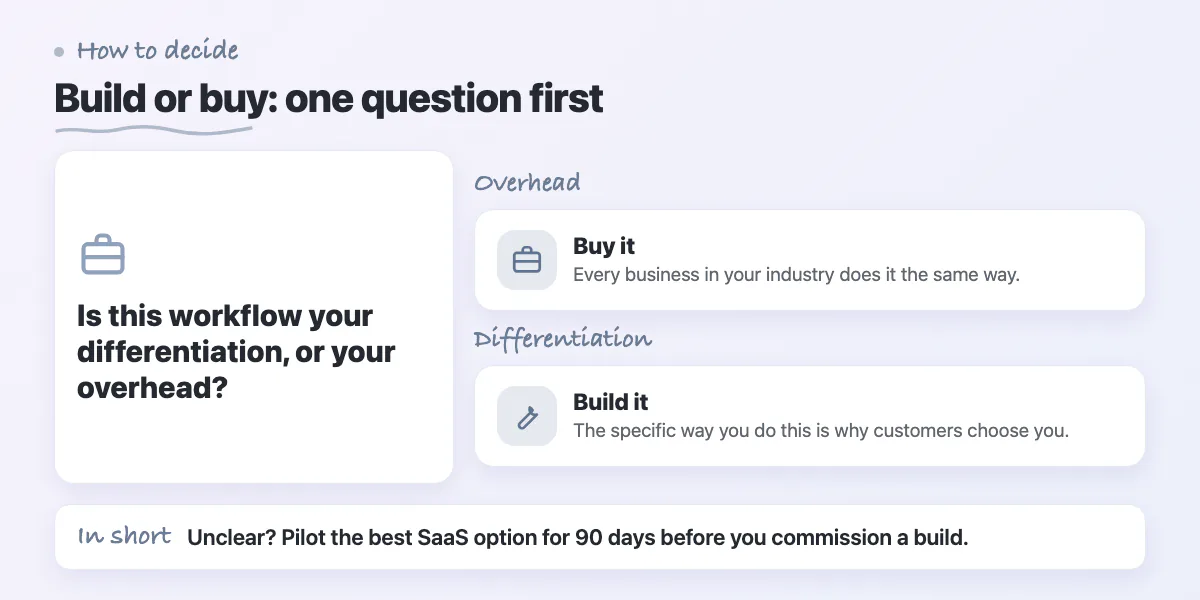
Start by answering one question: is this workflow your differentiation or your overhead? If it's overhead - something every business in your industry does the same way - buy. If it's differentiation - the specific way you do this is why customers choose you - build. That single distinction resolves most build vs buy debates faster than any spreadsheet.
For the cases that aren't clear-cut, run a 90-day pilot with the best available SaaS option before commissioning a build. You'll either discover the tool is good enough, or you'll generate a precise list of the gaps that justify the custom investment. That list becomes the spec for the build and prevents scope creep from vague requirements.
Hybrid: Building on Top of What You Buy
The answer to build vs buy is increasingly neither. Most modern businesses run a core SaaS stack and build custom integrations, automations, and workflows on top of it. You buy Salesforce for CRM but build the custom quoting engine that integrates with it. You buy Stripe for payments but build the subscription management logic that reflects your specific billing model.
This hybrid approach captures most of the cost and speed benefits of buying while preserving the flexibility to encode your specific business logic in code. It requires a developer who understands integration architecture - which is a real skill - but it's often the most cost-effective path for companies between startup and enterprise scale.
Where teams get stuck is attempting to build custom what they should have bought, running out of budget, and ending up with a half-finished system that does the job worse than the SaaS tool would have. If you're wrestling with a build vs buy decision and want a second opinion on whether your requirements genuinely justify a custom build, Zovintra does honest scoping assessments - including telling you when we think you should buy instead of hire us to build.
Common questions
How do I decide if a workflow is worth building custom?
Ask whether it is your differentiation or your overhead. If every business in your industry does it the same way, buy. If the specific way you do it is why customers choose you, build. For unclear cases, run a 90-day pilot with the best SaaS option first.
How much does it cost to maintain custom software each year?
The post gives a rule of thumb of 15 to 20% of the build cost annually for maintenance, before new features. For example, a $100,000 custom build costs $15,000 to $20,000 per year just to stand still.
Can someone give me a second opinion on whether to build or buy?
Yes. The post says Zovintra does honest scoping assessments, including telling you when they think you should buy instead of hiring them to build. This helps when you are unsure your requirements genuinely justify a custom build.
Building something similar?
Talk to our engineering team about your architecture, roadmap, and delivery timeline.
Request a Technical Review →
We design, engineer, and deploy high-performance web platforms, mobile applications, and intelligent cloud systems.